You sell parts that aren’t car parts — appliance control boards, laptop components, HVAC blower motors, tractor sensors — and you want a buyer to find your listing when they search their exact model. On Car & Truck listings, eBay has a compatibility feature that handles this for you. On your listings, that box is nowhere to be found. So where does the fitment go?
The short answer is that it goes into the listing text, in your own words, every time. This guide walks through why eBay’s catalog stops at vehicles, where to put your compatible-model list instead, and how to keep that list ready so you’re not rebuilding it from memory on every listing.
Does eBay have parts compatibility for appliances or electronics?
No. eBay’s parts-compatibility catalog — the fitment feature that lets a buyer filter by their exact unit and see a “will it fit” table — is offered only in the Car & Truck Parts & Accessories categories. Appliance, electronics, and equipment listings cannot use it.
Here’s what that difference looks like in practice. For a car part, the seller picks the vehicle from eBay’s built-in Car & Truck catalog, and eBay shows shoppers a compatibility table right on the listing. For a dishwasher control board, a laptop screen, an outboard motor water pump, or a furnace igniter, there is no catalog to pick from and no table to show. The category simply doesn’t have the feature.
That’s not a wall — you can absolutely sell a part that fits four models to a buyer searching for one of them. It just means the compatible-model list has to live somewhere the category actually supports. And on eBay, the only place a buyer’s search can reach is the text you write.
How do I show what a part fits when eBay has no catalog for it?
Put the compatible model names in the three places buyers actually search: the listing title, the item specifics, and the description. Buyers search by model, and only the text in your listing is searchable — so if a model isn’t written down, that search won’t find you.
Work through them in order:
- Title. Lead with the part and the models that matter most. A furnace blower motor that fits four models won’t fit all four names in 80 characters, so lead with the part and one or two of the strongest sellers, then let item specifics and the description carry the rest.
- Item specifics. eBay lets you add custom item specifics like “Compatible Brand” and “Compatible Model.” Fill them in. Buyers filter on these, and it’s structured, scannable proof that you did the homework.
- Description. Spell out the full list here — every brand and model number you’ve confirmed the part fits. This is where the part that fits eight units earns eight different searches instead of one.
Say the same control board fits one Whirlpool washer and two Maytag dryers of the same generation. A buyer looking for their Maytag dryer part will only land on your listing if “Maytag” and that model number are written into it. Leave the model out and you’ve hidden the listing from the exact person who needed it.
How do I keep that fitment list without retyping it every time?
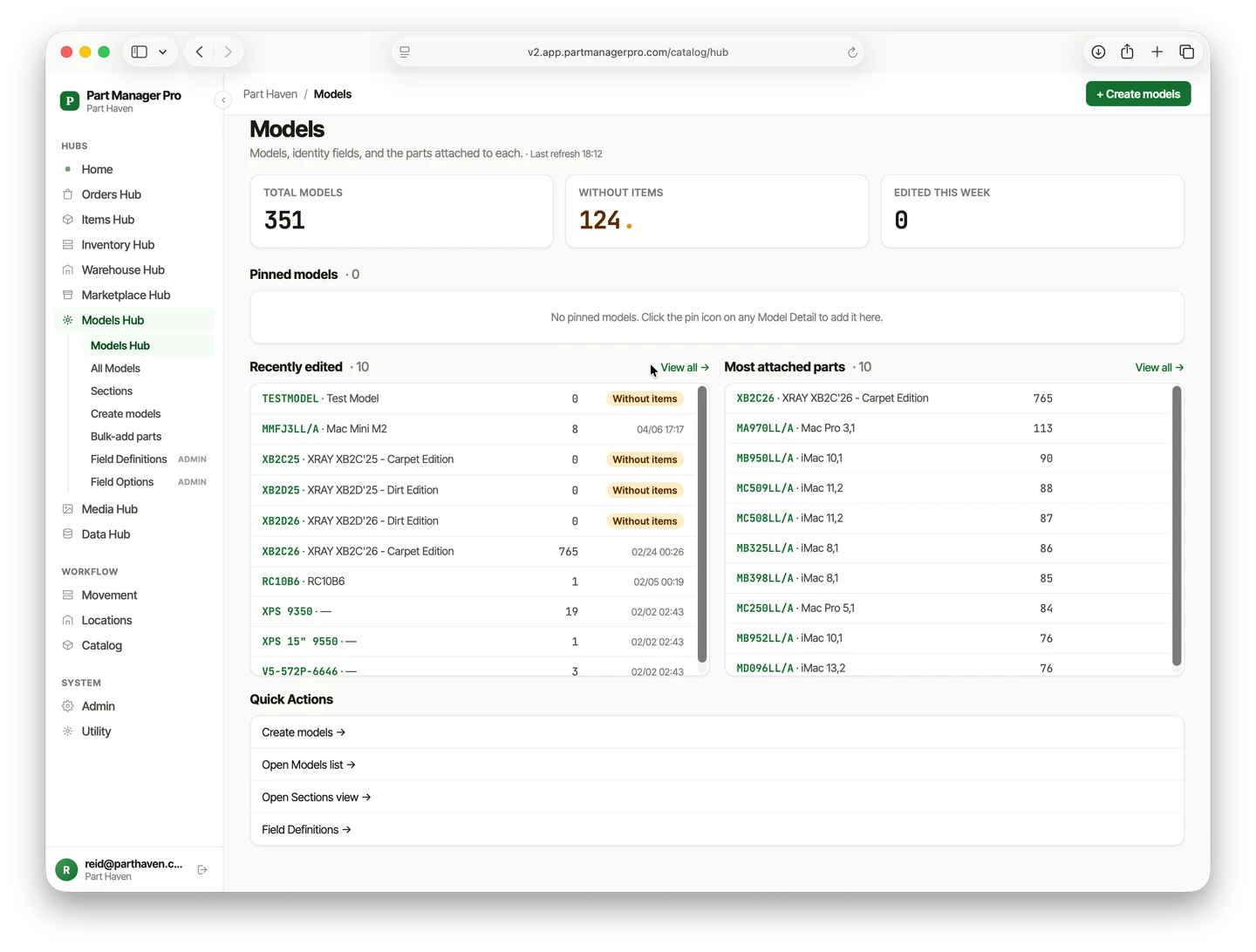
Keep the compatible-model list in your own catalog, attached to the part, so it’s ready to reference when you write the listing — instead of rebuilt from memory each time. Once a part’s fitment is recorded, listing it again — or listing the same part a second time months later — is copy work, not research.
This is where a system of record earns its keep. Ordovee — the catalog-and-inventory tool designed around Structured Disassembly Management — holds a record for every part you pull, and attached to that record is the list of every model you’ve confirmed the part fits. When a unit comes in and you strip a part off it, you note what it fits once, at that moment, while the knowledge is fresh. That list stays with the part for good.
Be clear about the boundary, because it matters. ODV stores your compatible-model list; it does not write your eBay listing or push that list into it. Writing and managing the listing stays in your hands — you compose the title, choose the item specifics, and write the description yourself. What changes is that when you sit down to list, the model list is already there in one place, accurate and the same every time. You copy it into the listing; ODV keeps the record.
The habit pays off twice. The first payoff is the listing you’re writing now going up faster. The second comes the day a similar part crosses the bench and you realize you’ve already recorded its fitment — no re-research, no digging through old notes. If you tear down units to sell the parts, designing that record into your teardown is where it starts.
Why does listing by model matter for a part that fits several units?
Because one part that fits several units can surface for several different model searches — but only for the models you actually wrote into the listing. Every model you leave out is a buyer who never finds you.
Think about what a parts-out part is really worth. A blower motor that fits four furnace models across two brands is four listings’ worth of buyers pointed at one item on your shelf — if all four models are in the text. Write in two and skip two, and you’ve quietly cut your own audience in half. The compatible-model list isn’t paperwork; it’s the reach of the listing.
This is also why the list is easier to keep than to recreate. The cross-reference — this part fits these units, and these units all take this part — is the thing that took real work to learn. Recording it once, so you can look it up both ways, turns that hard-won knowledge into a listing asset you reuse instead of a fact you keep re-deriving.
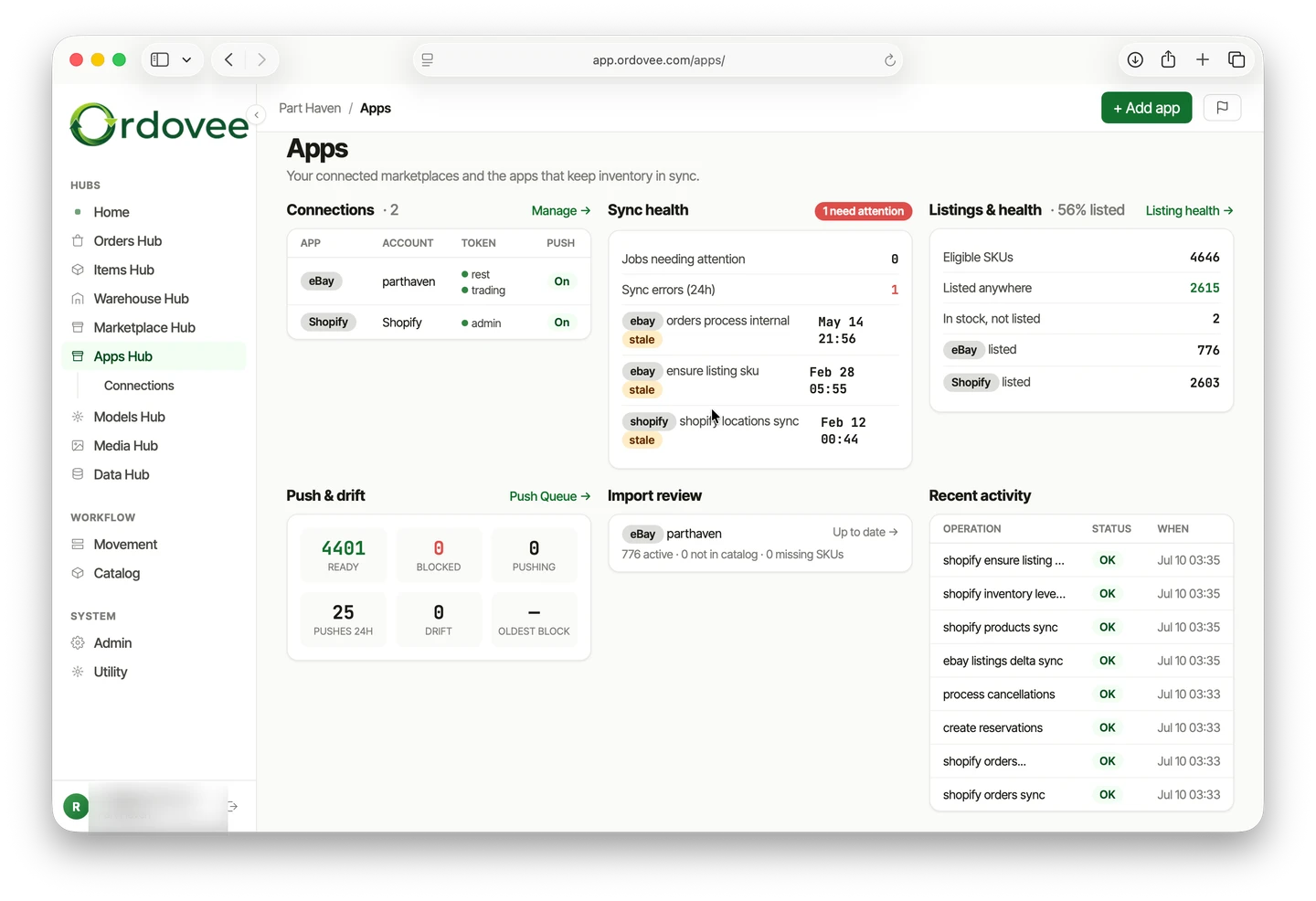
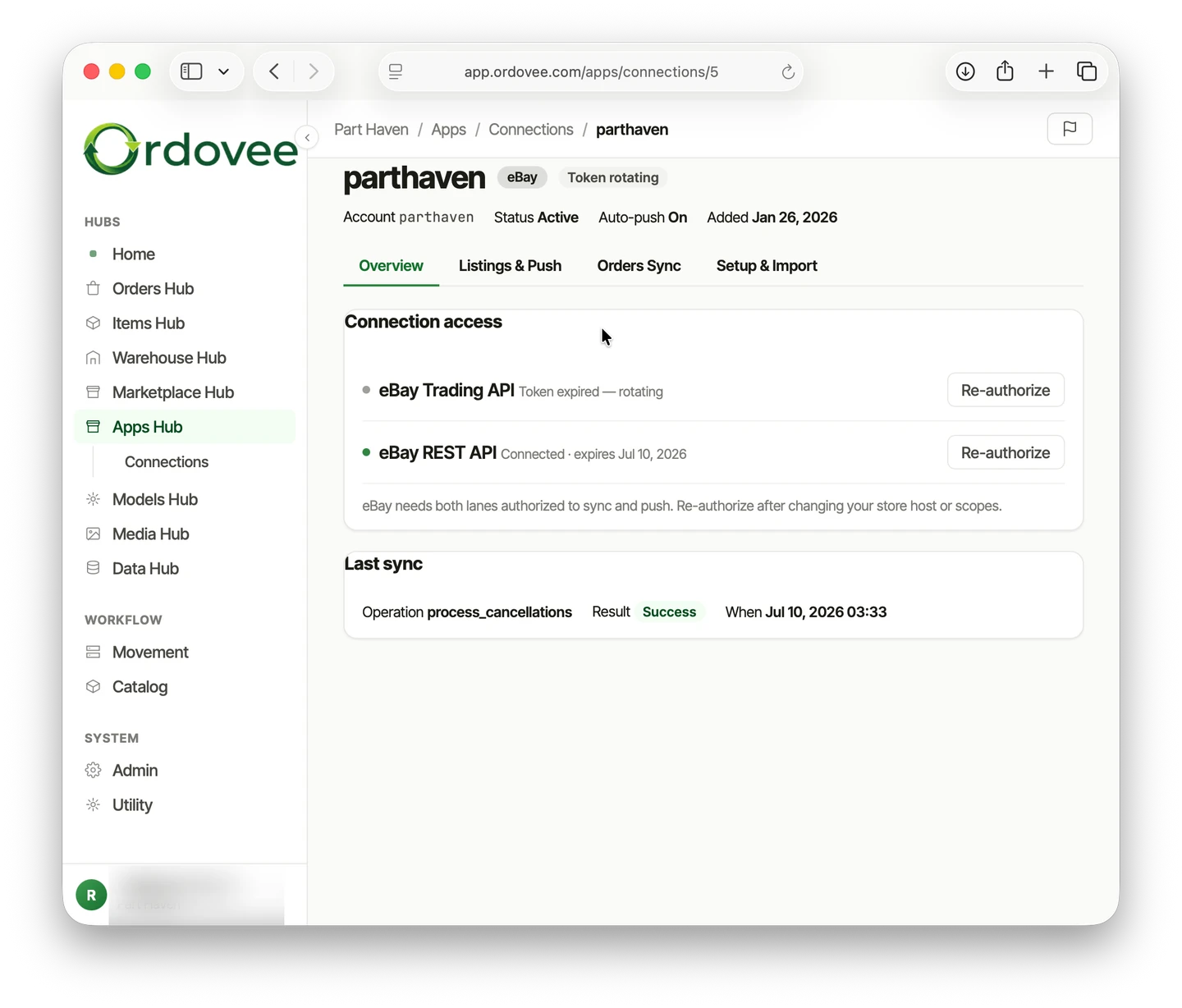
And once the part sells, keeping the quantity right across your channels is its own job — the eBay sync setup covers how Ordovee pushes counts back to your listings so a sale on one channel doesn’t oversell on another.
- eBay’s parts-compatibility (fitment) catalog is offered only in Car & Truck Parts & Accessories categories — appliance, electronics, and equipment listings can’t use it.
- For those parts, the compatible-model list has to go in the title, item specifics, and description, because buyers search by model and only listing text is searchable.
- A part that fits several units surfaces for every model you write in — and no models you leave out.
- Keep the compatible-model list in your own catalog, attached to the part, so writing the listing is copy work instead of research.
- Ordovee stores that list; you still write the eBay listing yourself.
You sell to buyers who search by model, but eBay’s catalog won’t help you outside Car & Truck. The fix isn’t a feature you’re missing — it’s a habit: write down what each part fits, keep that list where you can reach it, and paste it into every listing. Here’s where to go next:
→ Keep the compatible-model list beside your stock: Build your own parts catalog → Look up what a part fits, and what fits a model, both ways: Parts compatibility cross-reference → See the whole system, catalog to channel sync: Product overview → Wondering how this fits your parts business? Let’s talk about your catalog
See Ordovee in your operation.
The fastest way to know if Ordovee fits your shop is to see the workflow with your own data — no slides, no scripted demo.