
The Ordovee Guide
Guides for parts inventory, teardown, and warehouse operations.
Written by the people who built ODV — and run their own shop on it.
35 guides
Catalog7 min
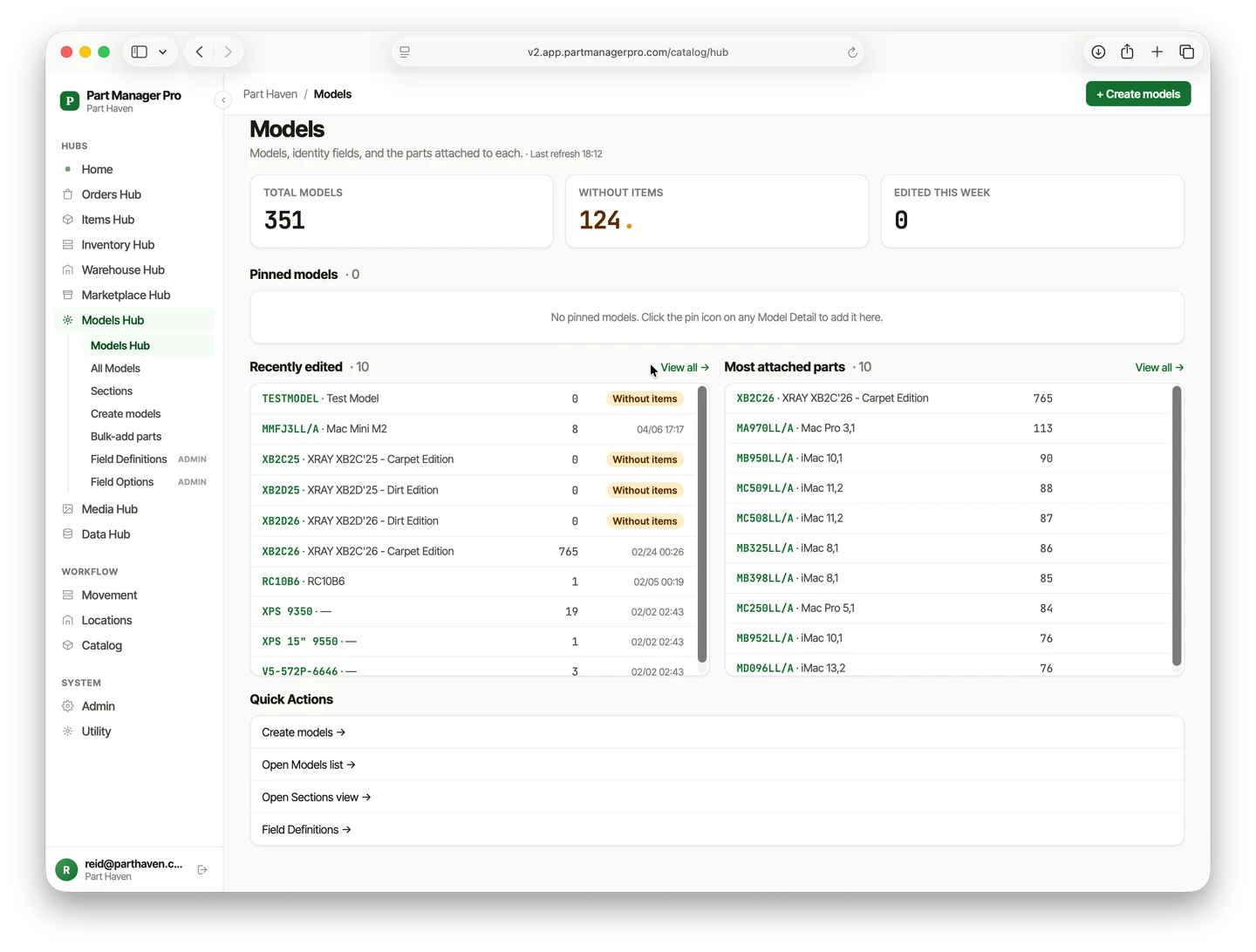
Build your own parts catalog — not the one you license
Read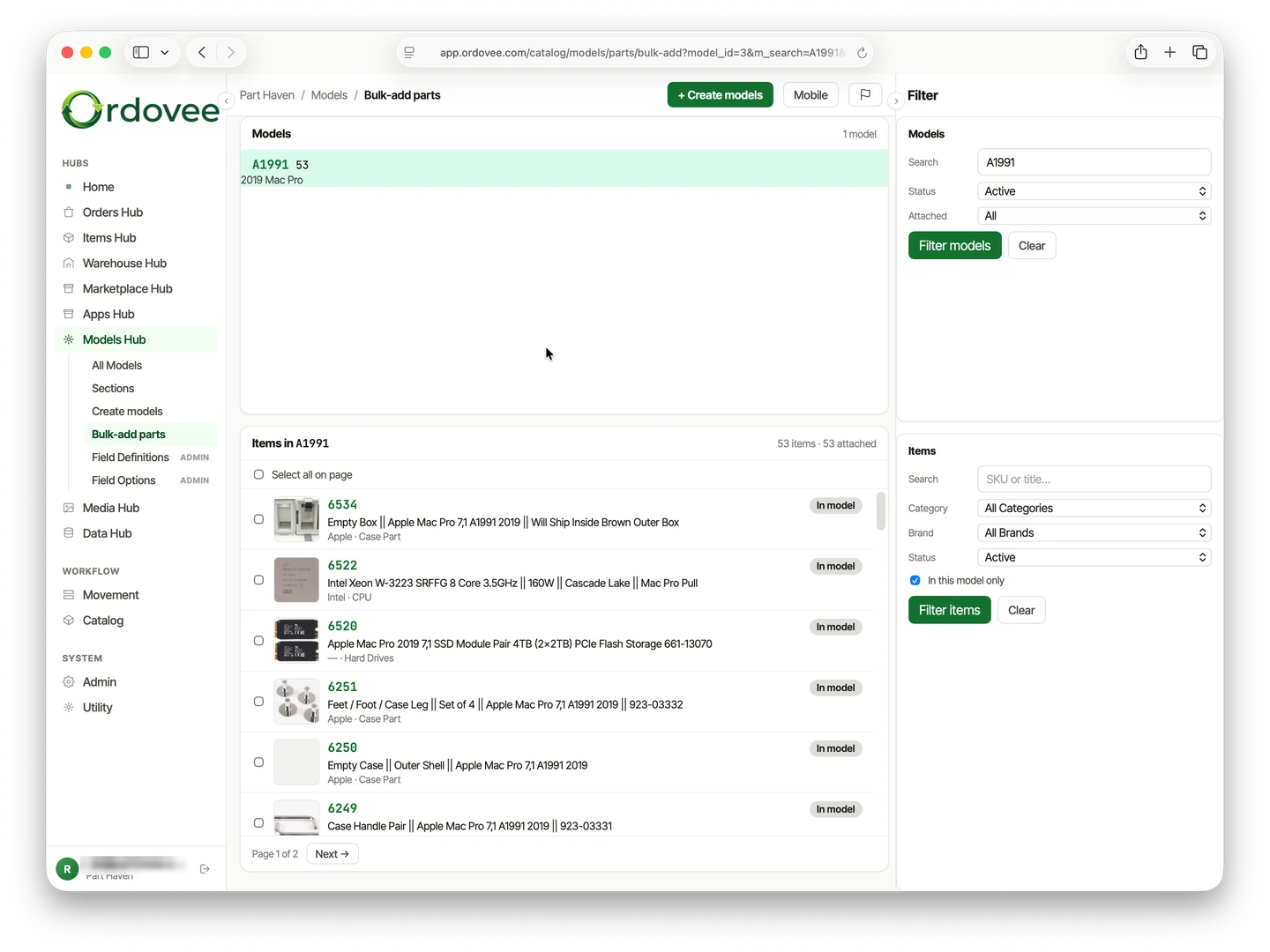
Catalog6 min
Parts compatibility cross-reference
Read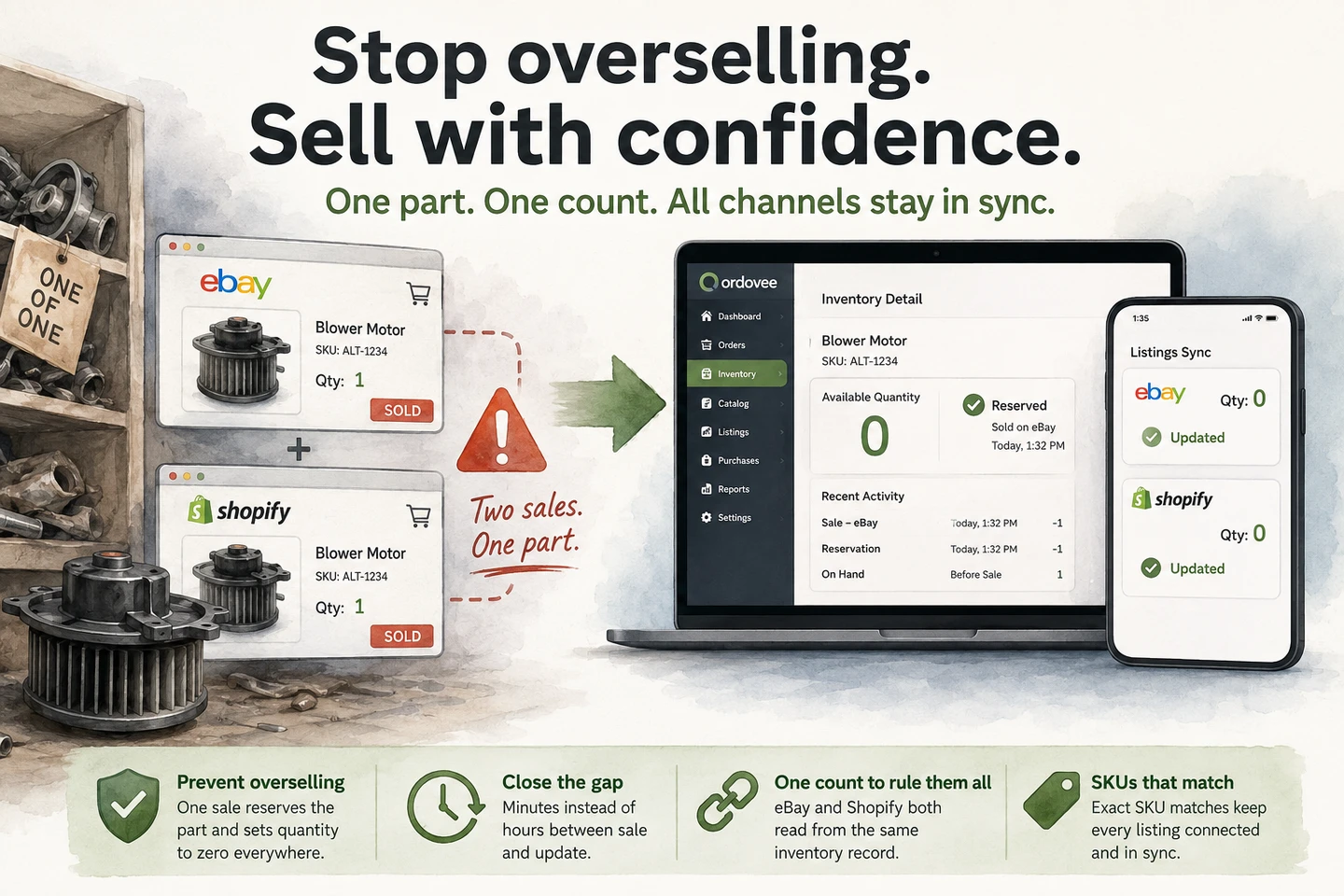
eBay sync8 min
How to stop overselling on eBay and Shopify
Read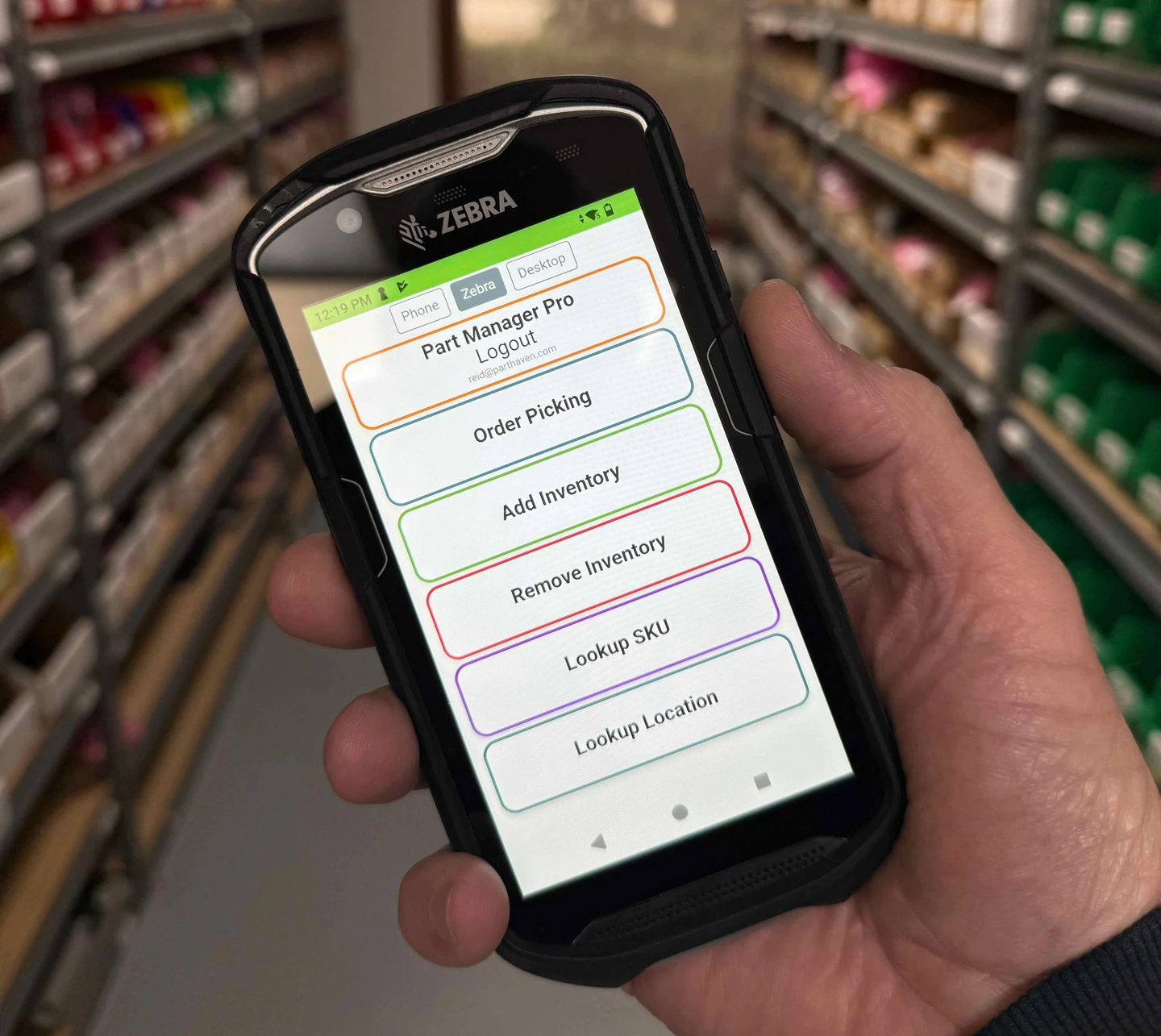
WMS7 min
Scanner-first picking on the warehouse floor
Read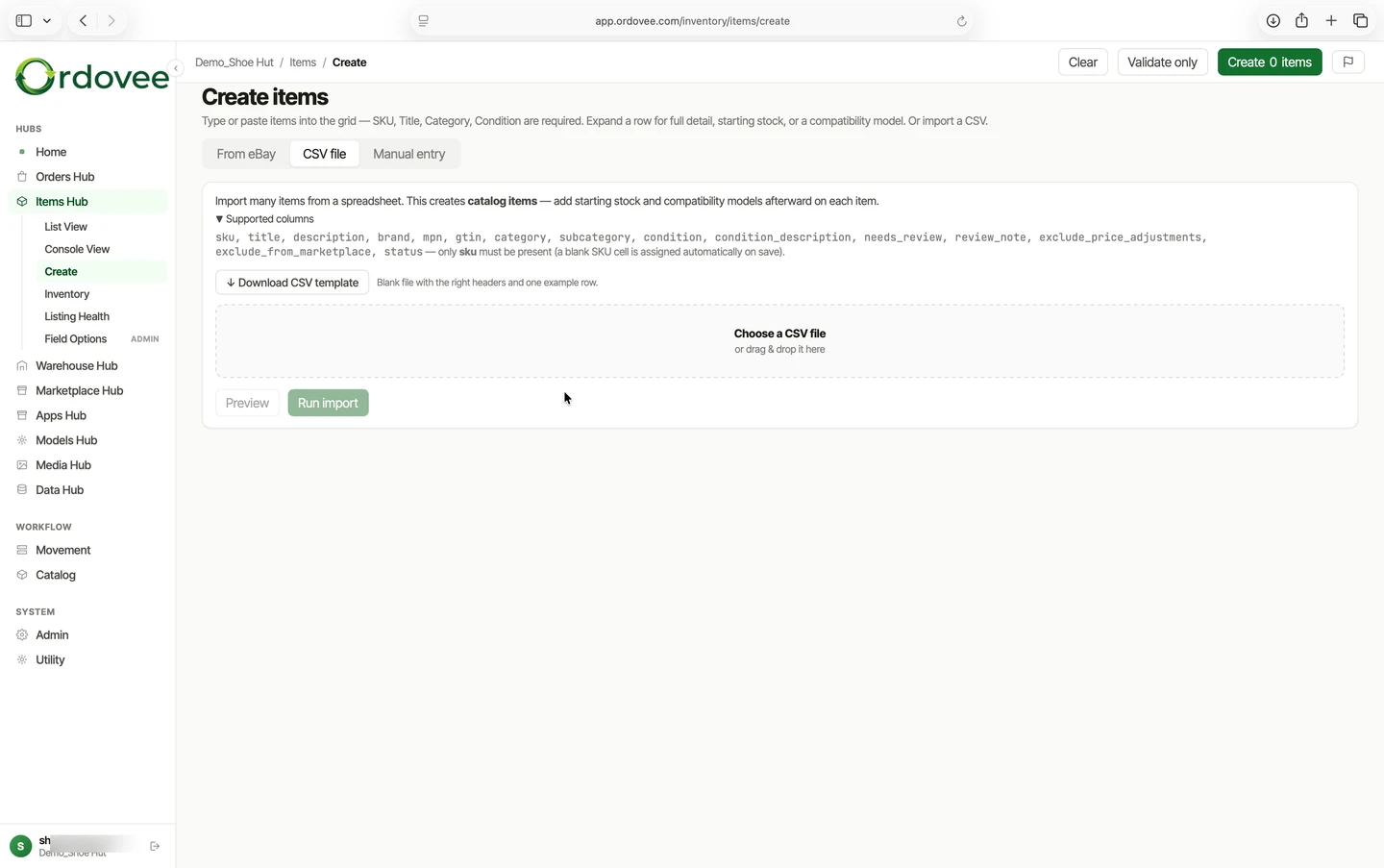
Setup4 min
CSV import in Ordovee — bringing your data in safely
Read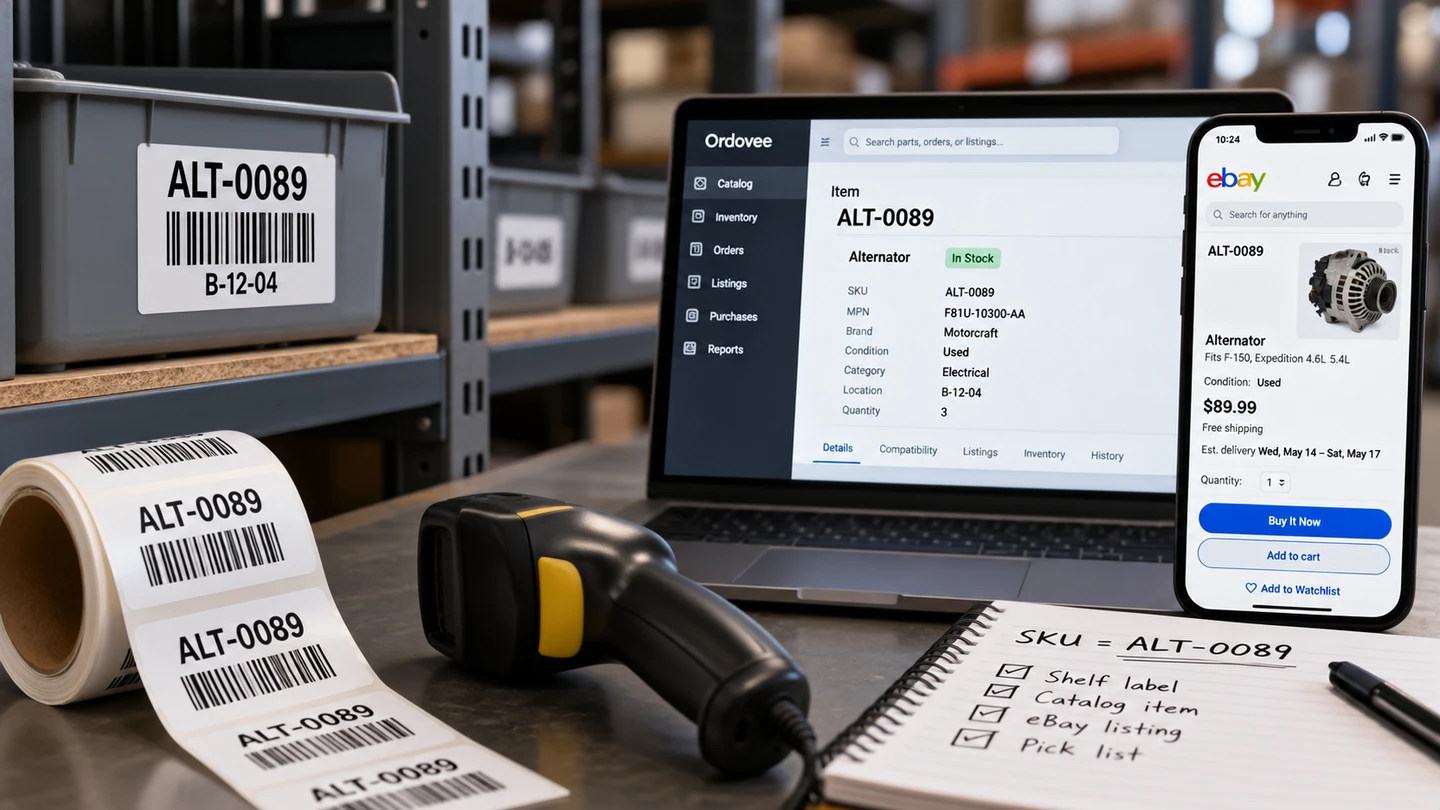
Catalog6 min
SKU strategy — why your SKUs matter, and how Ordovee uses them
Read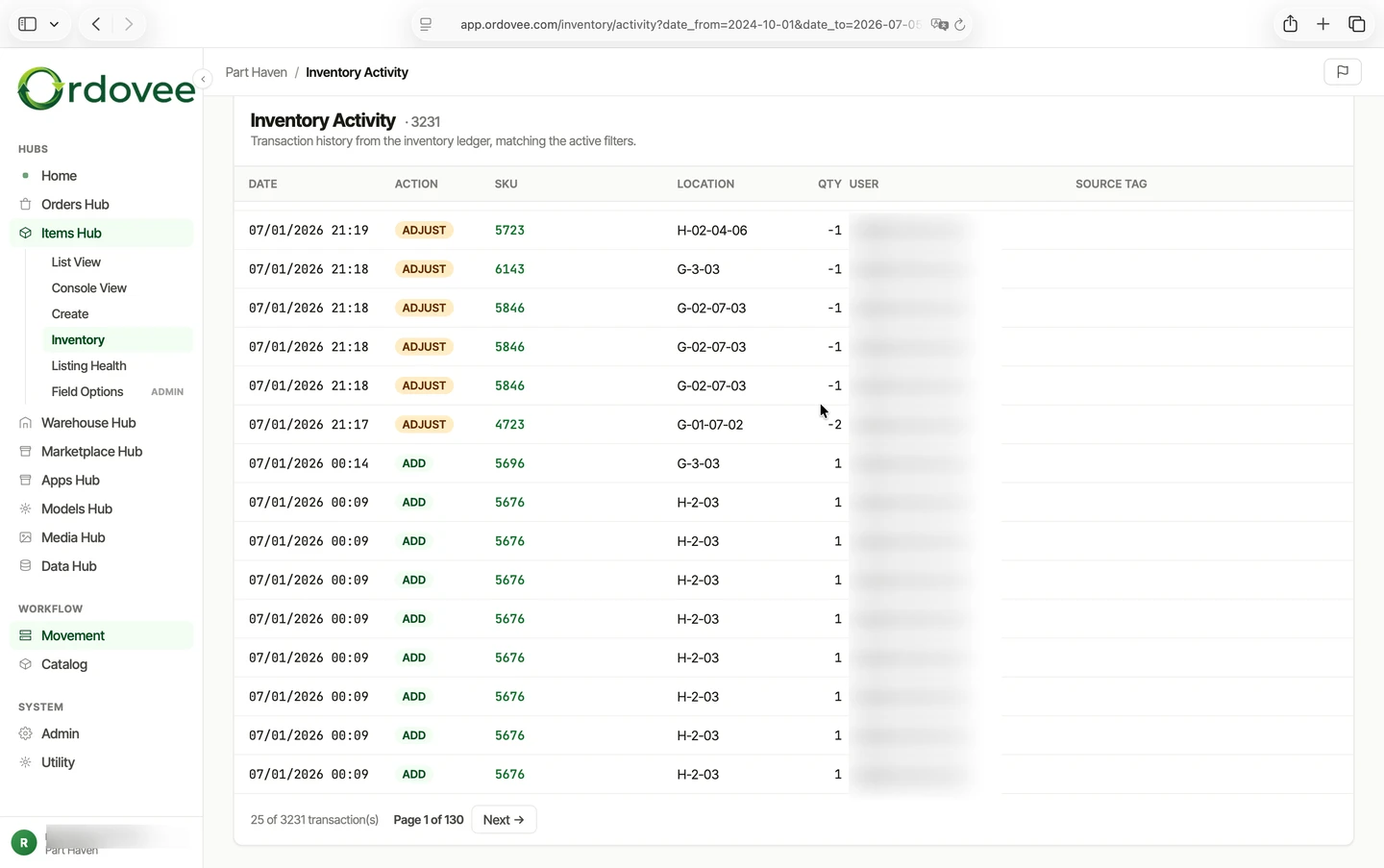
Ledger8 min
How ledger-based inventory works in Ordovee
Read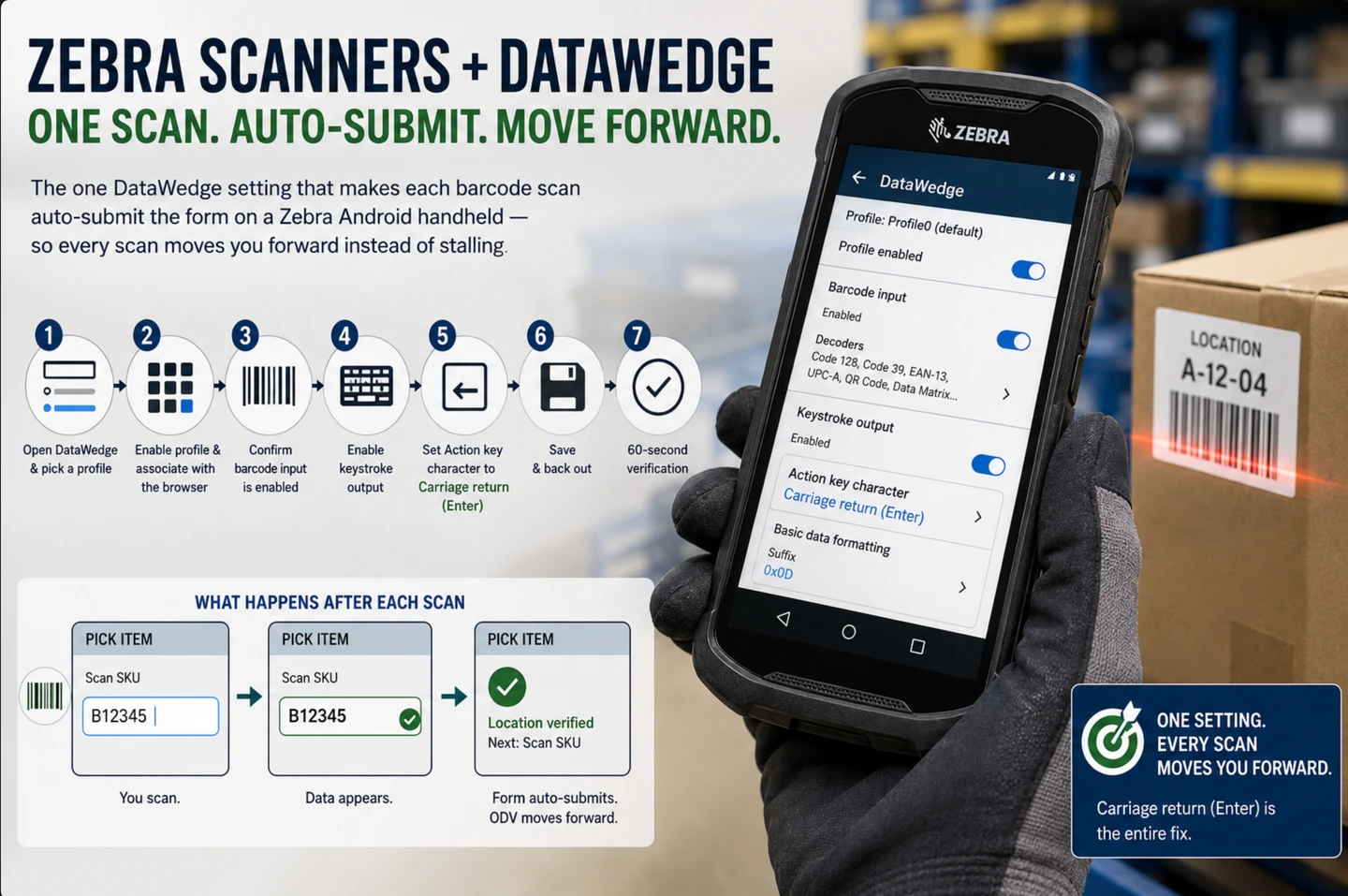
WMS5 min
Setting up Zebra scanners with DataWedge for Ordovee
Read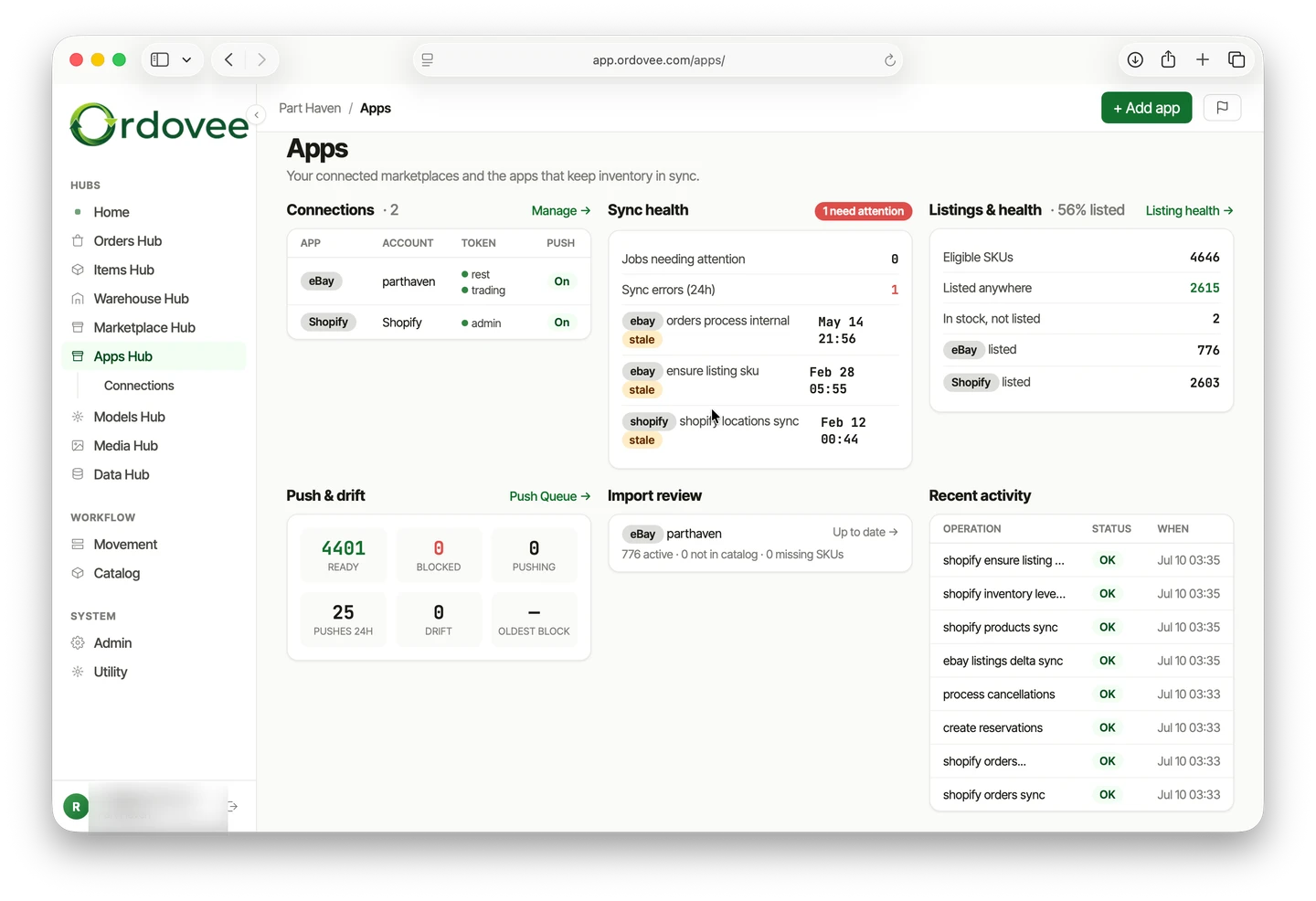
Marketplace4 min
How Ordovee keeps eBay and Shopify inventory in sync
Read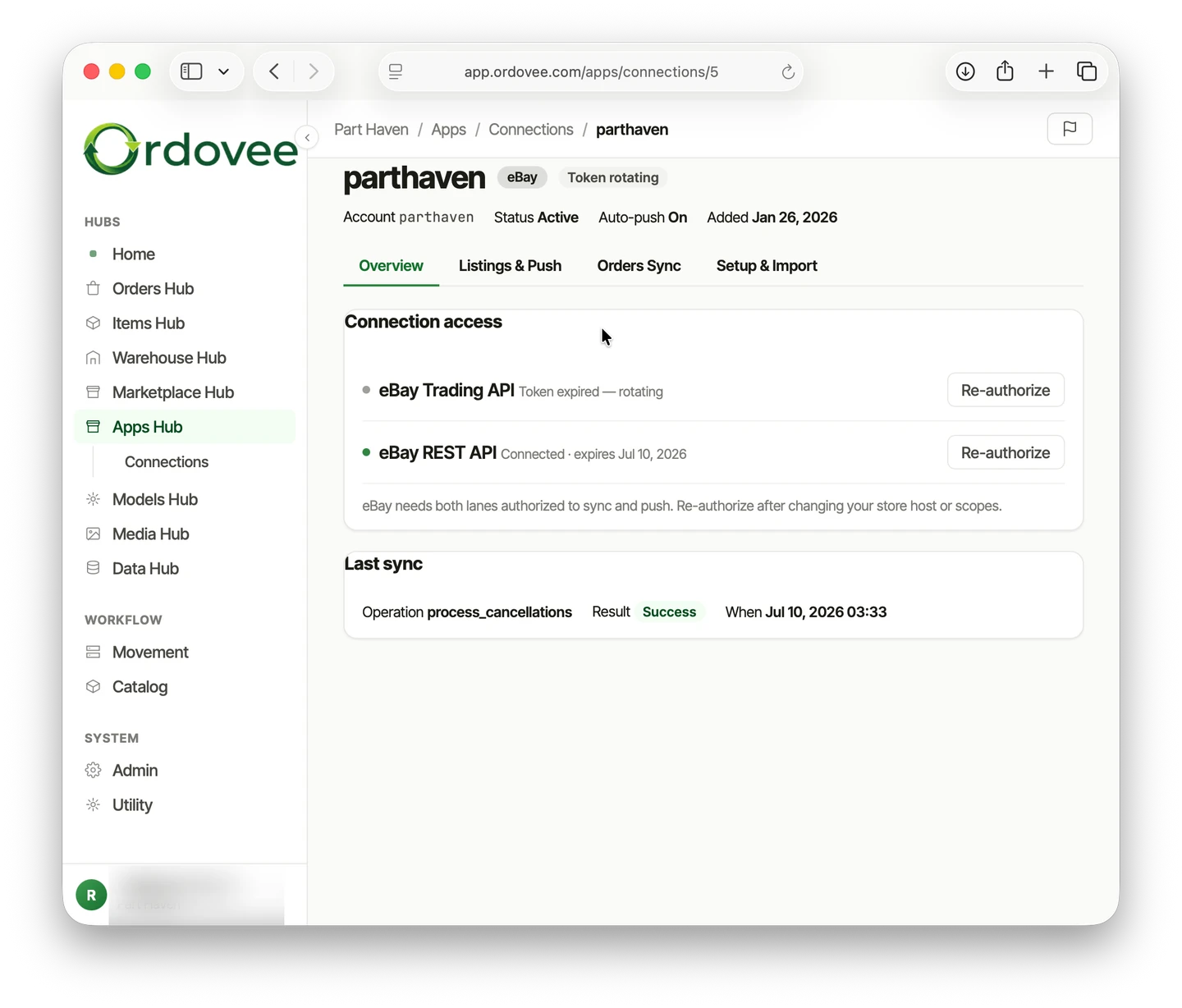
Marketplace4 min
Connect eBay to Ordovee — the full sync setup
Read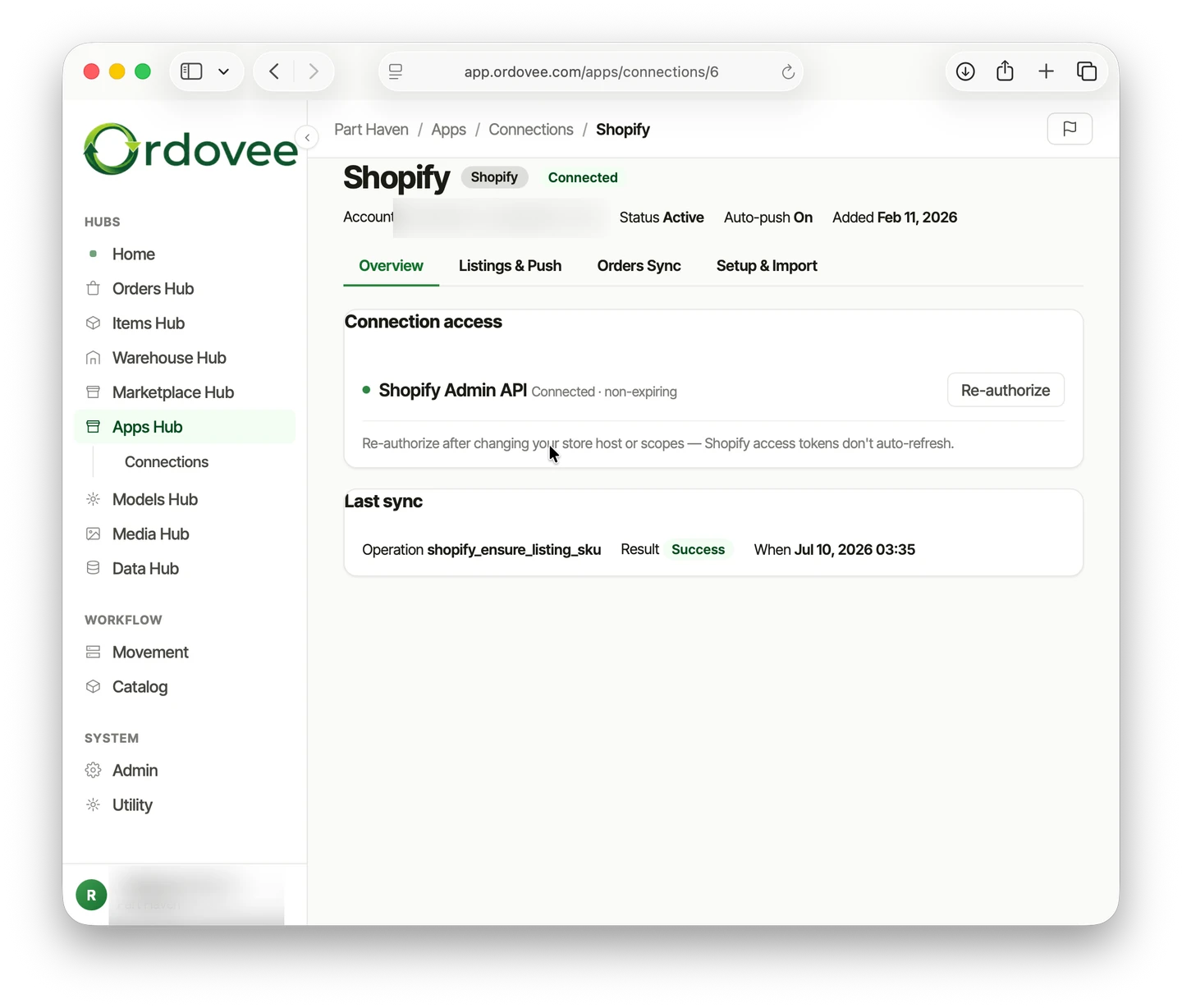
Marketplace5 min
Connect Shopify to Ordovee — the full sync setup
Read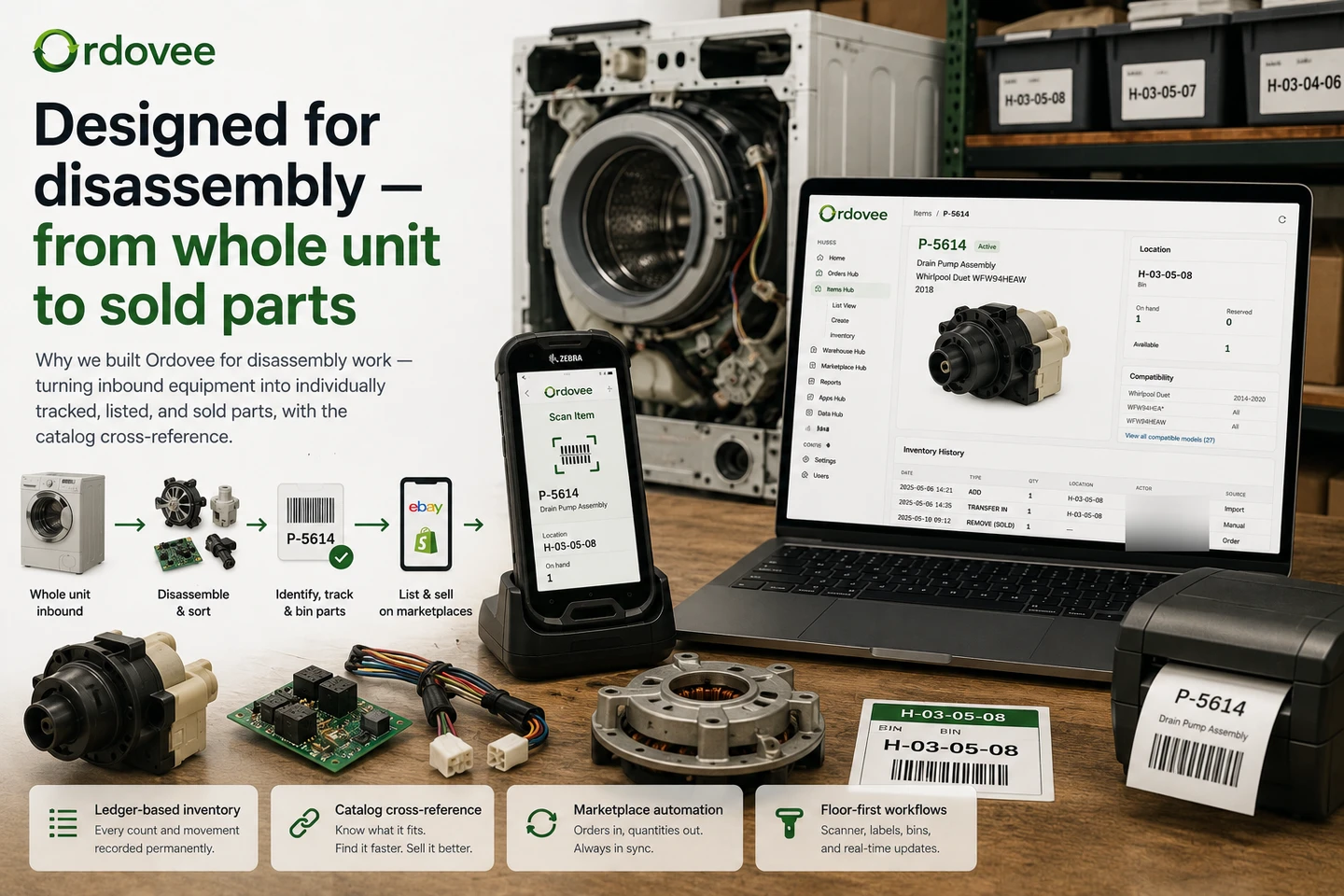
Catalog5 min
Designed for disassembly — from whole unit to sold parts
Read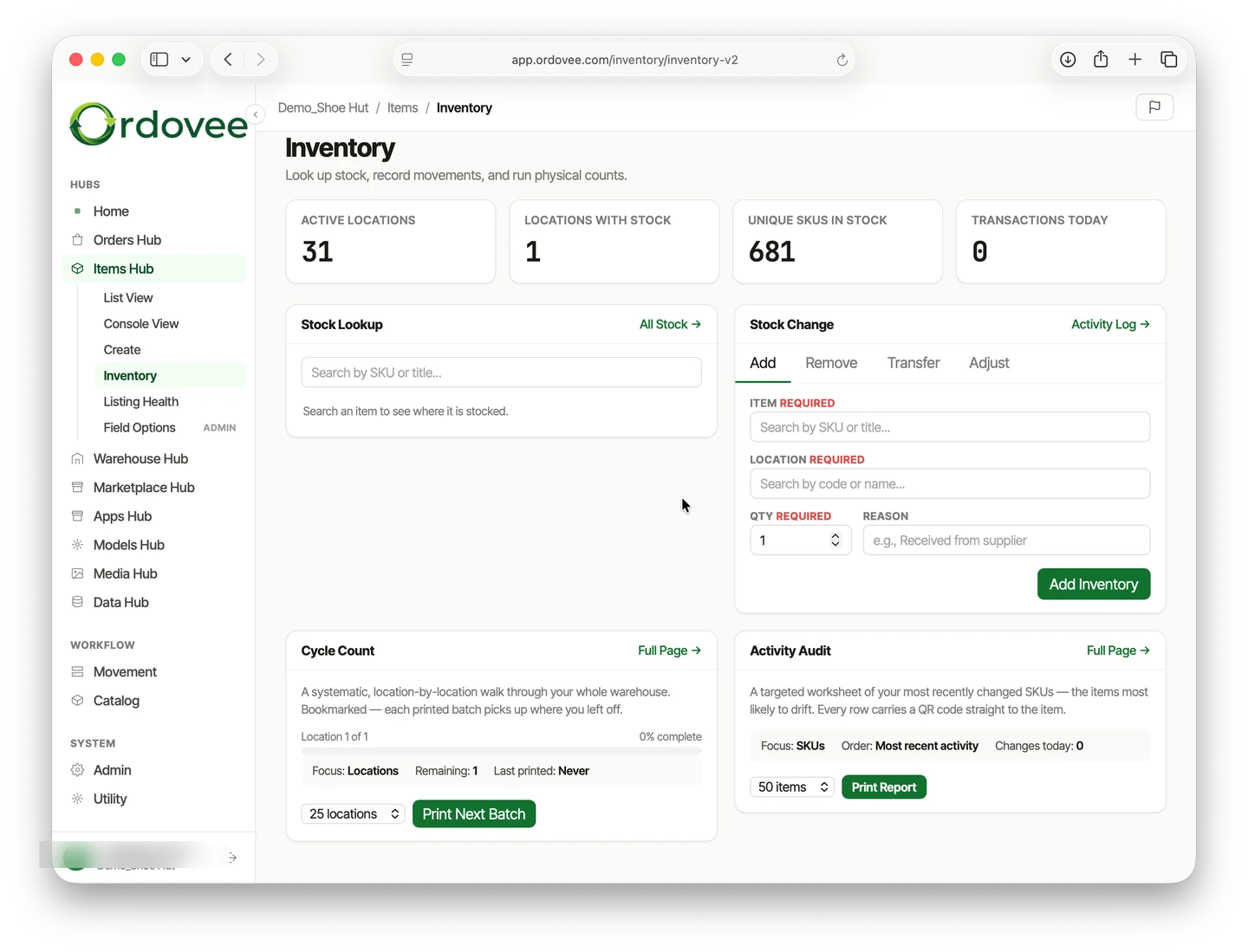
WMS7 min
Physical inventory vs. cycle count, without the shutdown
Read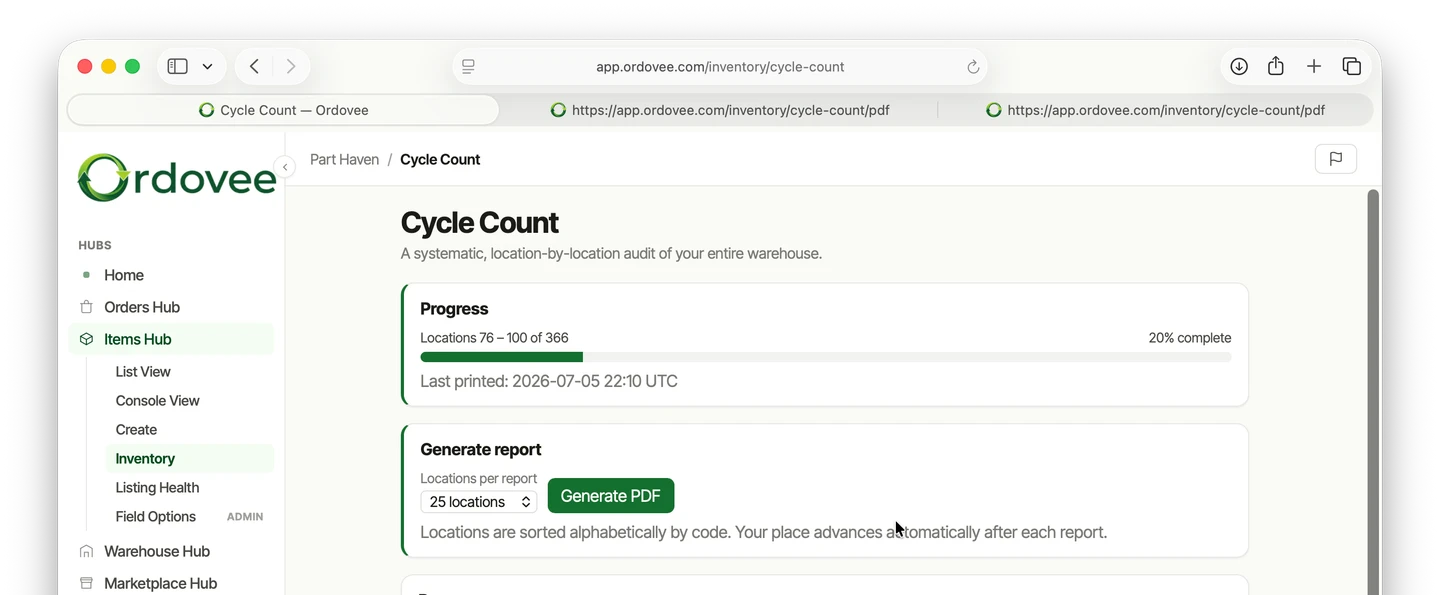
WMS5 min
Cycle counting in Ordovee — cover the whole warehouse
Read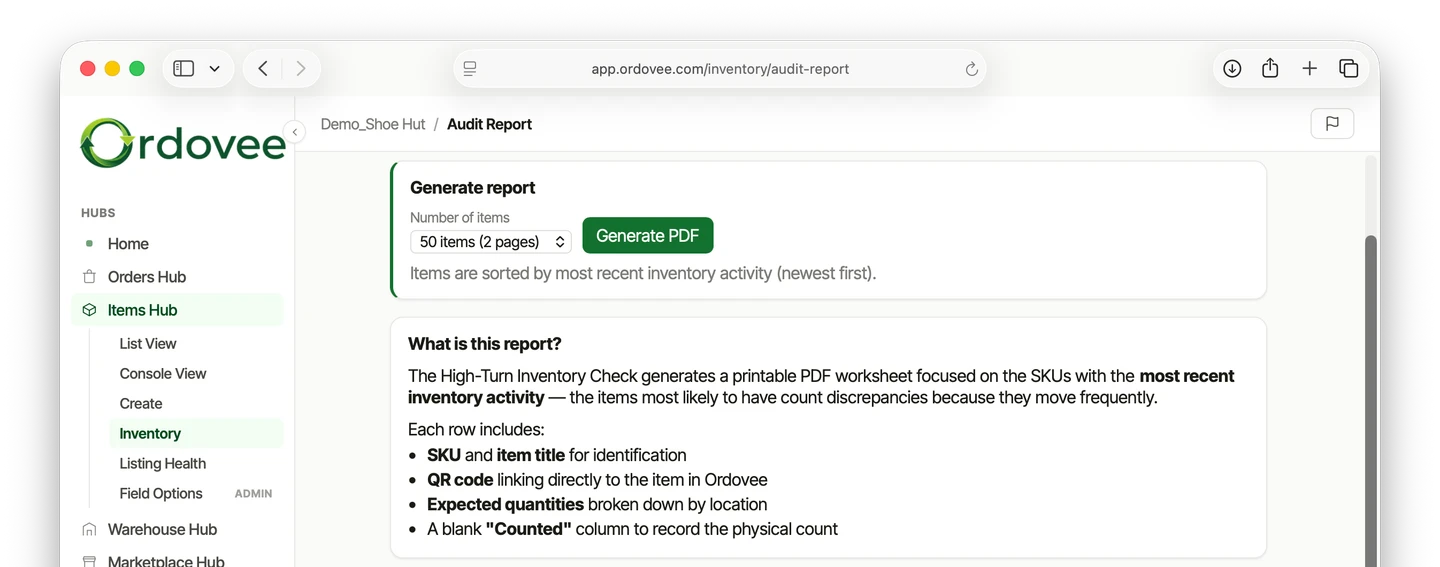
WMS4 min
Usage-based cycle counting — spot-check your fast movers
Read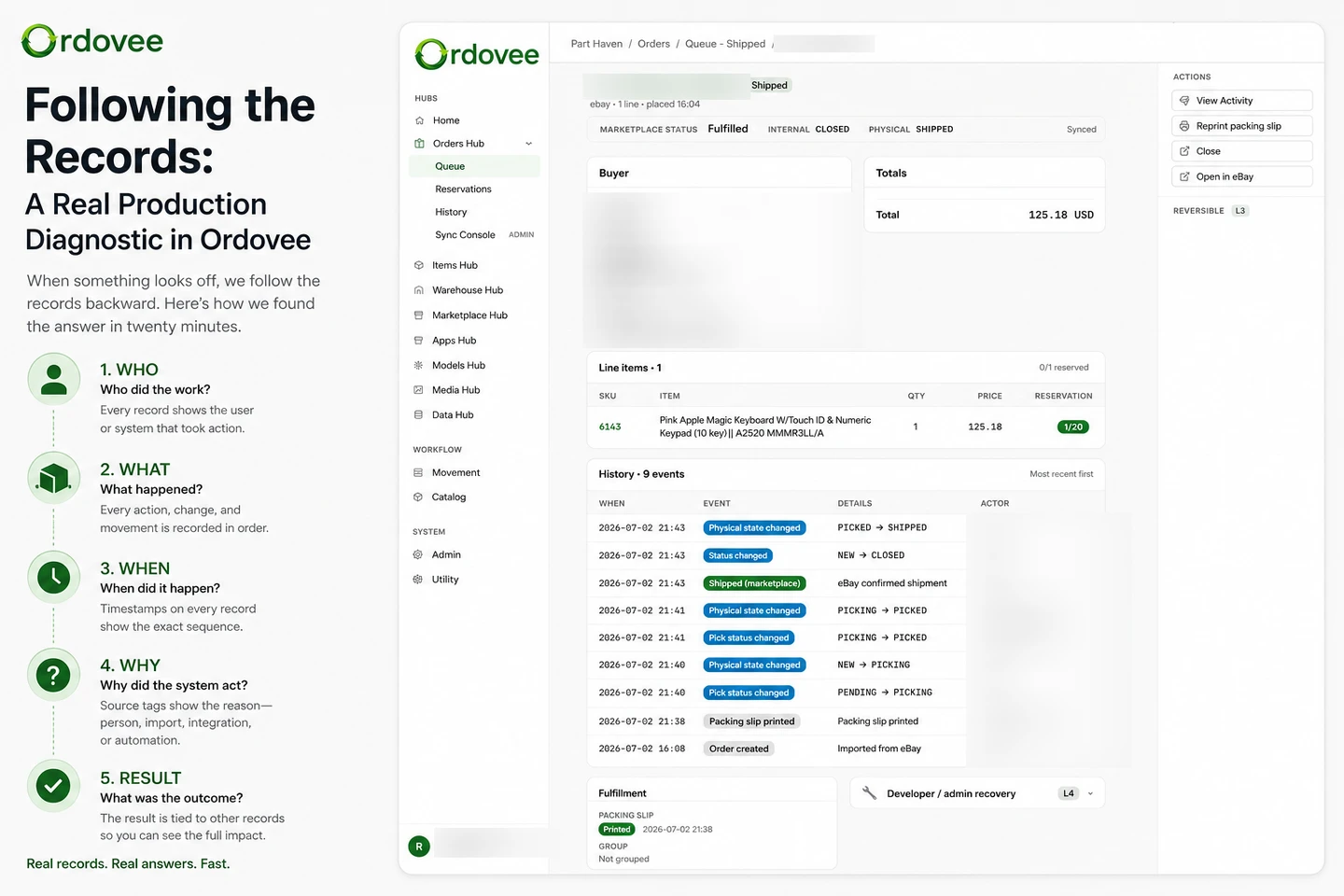
Audit6 min
Diagnosing a picking error with Ordovee's audit trail
Read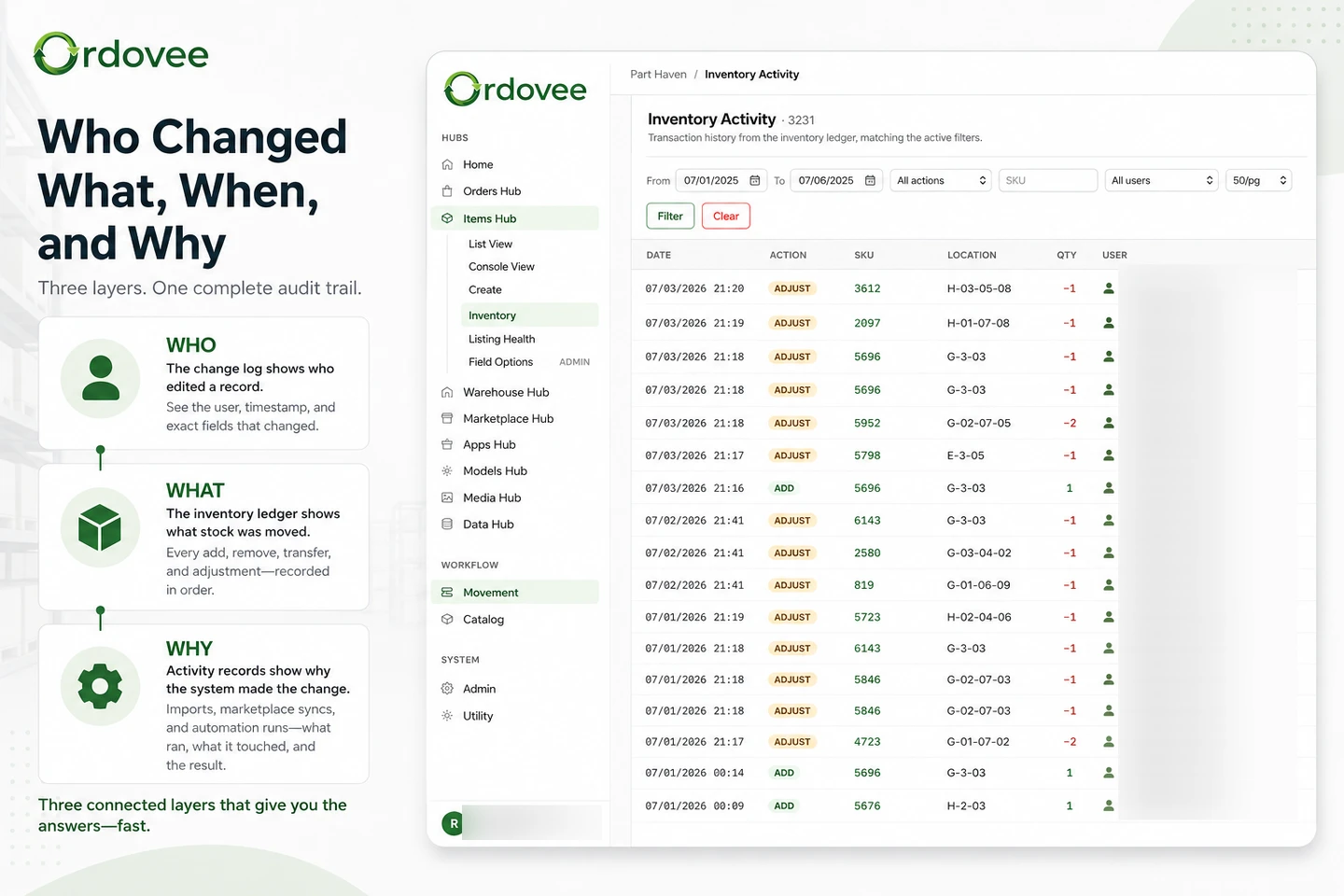
Audit7 min
The audit trail in Ordovee — who changed what, when, why
Read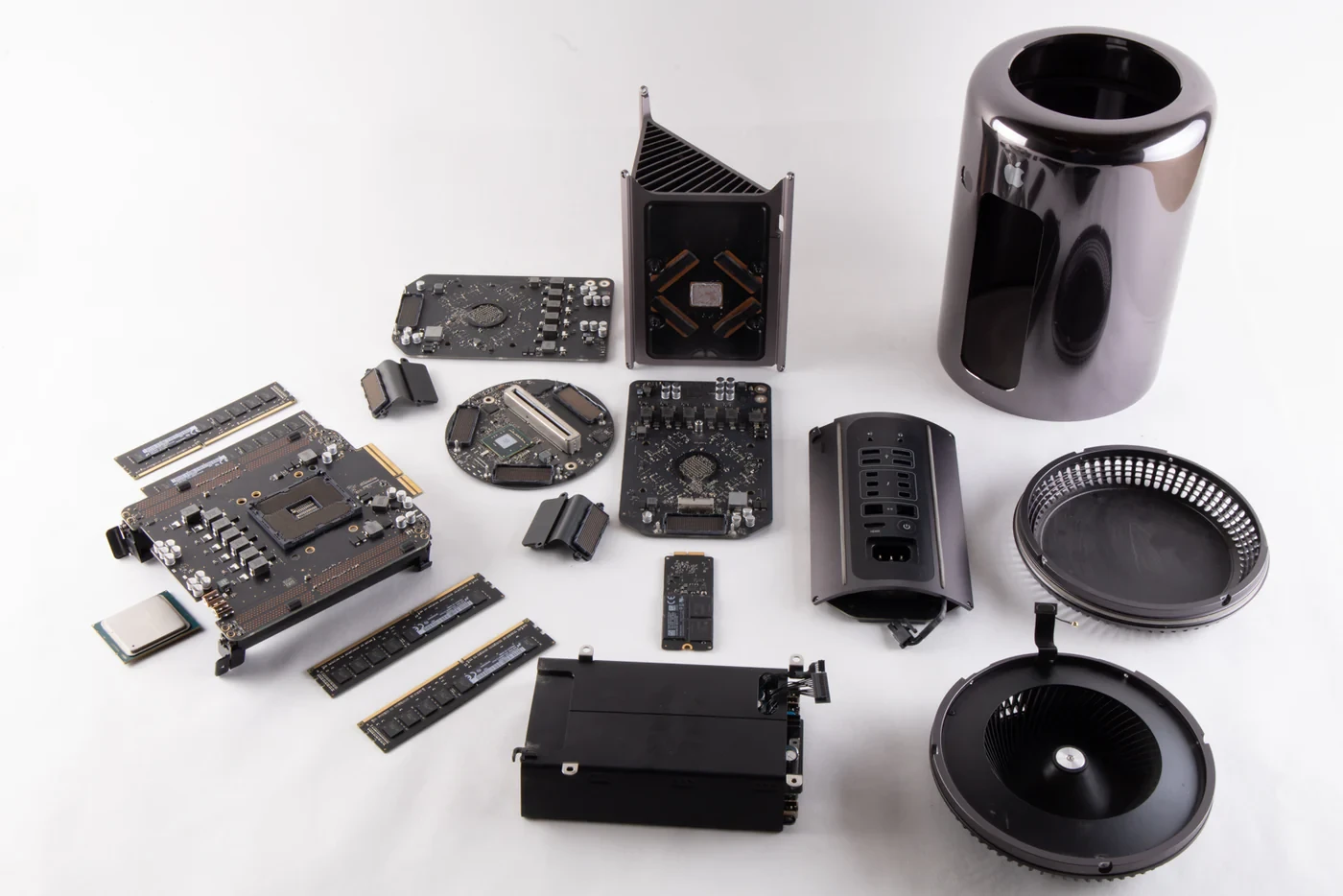
Setup4 min
How Ordovee works — from whole unit to sold part
ReadeBay sync
eBay sync5 min
Import new eBay listings into Ordovee on demand
Read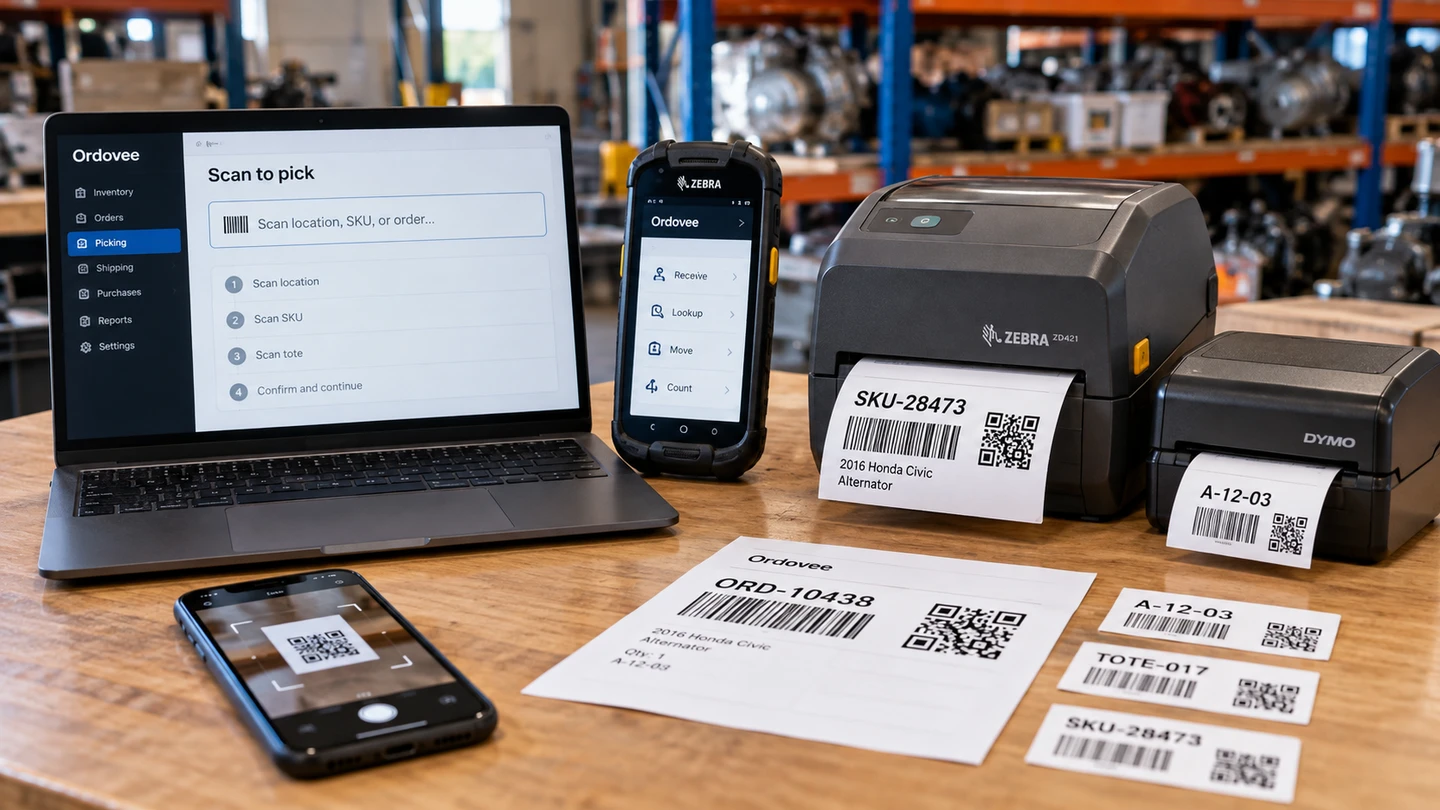
Hardware4 min
What scanner and printer to buy for a parts operation
Read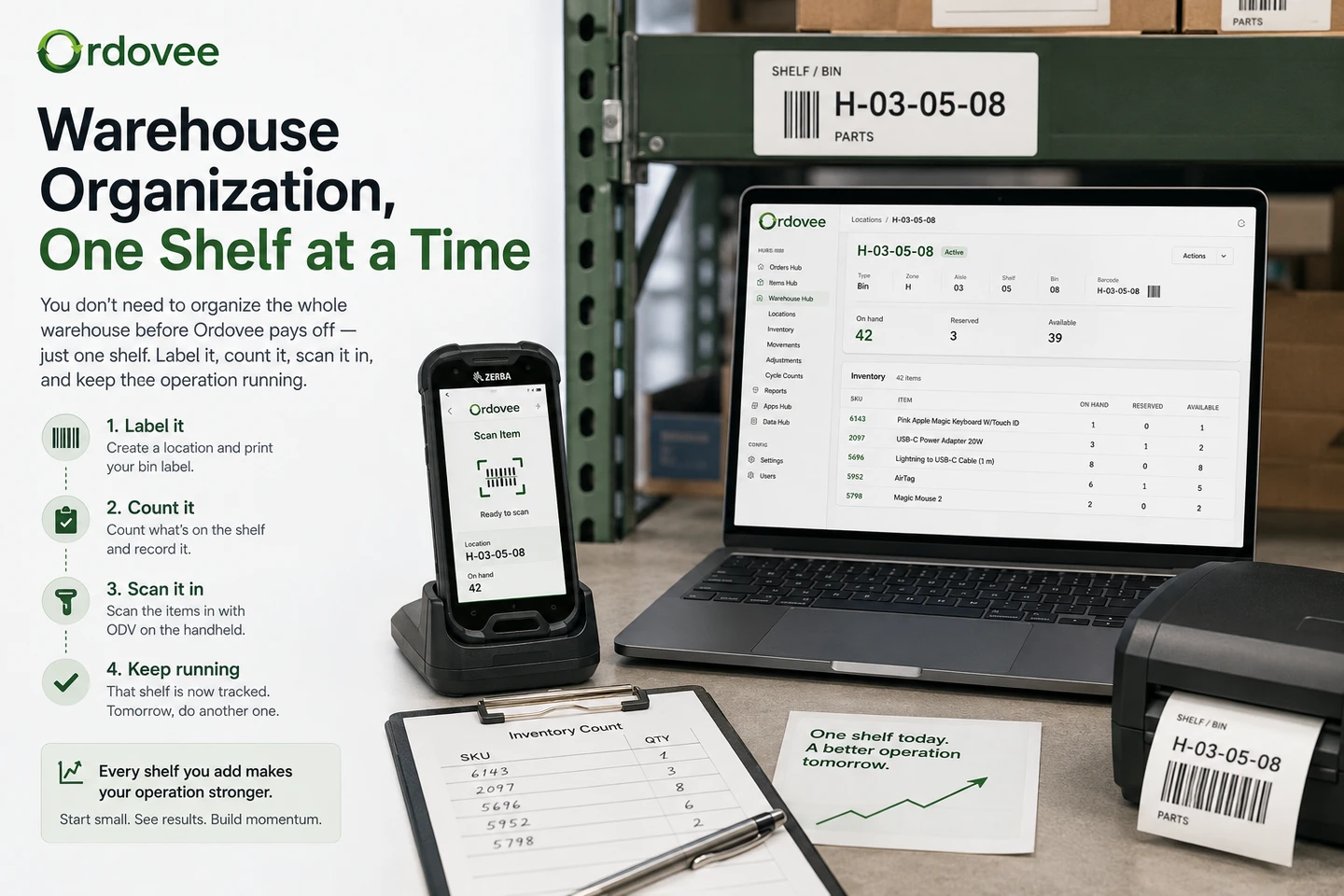
Operations4 min
Warehouse organization, one shelf at a time
Read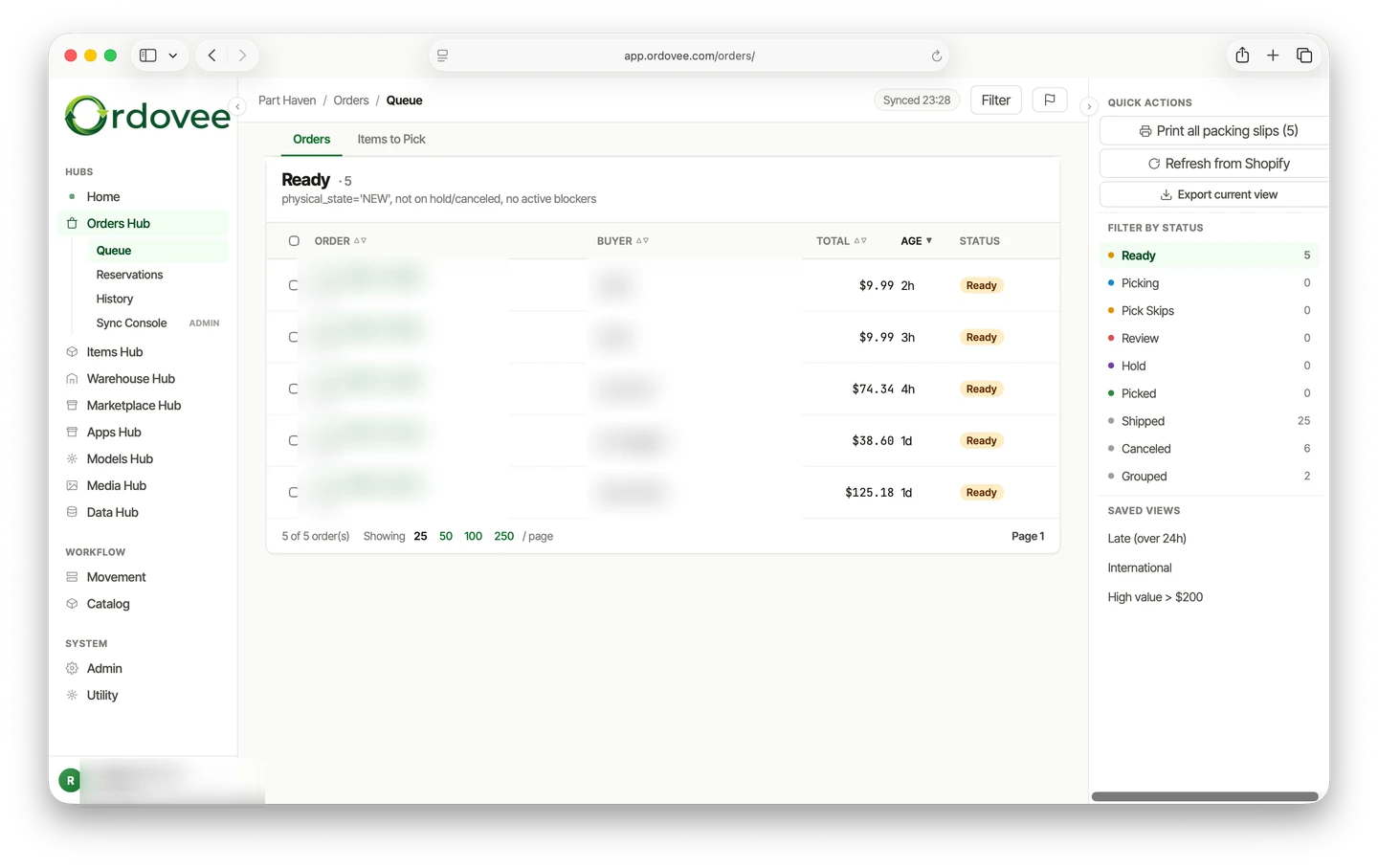
WMS6 min
Order fulfillment in Ordovee — from order to shipment
Read
Operations6 min
Human ideas, AI efficiency — building Ordovee
Read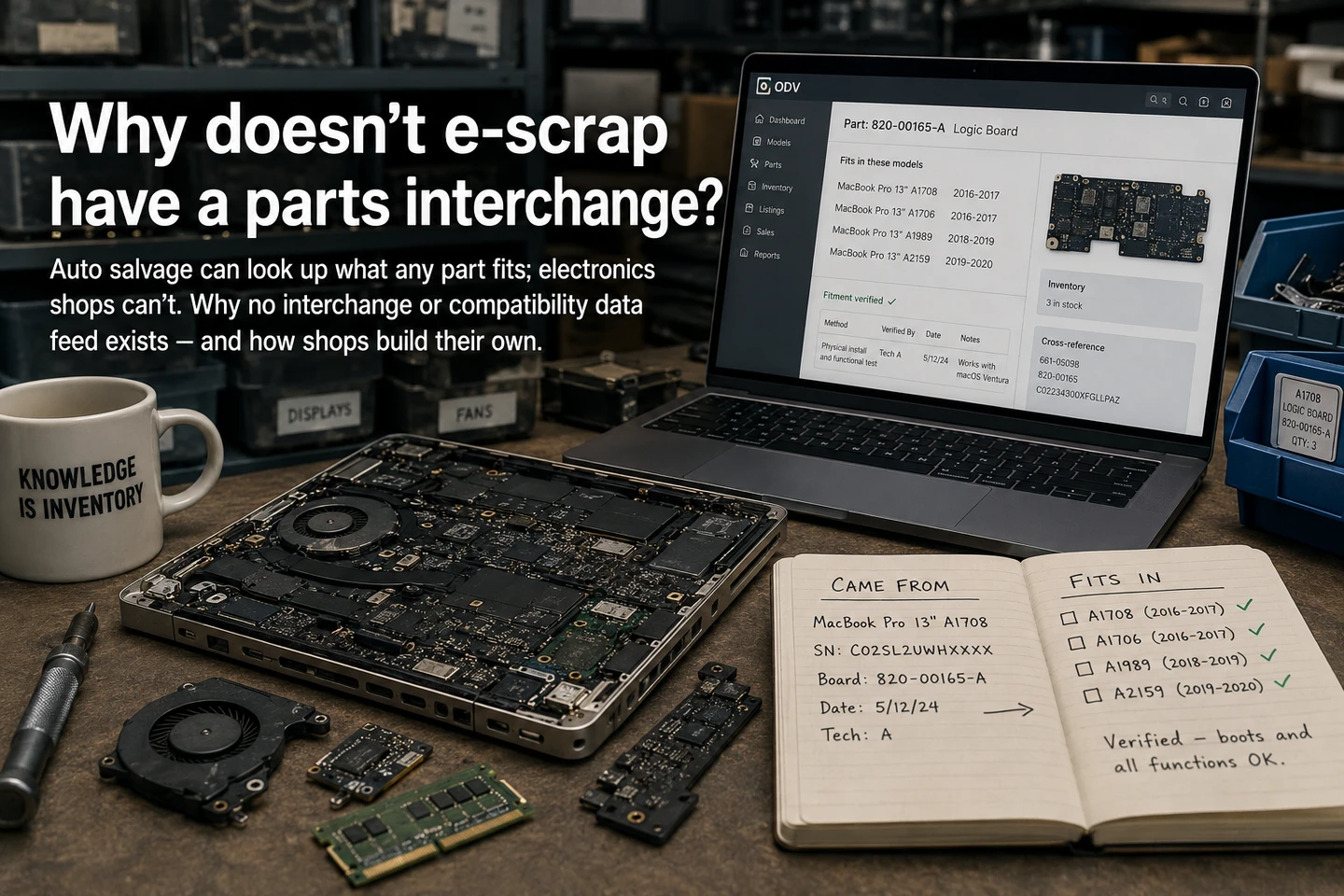
Catalog8 min
Why don't used computer parts have an interchange?
Read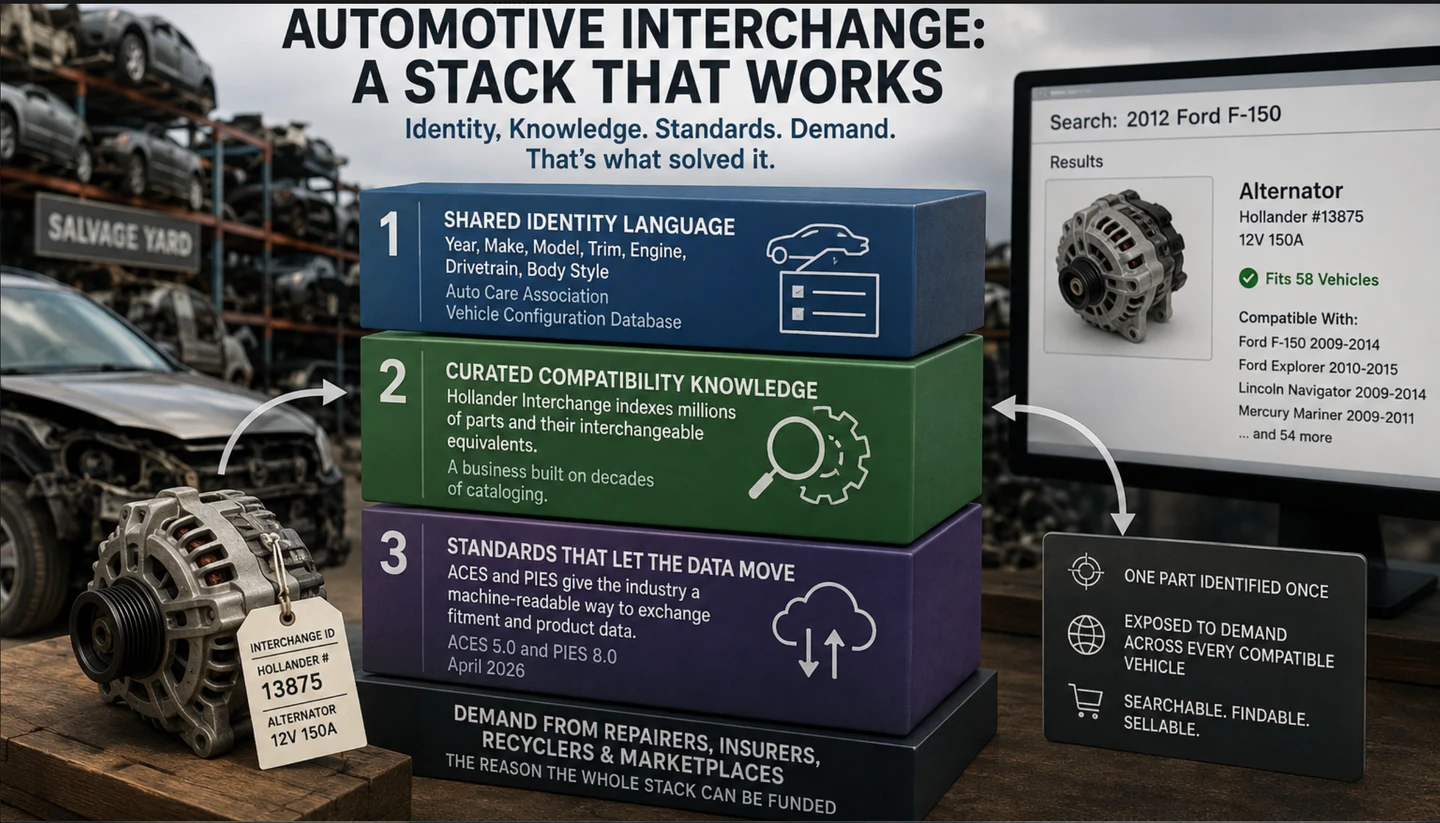
Catalog5 min
What automotive interchange actually solved
Read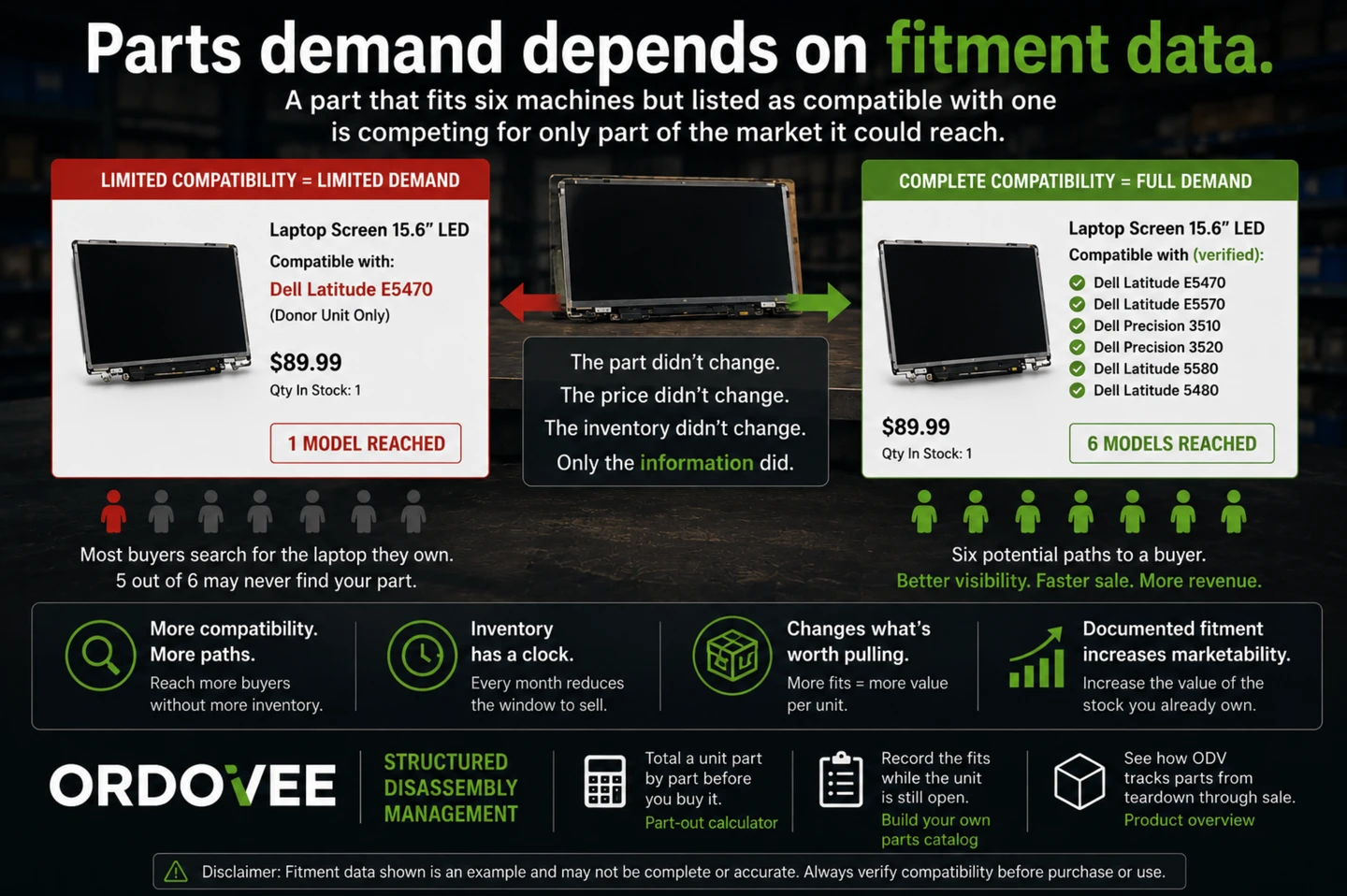
Operations7 min
Parts demand depends on fitment data
Read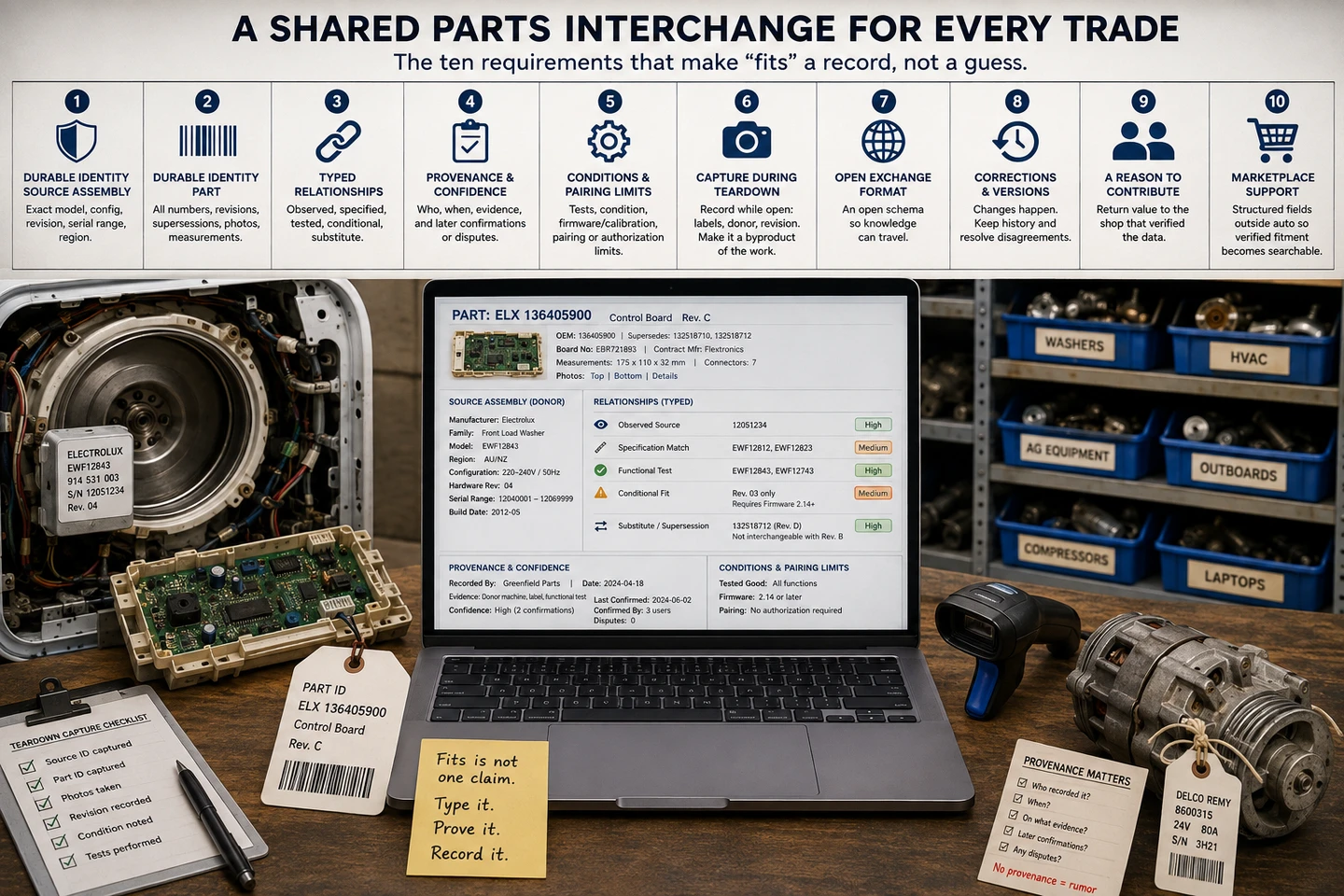
Catalog6 min
What a parts interchange would take outside auto salvage
Read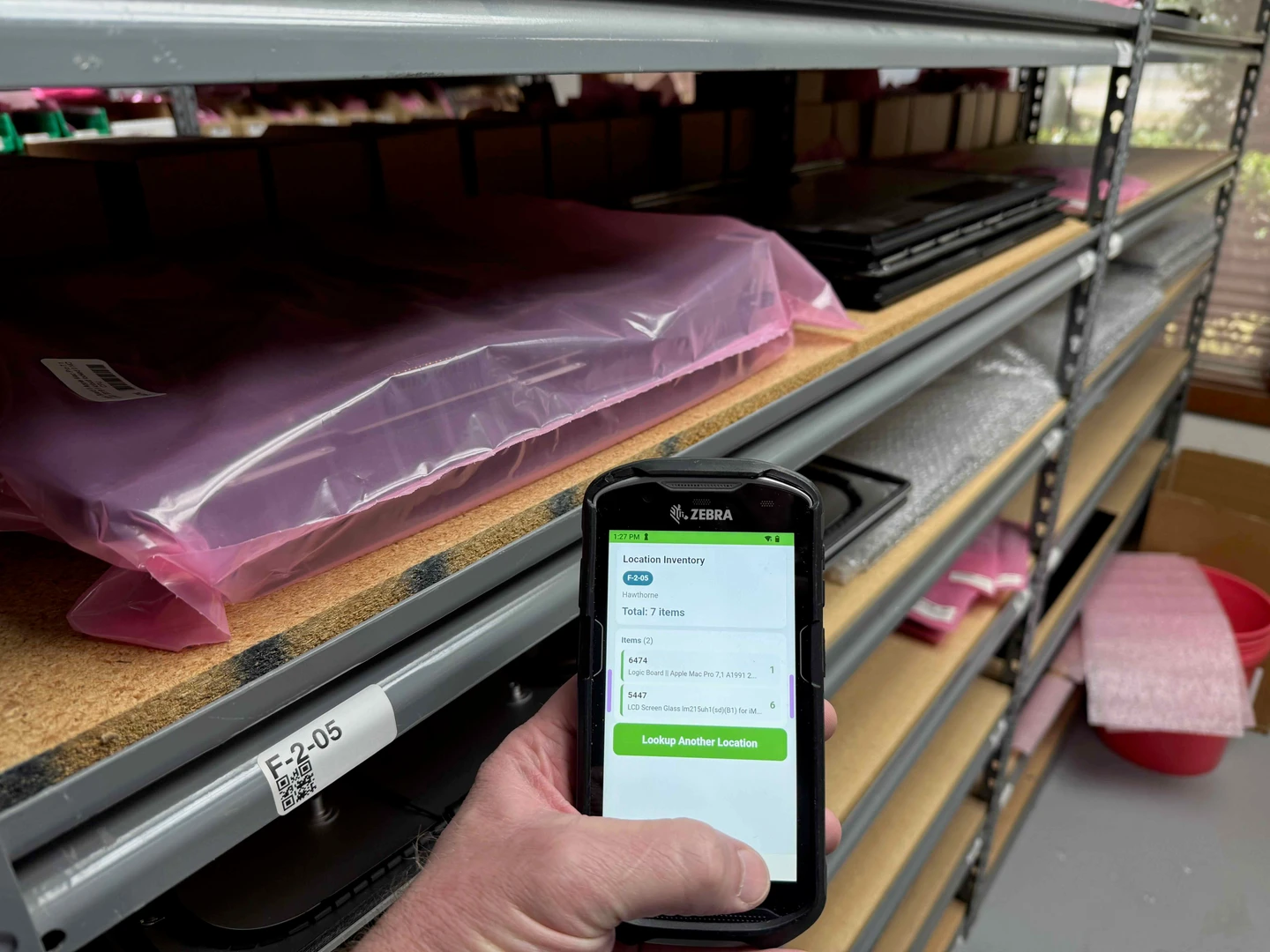
WMS6 min
DataWedge in the browser: fix scans in a web app
Read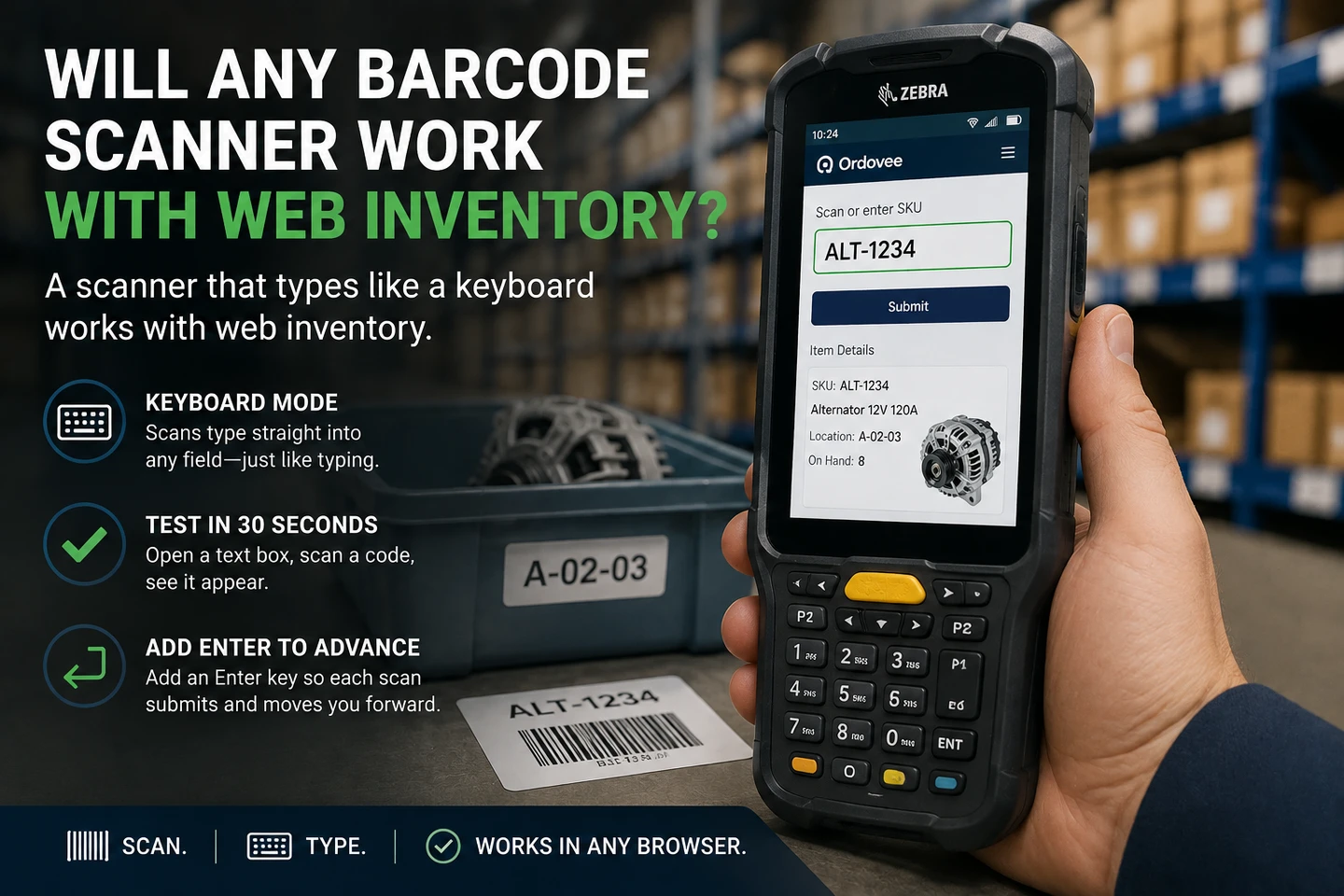
Hardware6 min
Will any barcode scanner work with web inventory?
Read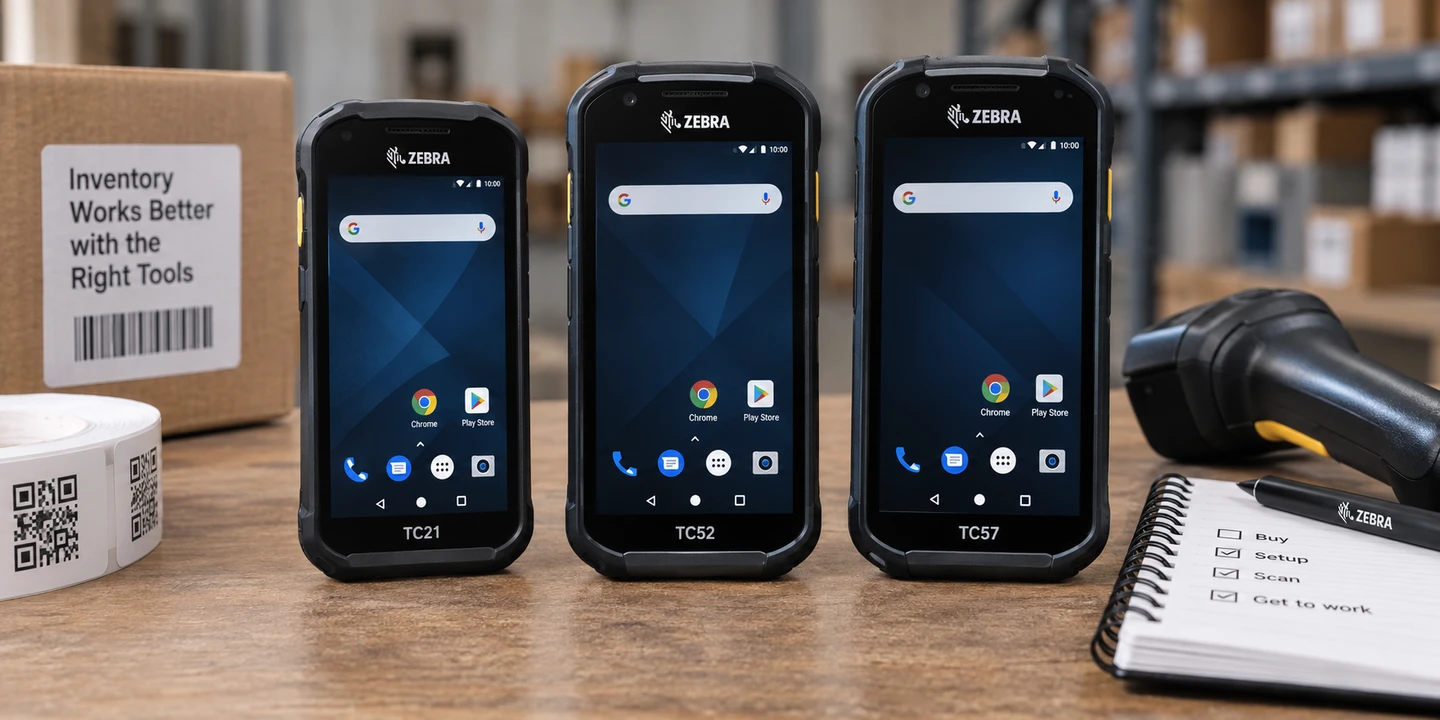
Hardware6 min
Buying a used Zebra handheld for inventory operations
Read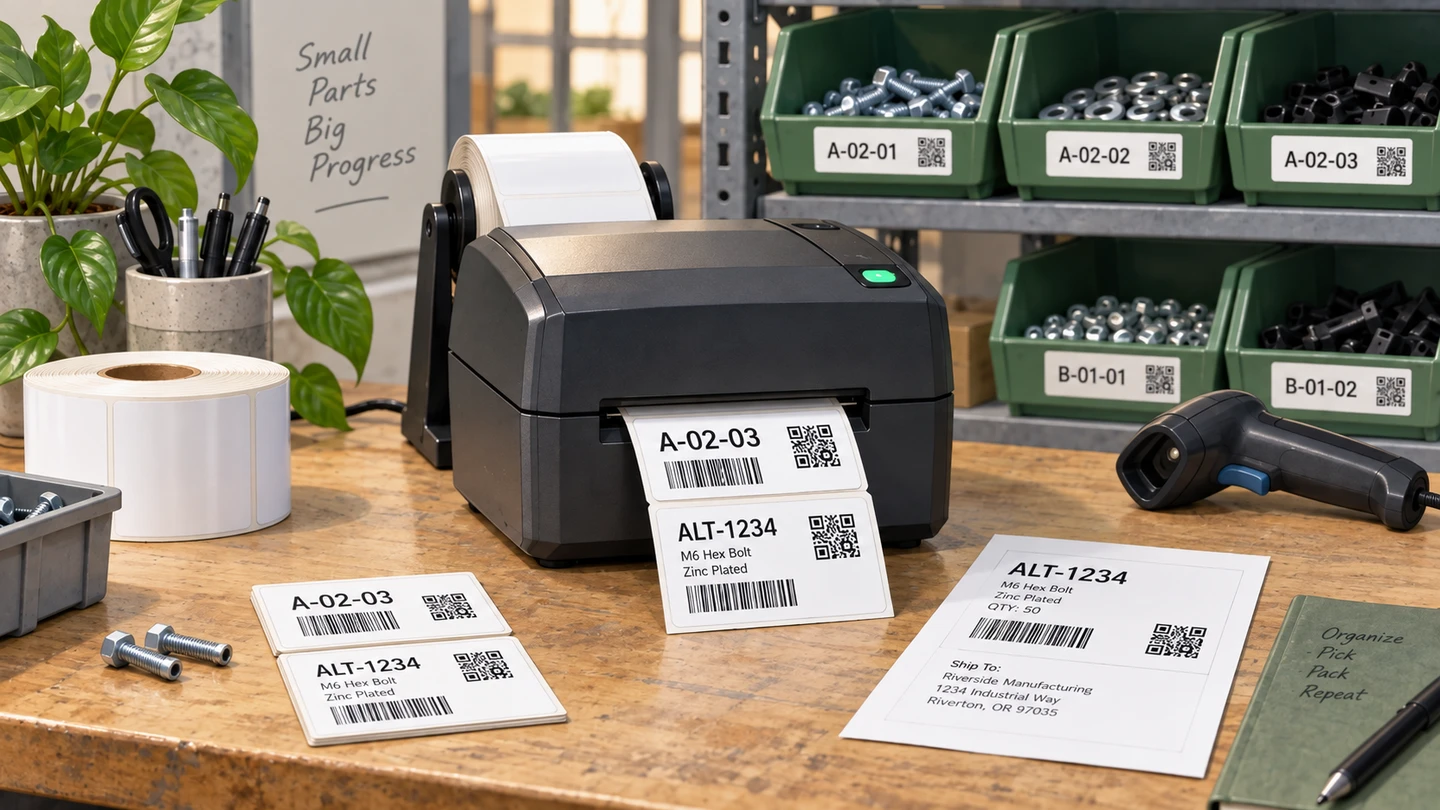
Hardware6 min
Thermal printer setup for part and location labels
Read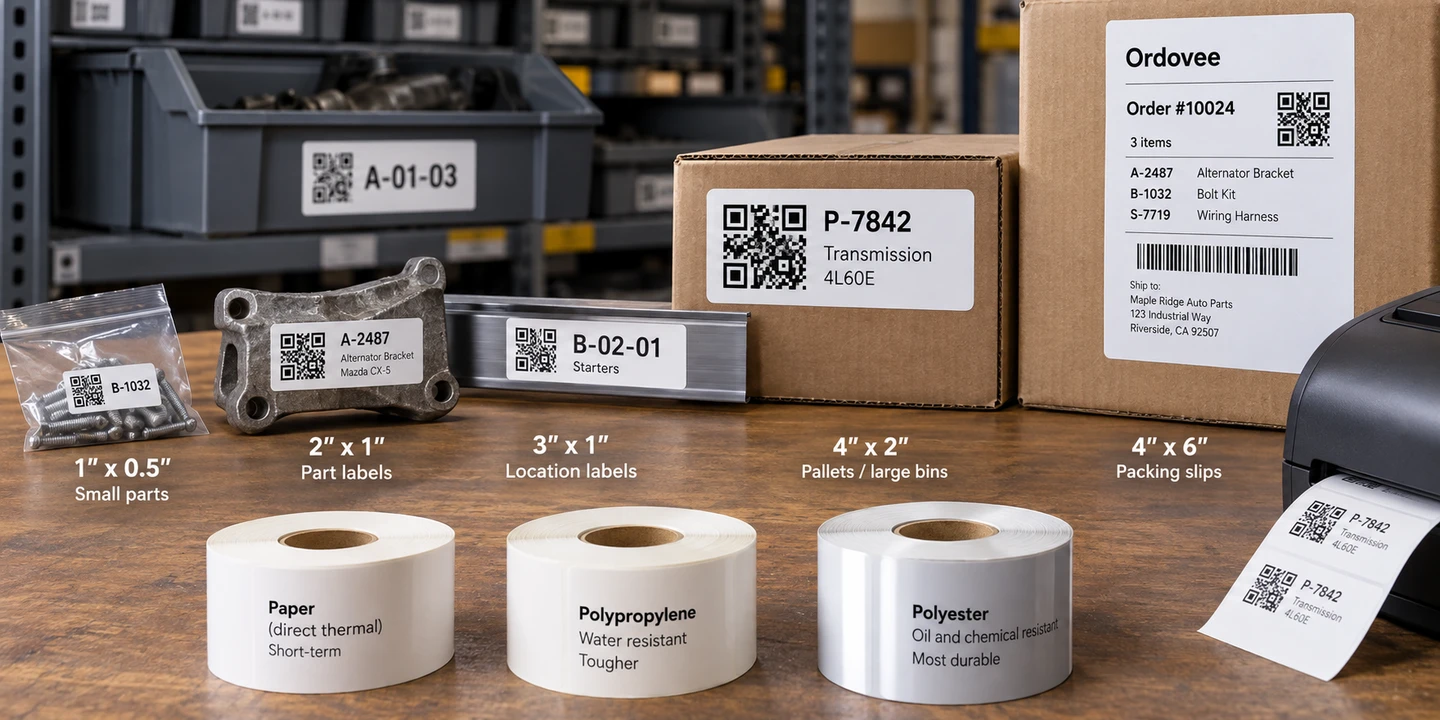
Hardware5 min
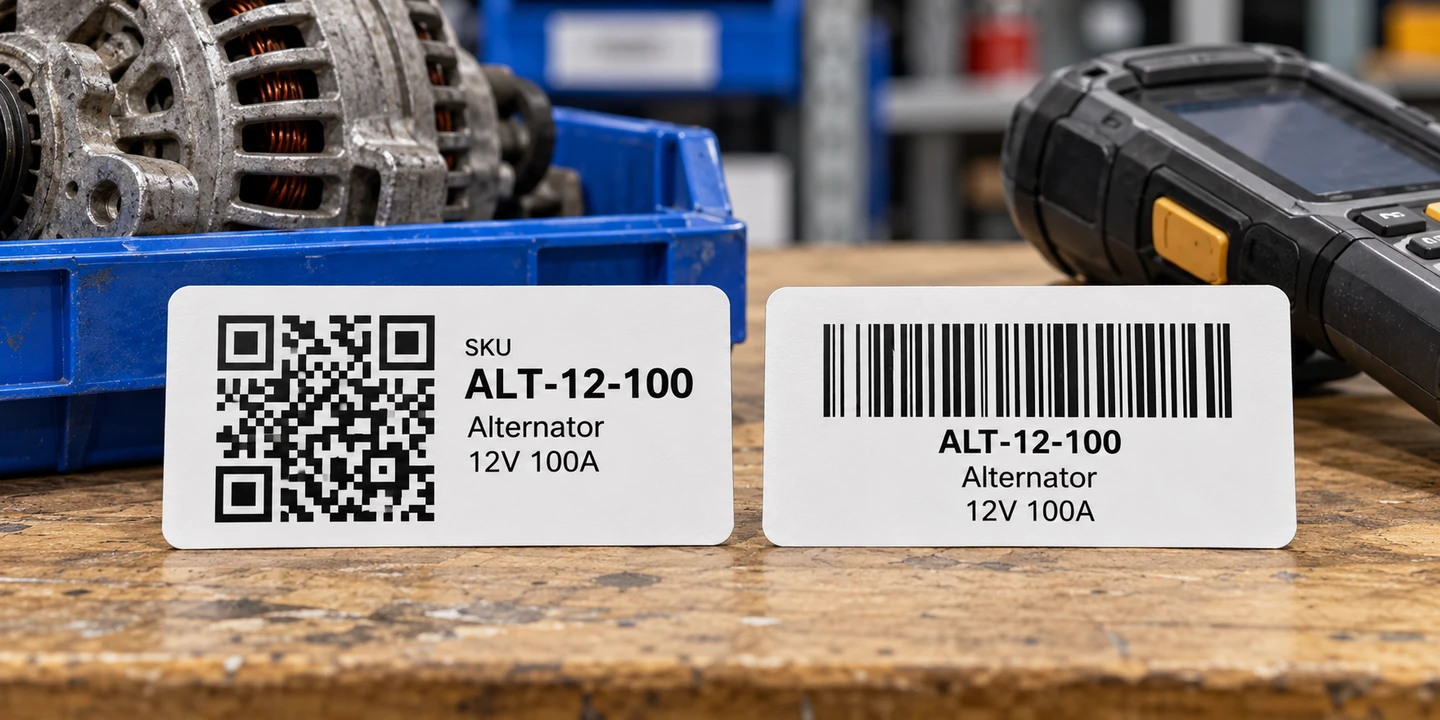
Barcode label sizes and materials for a parts shop
Read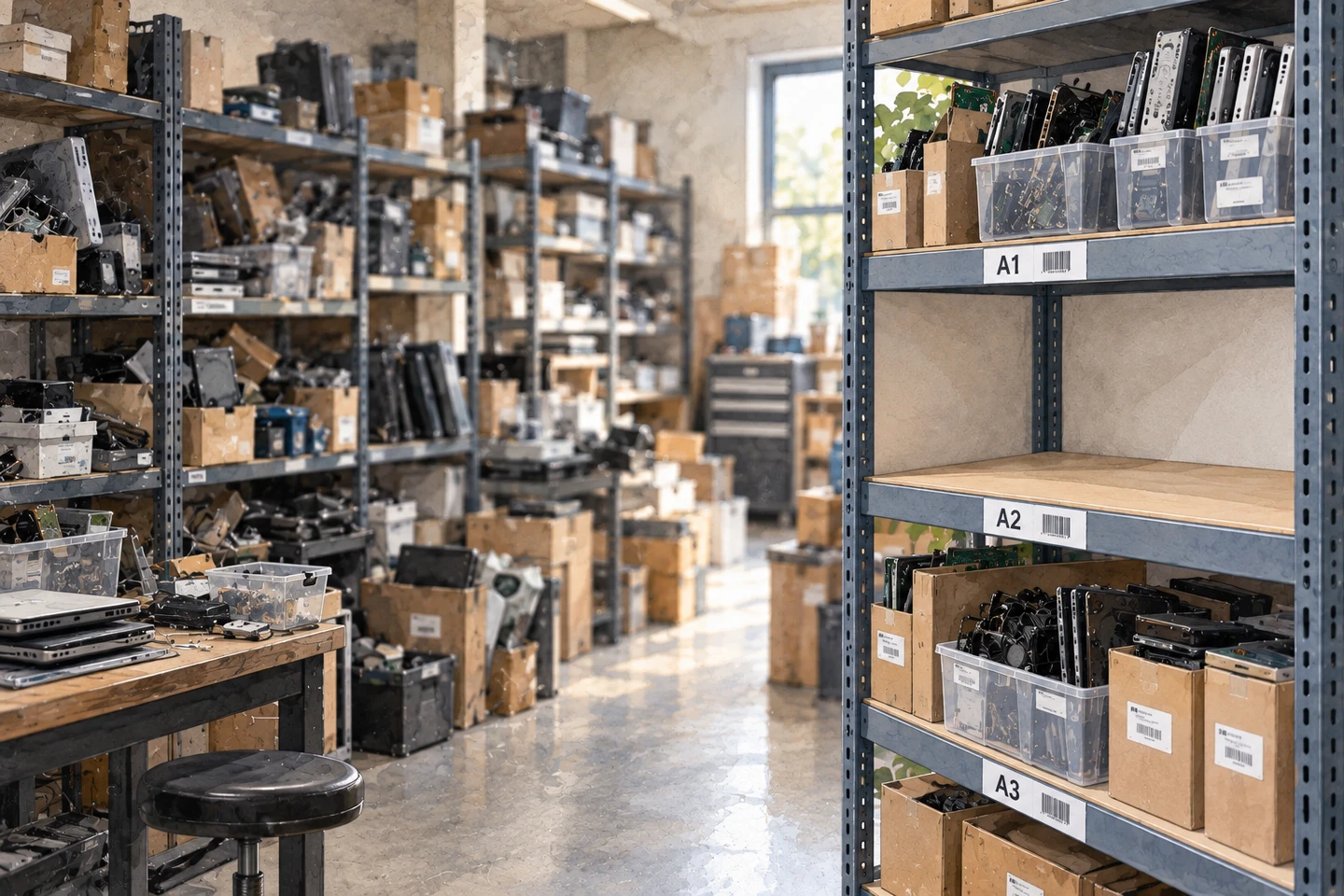
Operations7 min
How to organize warehouse inventory one shelf at a time
Read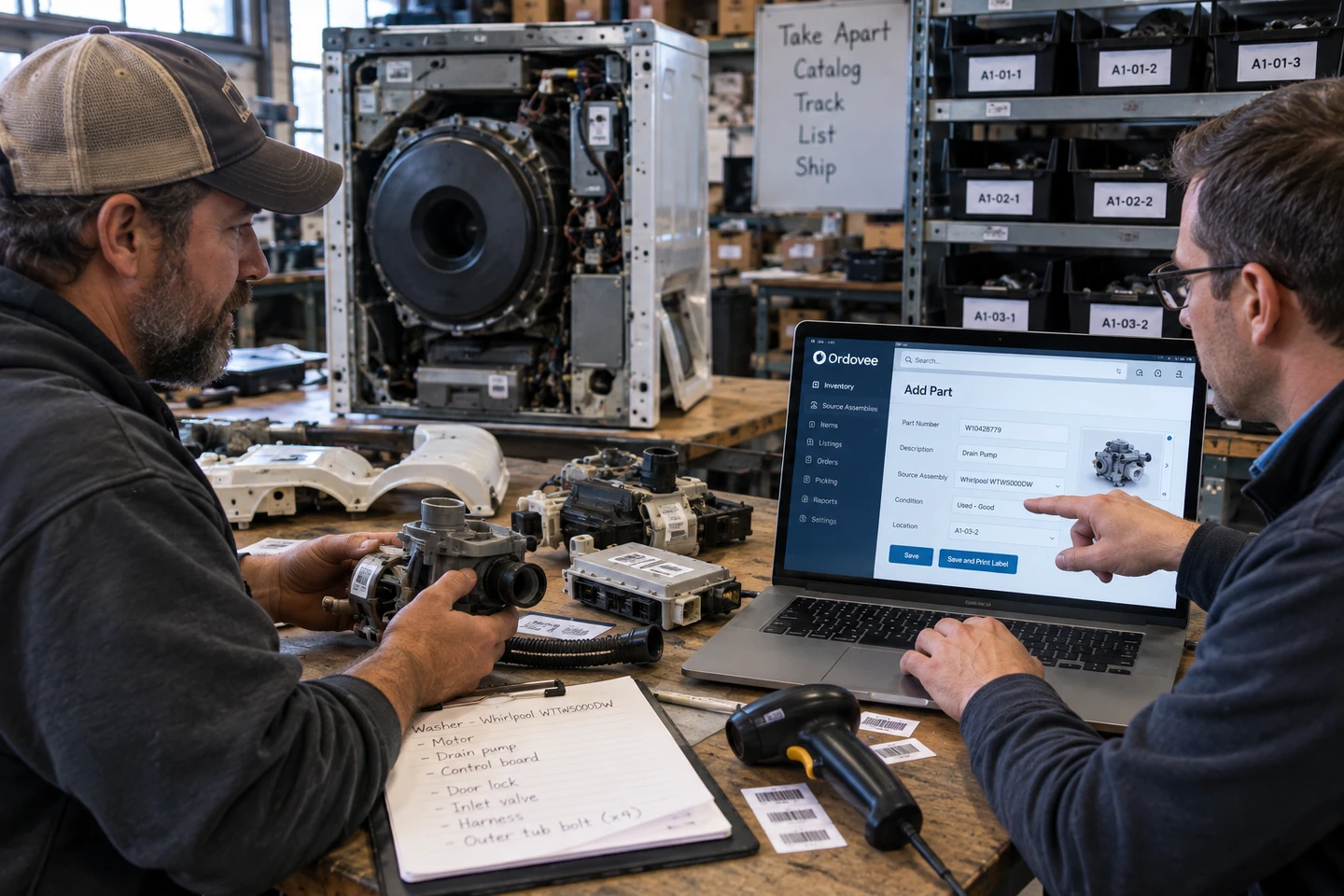
Operations9 min
What to ask a parts-inventory vendor to demonstrate before you buy
ReadThe Ordovee Guide newsletter
New guides, in your inbox, when they ship.
One or two emails a month. Practical guides crafted by the people who use ODV every day. Unsubscribe from any email.
Sign up for our newsletter and guides · we never share your address