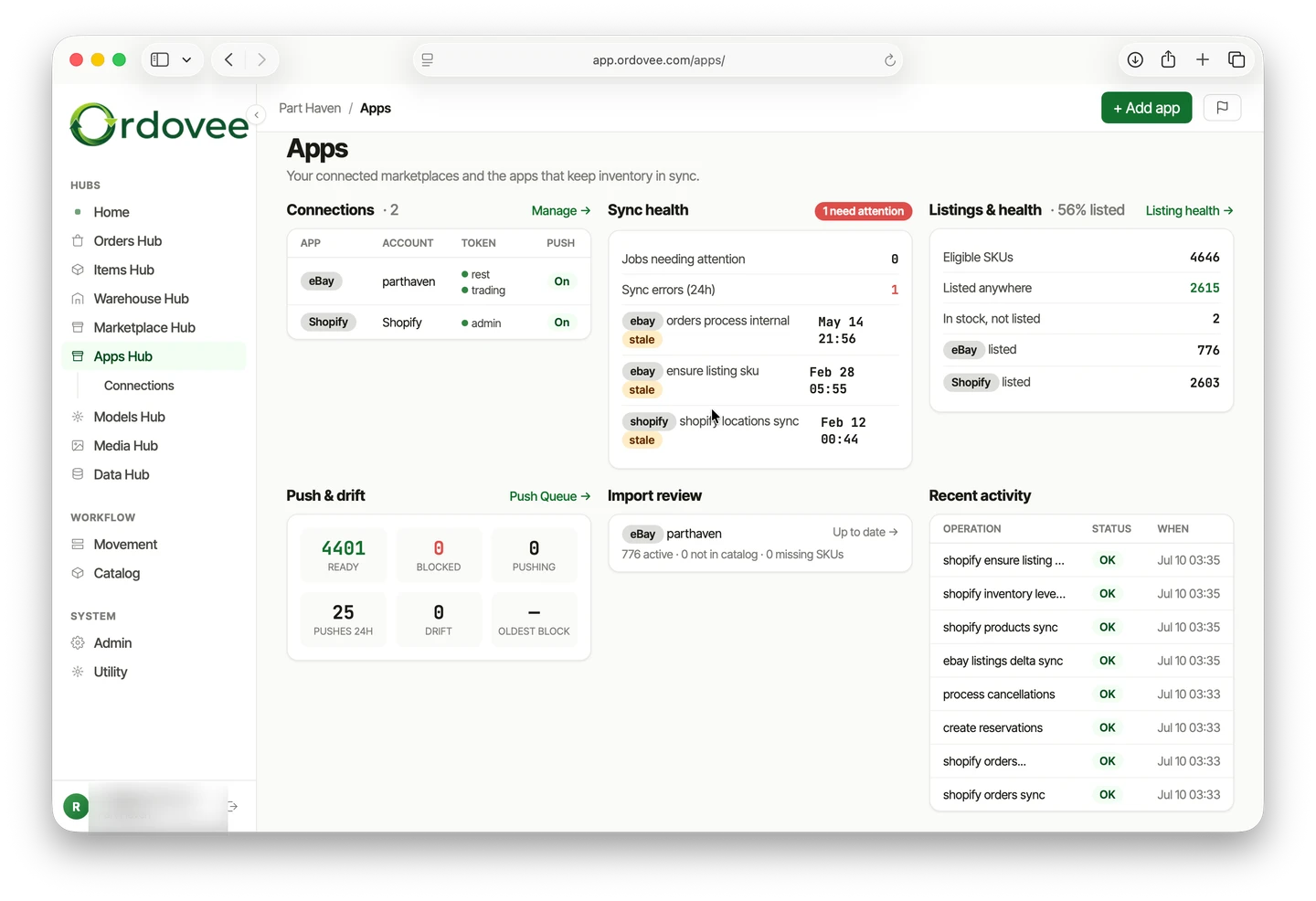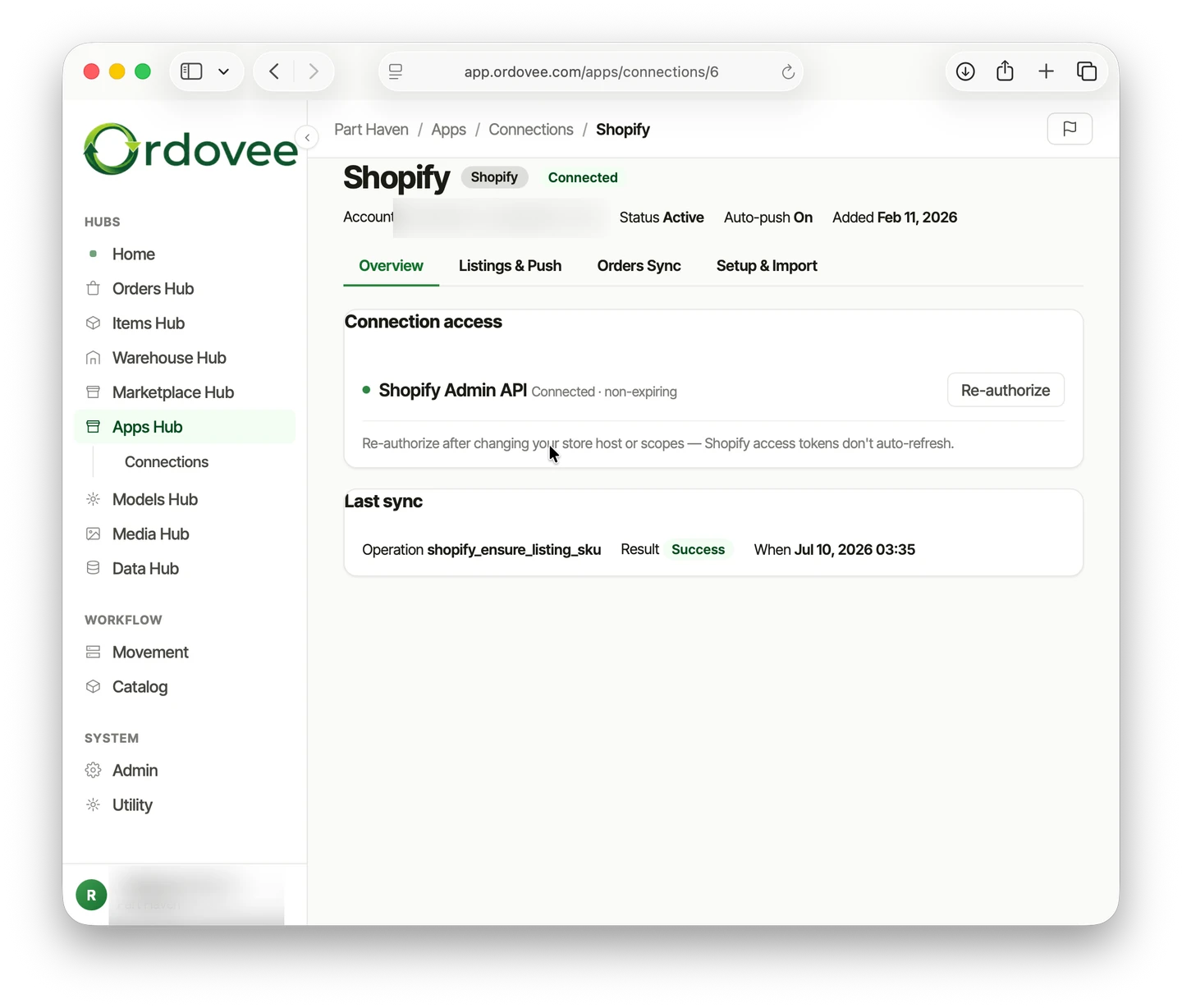
If you’re keeping eBay quantities aligned with your inventory by hand, every stock change means another trip into eBay. This walkthrough connects your eBay account to Ordovee so new orders sync in automatically and inventory quantities can push back out.
For a typical account, setup comes down to this: authorize Ordovee, sync your listings, clean up missing SKUs, create the Items you do not already have, establish opening counts, bring in recent orders, then enable auto-push.
New to how Ordovee marketplace sync works? Start with the marketplace sync overview for what syncs, what stays in your listing tools, and how Ordovee matches listings to inventory. Otherwise, let’s connect.
Connecting your eBay account
Step 1: add your eBay seller ID
From the eBay section in Ordovee, click Add Connection and enter your eBay seller user ID — the username buyers see on your listings. Ordovee creates a connection record tied to your account.
Step 2: authorize eBay REST and Trading
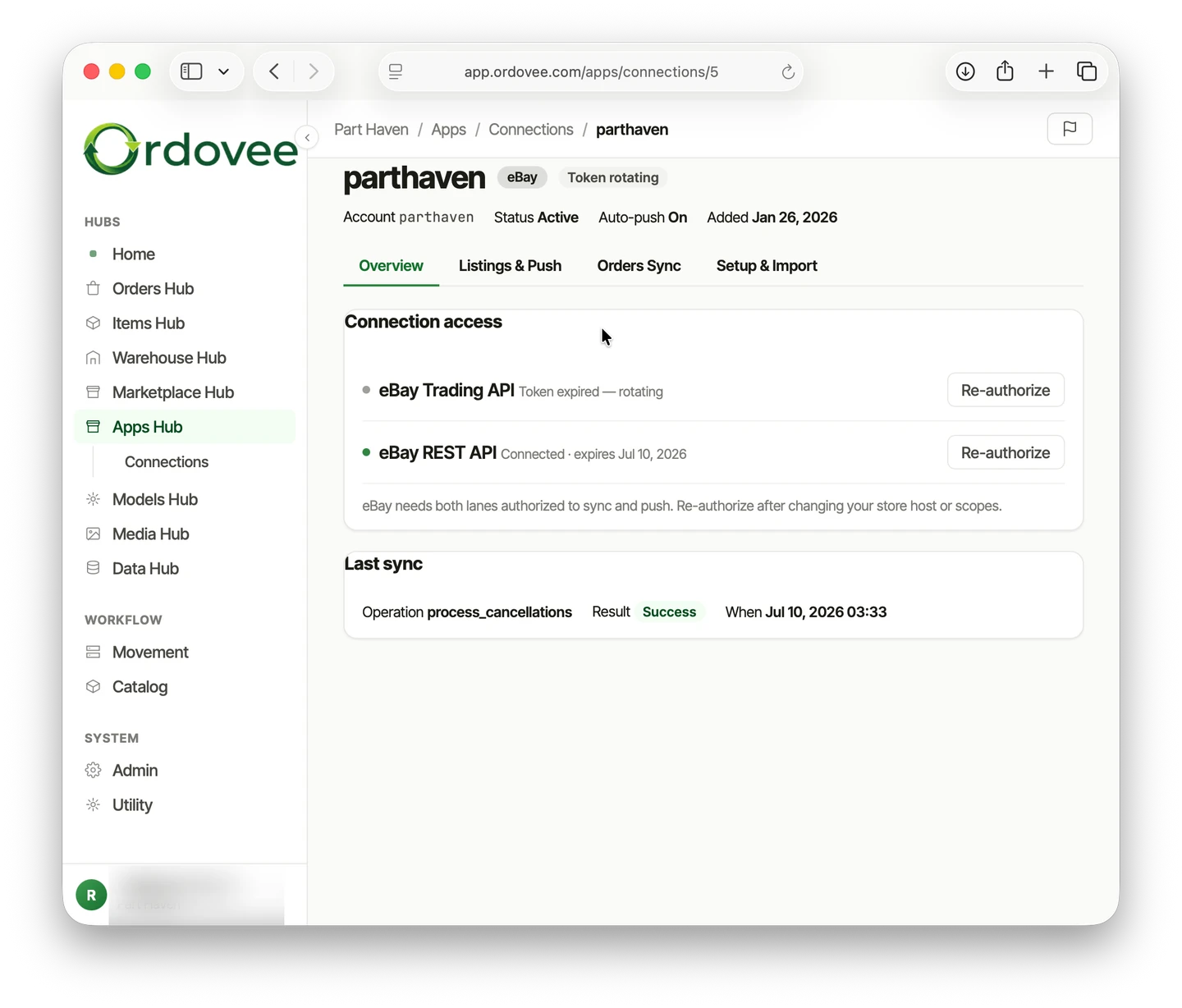
eBay uses two API authorizations for different types of data, so you’ll see two authorization steps:
- REST (Orders) — lets Ordovee retrieve eBay orders.
- Trading (Listings) — lets Ordovee read your active listings and send quantity updates.
For each one, you’ll click the connect button, log into eBay, and grant Ordovee permission. You’ll be redirected back to Ordovee automatically — no codes to copy, no tokens to paste. The page updates as each authorization completes.
Step 3: sync your listings
Once both authorizations are complete, sync your listings. Ordovee pulls in your active eBay listings — titles, SKUs, quantities, prices, and item IDs.
Ordovee uses this imported listing data as a reference copy of what is currently on eBay. You do not edit titles, prices, photos, or categories from this view; Ordovee uses it to match eBay listings to your internal inventory and, when enabled, send quantity updates back to eBay.
Step 4: clean up missing SKUs
Ordovee matches eBay listings to inventory by SKU, but eBay does not require every listing to have one.
Open Clean SKUs to review active listings that are missing a SKU. You can enter the SKU yourself or let Ordovee generate one for blank listings.
When the list is ready, Ordovee prepares an eBay Seller Hub file. Download it, upload it to eBay, then refresh your listings in Ordovee. Once eBay reports the SKUs back, Ordovee verifies what was applied.
Ordovee does not change your titles, prices, photos, or categories in this process. The SKU is the identifier it needs to connect an eBay listing to the inventory record behind it.
One exception: if several eBay listings intentionally represent the same physical inventory, those listings should carry the same SKU. Set that shared SKU on the listings in eBay, then refresh them into Ordovee. Do not let Clean SKUs generate a different SKU for each one, or Ordovee will treat them as separate inventory.
Once several listings carry the same SKU, Ordovee can push the same available quantity to all of them. How to stop overselling on eBay and Shopify covers that case in detail.
Step 5: create any Ordovee Items you do not already have
Once your eBay listings have usable SKUs, Ordovee can compare them with your internal catalog.
Preview the listings that do not already have an Ordovee Item, then create the missing Items.
Existing Items are left alone. This step builds the internal records Ordovee needs before it can manage inventory for those listings.
Step 6: establish your opening inventory
Once the Items exist, use the quantities Ordovee read from eBay to establish the starting inventory in Ordovee.
Preview the opening counts first and make sure they reflect what you actually have on the shelf.
This is the handoff from “what eBay currently says is available” to Ordovee’s own inventory record. Once Ordovee is live, inventory movements happen in Ordovee and marketplace quantities push outward from there.
Step 7: bring in your recent orders
Run the initial order sync to bring recent eBay orders into Ordovee. On a new connection, Ordovee uses its initial catch-up window to establish the order history it needs.
After that first load, Ordovee continues incrementally from its saved position instead of repeatedly scanning the same historical window.
New and updated eBay orders then continue arriving through the normal automated order cycle.
Step 8: review before going live
At this point Ordovee can see your listings, Items, opening counts, and orders.
But a new connection does not start changing eBay quantities automatically.
That is deliberate.
Before enabling quantity pushes, check:
- SKU matches — do the eBay listings match the correct Ordovee Items? Ordovee trims spaces and converts SKUs to uppercase before matching them, so
alt-1234,ALT-1234, andAlt-1234resolve to the same value. Listings that still do not match an inventory item are flagged for review, so you know exactly what needs attention. - Shared SKUs — do listings that intentionally share inventory carry the same SKU?
- Opening inventory — were the starting eBay quantities reviewed and established correctly in Ordovee, and do they match what is actually on the shelf?
- Unmatched listings — are there any eBay listings Ordovee cannot safely connect to an Item?
This is the point to fix those things.
Step 9: turn on auto-push
When the inventory and matches look right, enable Auto-push on the eBay connection. From that point forward, Ordovee can send inventory quantity changes back to matched eBay listings automatically.
Auto-push is off by default on a new connection so you can review your inventory and listing matches before Ordovee starts changing quantities on eBay.
The important boundary is simple:
Connecting lets Ordovee read eBay.
Auto-push is what lets Ordovee start writing inventory quantities back.
What happens next
With eBay connected, the daily grind changes:
- New orders sync automatically. Ordovee checks eBay on its scheduled order sync and brings new orders into the queue for picking — no need to keep checking eBay manually. (The order lifecycle follows one from arrival to shipment.)
- Quantity changes push automatically once auto-push is enabled. Receive stock, reserve an order, or correct a count in Ordovee, and the updated available quantity goes to matched eBay listings on the next push. That replaces the manual delay between an inventory change and an eBay update with Ordovee’s automated sync and push cycle.
Selling on Shopify too? The Shopify sync setup follows the same pattern. Once both channels are connected, eBay and Shopify work from the same inventory in Ordovee.
→ How an order moves once it lands in Ordovee: The order lifecycle → The inventory records behind every sync: Ledger-based inventory → See the whole system end to end: Product overview → Have a question about connecting your account? Let’s talk
See Ordovee in your operation.
The fastest way to know if Ordovee fits your shop is to see the workflow with your own data — no slides, no scripted demo.