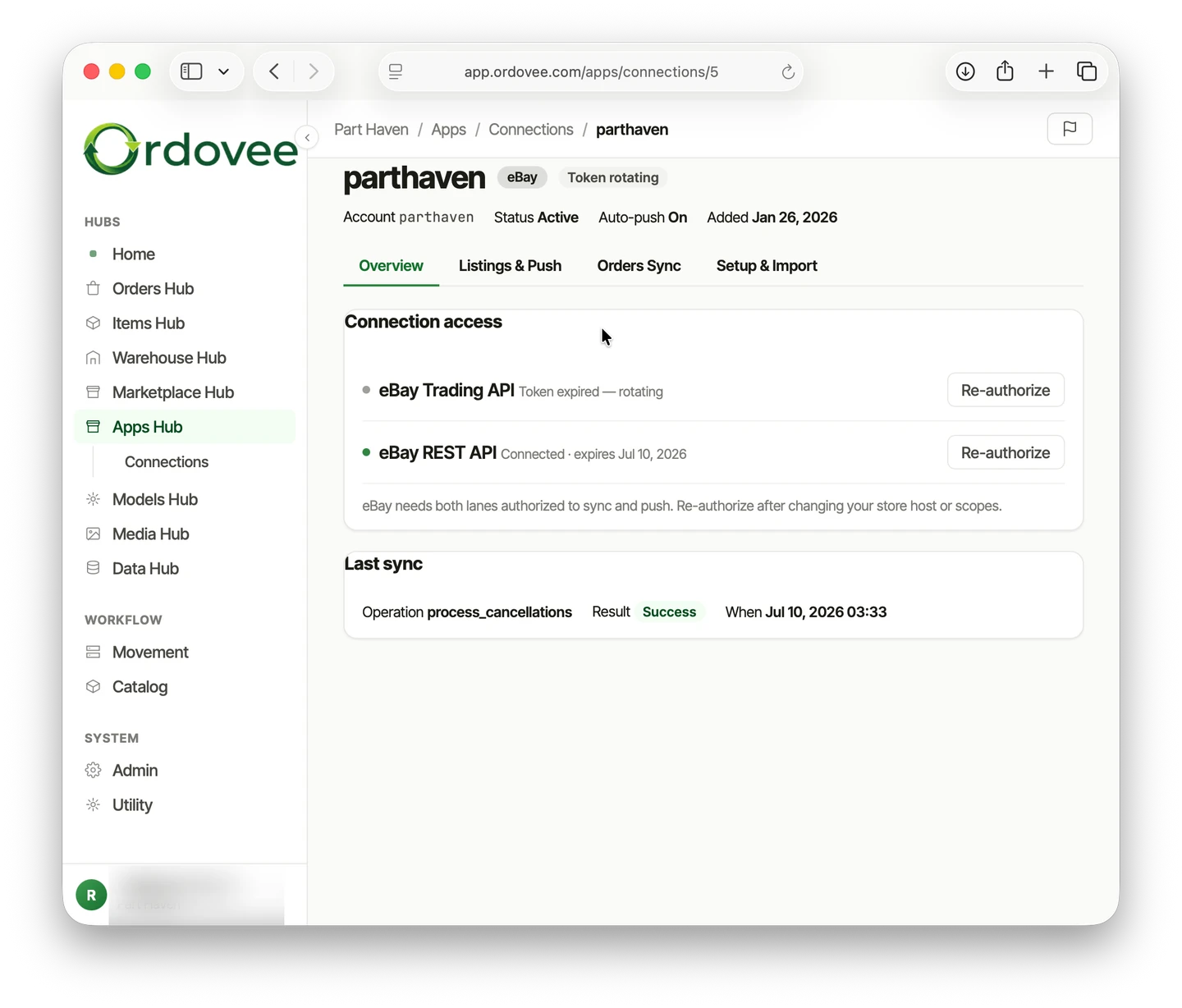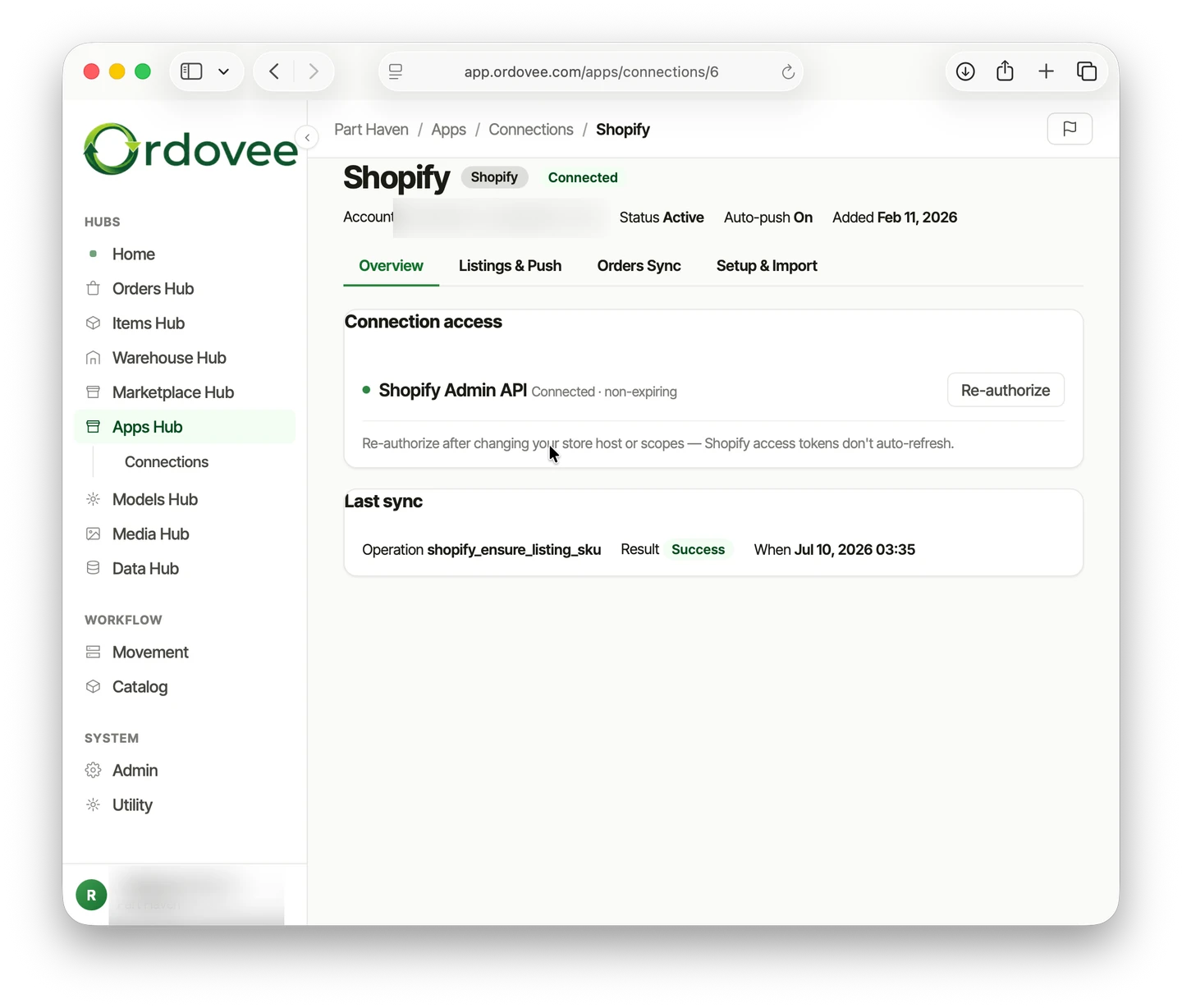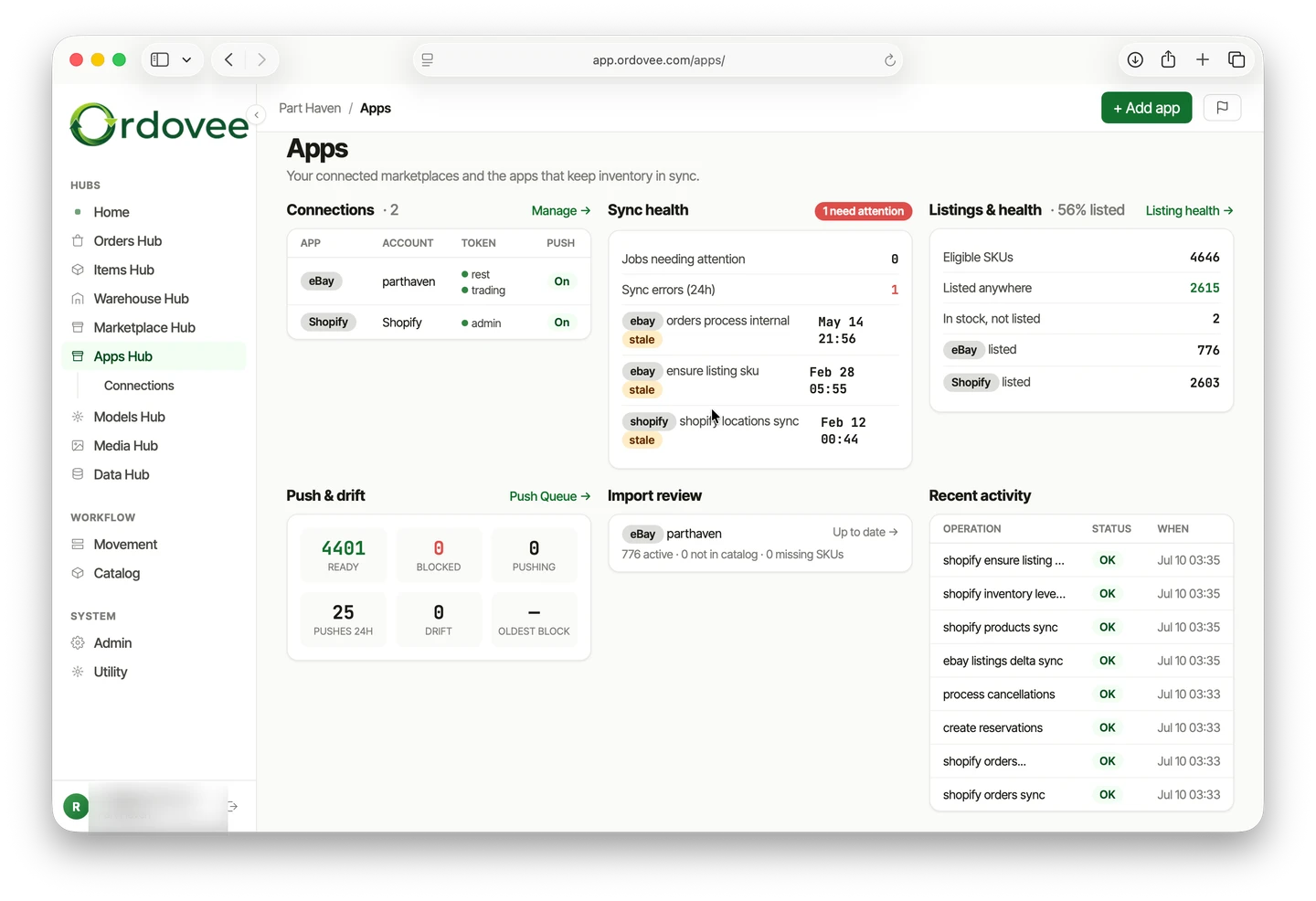
You sell on eBay, or Shopify, or both — and right now you’re updating quantities by hand. Every sale means logging into another dashboard, adjusting another number, and hoping nothing sold twice in the meantime. It doesn’t have to work that way. Ordovee’s eBay and Shopify integration connects directly to your marketplace accounts, so orders flow in and, with auto-push on, quantities flow out on their own.
This is the overview: what Ordovee syncs, what it leaves to your listing tools, how it matches listings to your inventory, and what changes once it’s running. When you’re ready to connect, each marketplace has its own step-by-step:
- Connect your eBay account → — seller ID, authorization, and your first syncs.
- Connect your Shopify store → — store domain, locations, and push location.
What Ordovee does (and doesn’t do) with your marketplace
Before you connect anything, it’s worth being clear about what “sync” means in Ordovee.
Ordovee does:
- Import your active listings so you can see them inside Ordovee
- Pull in orders automatically as buyers purchase
- Push updated quantities back to your listings when stock changes
- Match listings to your internal inventory by SKU
Ordovee does not:
- Create marketplace listings for you
- Manage listing content such as titles, descriptions, photos, categories, or pricing
- Replace the listing tools you already use
Think of Ordovee as the inventory layer behind your storefronts. Your marketplace listings stay where they are; Ordovee keeps the inventory behind them connected.
Does selling on eBay update my Shopify stock automatically?
No — eBay and Shopify do not natively keep each other’s inventory quantities in sync. Ordovee gives both channels the same internal inventory to work from. When an order reaches Ordovee, the available quantity changes, and with auto-push enabled, the updated quantity goes to the other marketplace on the next push.
How SKU matching works
Ordovee connects your marketplace listings to your internal inventory using SKUs. When a listing’s SKU matches an item’s SKU in Ordovee, they’re linked — and, with auto-push on, quantity changes in Ordovee flow out to that listing.
For Shopify, Ordovee reads the SKU stored on each product variant during product sync. Most established stores already have SKUs assigned, but Ordovee also handles variants where the SKU is missing.
For eBay, SKUs are optional on listings. If some of your listings don’t have one, Ordovee’s setup flow can generate the missing SKUs and prepare the Seller Hub file used to apply them to eBay. The eBay setup walkthrough covers the process.
The key point: Ordovee never guesses at matches. SKUs must match exactly (after trimming spaces and converting to uppercase). If a listing SKU doesn’t match any item in Ordovee, it won’t push quantities to that listing — and Ordovee will tell you which ones need attention.
What happens after setup
Once your marketplace connections are live, the daily workflow changes:
- Orders arrive automatically. New marketplace orders appear in Ordovee automatically, ready to move into your normal picking workflow. (For a deeper look at what happens from that point forward, see our walkthrough on the full order lifecycle.)
- Quantities push automatically once auto-push is on. When you add stock, fulfill an order, or make an adjustment, Ordovee updates your marketplace listings on the next push. The window where you could oversell narrows sharply.
- Marketplace activity is logged. Syncs, quantity pushes, and order imports leave timestamped activity records, so you can see when a connection last ran and what happened.
You can still run supported syncs manually when you need to. Most day-to-day activity, though, is meant to happen without intervention. Connect once, turn on auto-push, and the automation engine handles the rest.
Running both marketplaces at once
If you sell on both eBay and Shopify, Ordovee manages both connections against the same internal inventory. Sell a part on eBay and the Shopify quantity updates. Receive new stock into Ordovee and both marketplaces reflect it.
This is where the ledger-based inventory system earns its keep. Every movement — whether triggered by an eBay order, a Shopify sale, a manual adjustment, or a CSV import — gets recorded in the same permanent ledger. Your marketplace quantities are driven by that single system of record.
No more reconciling two dashboards against a spreadsheet. One inventory, one ledger, two storefronts.
Selling one-of-a-kind parts on both channels? How to stop overselling on eBay and Shopify covers the single-quantity case end to end.
Ready to connect?
Start with the marketplace you sell on most:
→ Connect your eBay account: eBay sync setup → Connect your Shopify store: Shopify sync setup → See the whole system end to end: Product overview → Have a question about connecting your accounts? Let’s talk
See Ordovee in your operation.
See how it works with your own inventory and workflow — no slides, no canned demo.