You pull a part, you recognize it, you have seen it before — and you already know three or four other units it would fit. That knowledge took years of teardowns to earn, and it is worth money every time a fitment question comes in. The problem is that none of it is documented: a shop that moves forty parts a day forgets which module fit which machine two months ago, and the answers walk out the door with the people who hold them.
The fix is to document the relationship once, in a form anyone on the team can search from either end. That is what a compatibility cross-reference does — and for most of the parts world, it is the one you build yourself.
What is a parts compatibility cross-reference?
A parts compatibility cross-reference links a part to every source assembly it fits, and every source assembly back to every part it yields — so one record answers the question from either direction.
Read it one way and it tells you what a part fits. Read it the other way and it tells you what parts fit a unit. The relationship is the same fact stored once; you just enter it from a different door depending on what you have in your hand — a loose part on the shelf, or a whole machine on the dock.
Ordovee stores that fact as the named capability at the center of its Structured Disassembly Management model: the cross-reference between a Part and a Source Assembly — the car, computer, HVAC unit, or tractor a part came off or fits. Because ODV keeps it as structured data rather than a line of free text in a description, the same relationship is searchable from both sides without you ever entering it twice.
How do you find out what a pulled part fits?
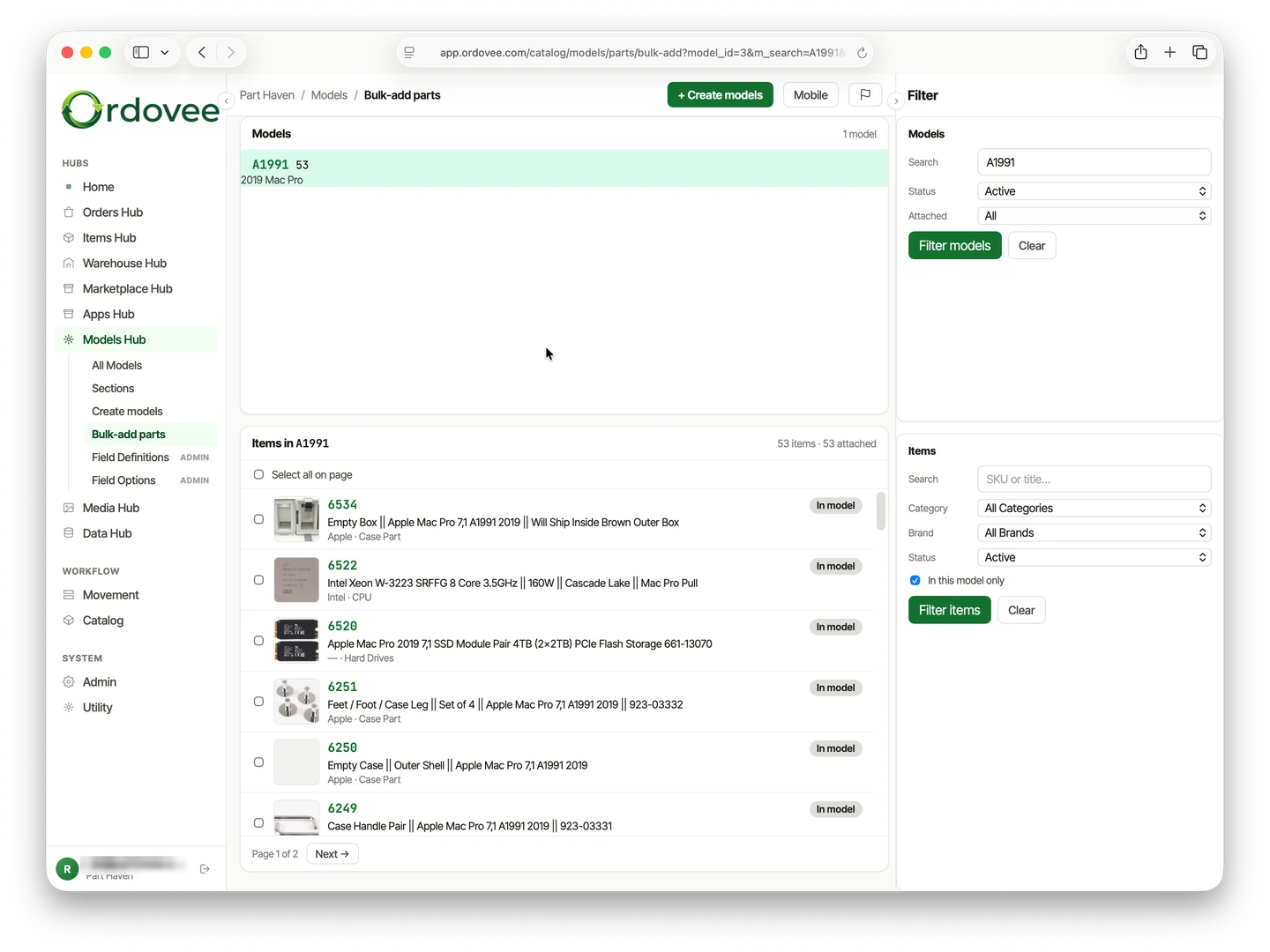
You record the fit once, at teardown — attach the part to the source assembly it came off, plus any others you have already verified. After that, anyone who searches the part sees every compatible unit.
This is the reverse-lookup direction, and it is the one a spreadsheet handles worst. When you pull a control board out of a machine, you are holding the most complete knowledge you will ever have about that part: you know precisely what it came out of. In Ordovee that becomes a permanent link the moment you attach the part to its Source Assembly. A verified fit you noticed on a second unit last week gets attached too. Six months on, when a fitment question about that board comes in, whoever takes it opens the record in ODV and reads off every unit it fits — no re-research, no digging through old notes, no waiting on the one person who would remember.
The cost is a few extra seconds while the part is in your hand. The saving is every future minute you — or whoever fields the question after you — would have spent reconstructing a fact the shop once knew cold.
What parts fit this model?
Open the Source Assembly record and its attached-parts list is the cross-reference — every part you have pulled and confirmed fits that unit, documented and ready to read off the next time anyone asks.
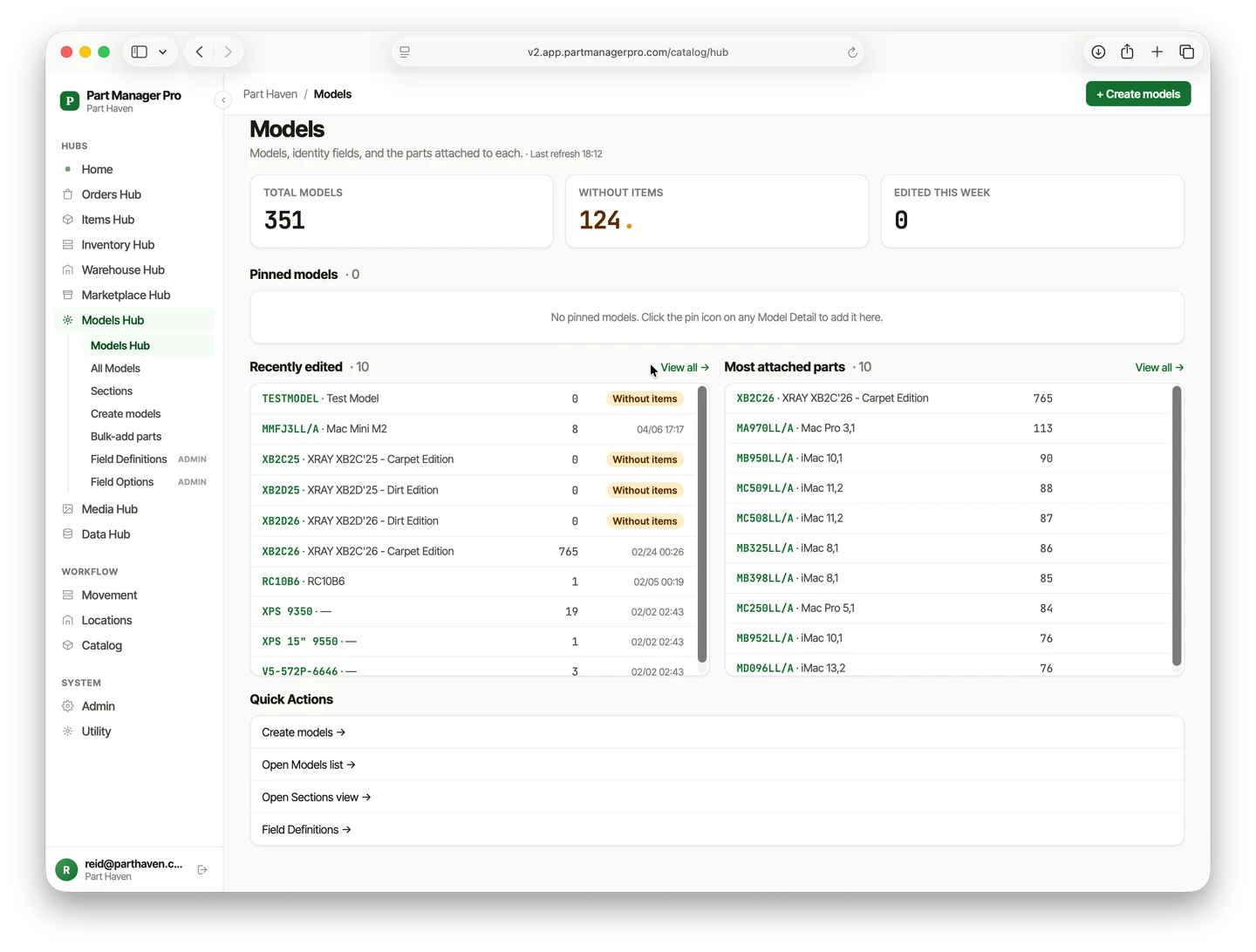
This is the forward direction, and it is where the app screen called the Models Hub earns its keep. A customer rarely asks by spec; they ask by machine. When a customer asks whether you have a pump for a specific washer, or a regulator for a specific tractor, you open the unit’s record and read the list. Ordovee shows the parts you actually stock against that model, so the answer is a pick list, not a memory test. Every link on that list carries who made it and when, which is the same accountability ODV keeps for your stock counts.
Build the record once and it answers for that unit from then on — no matter who on the team is asked, or how long ago the teardown happened. The same list also tells you, at a glance, which units you have already worked and which are still uncharted.
Is there a fitment cross-reference tool for parts that aren’t car parts?
Auto sellers have interchange feeds; appliance, electronics, and equipment sellers have none — so the reliable cross-reference is the one you build from your own teardowns and keep beside your stock.
The data companies that sell fitment feeds build them where the volume is: late-model cars and current trucks. Appliances, vintage electronics, marine engines, ag equipment, powersports — the parts that walk through most teardown shops — are barely covered or not covered at all. That is a plain fact about where the feeds point, not a knock on anyone; the coverage simply isn’t there to license.
Which leaves one dependable source: the teardowns you do every day. Each unit you take apart is a fresh, verified compatibility record — grounded in a part you held, not a spec sheet you trusted. Over a few hundred teardowns those records cover the parts you actually stock better than any bought feed could, because they were built from your work. The catalog you build walks through why that catalog beats a licensed one, and designed for disassembly shows where the cross-reference sits in the wider teardown-to-sale workflow. For the marketplace side — since eBay’s own fitment catalog covers motor-vehicle parts only, powersports included — see does eBay have parts compatibility for non-car parts.
Electronics: which models share the same part?
A single memory module pulled from one laptop often fits a dozen other machines — so the module on your shelf is the answer to a dozen different fitment questions, if the record knows all twelve and not just the person who pulled it.
Take a DDR3-1600 SODIMM you pulled from an HP EliteBook. A licensed database can tell you the spec — 1.5V, 204-pin. What it cannot tell you is the specific machines you have personally pulled that exact module from and verified. You know, because you have torn down hundreds, that the same module also seats in:
- The Lenovo ThinkPad T430 series
- The Dell Latitude E6430 generation
- A stack of OptiPlex 7010 small-form-factor desktops
In Ordovee, each of those units is a Source Assembly, and the one module links to all of them. Open the module and you see every machine it fits; open any one machine and the module shows up in its parts list. ODV stored the fact once; you read it from whichever end the moment hands you. That is the same shape whether the part is a laptop RAM stick, an appliance control board that spans two brands, or a pump shared across a generation of equipment.
Building compatibility right the first time
Record the fit at teardown, store it as a structured link rather than a note buried in a listing, and every cross-reference you add connects to every one already there — so the catalog compounds instead of resetting.
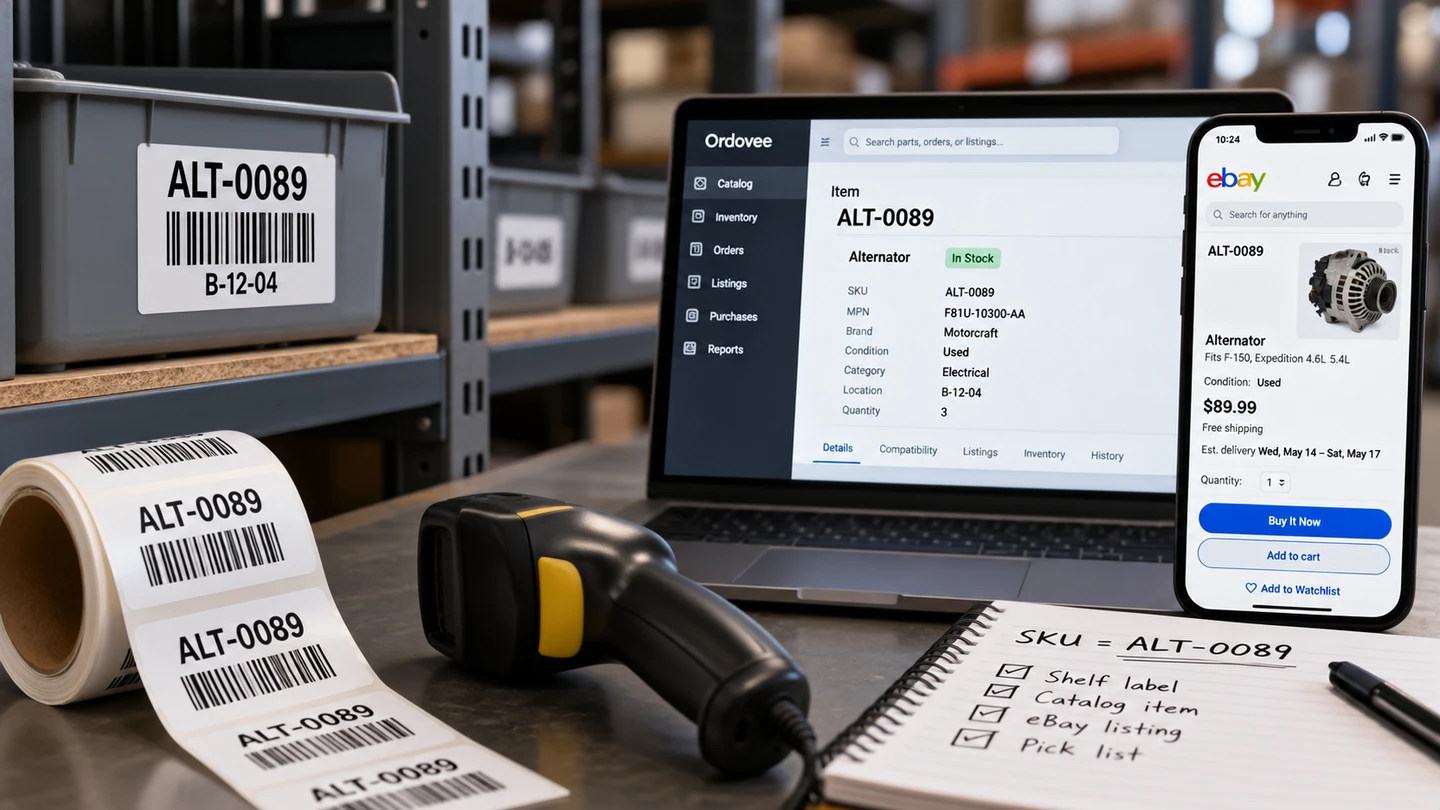
The order of operations is what makes it hold up. If you capture compatibility as free text in a listing description, it disappears with that listing and has to be retyped for the next part. If you capture it as a link between a Part and a Source Assembly, it becomes a record you search, reuse, and extend. The distinction is the same one that makes a ledger-based inventory record more trustworthy than a running tally in a notebook: structured data you can query beats prose you have to reread.
Month one, you have five teardowns and a handful of cross-references — a curiosity. Month twelve, you have a couple hundred units and thousands of links, every one verified on a real part. A cross-reference gets more valuable the more of them you have, because each new one connects to every old one. A part count is worth the same whether you have recorded one or a thousand; a cross-reference is not. That is why building it in the right form from the first teardown pays back on every teardown after.
The knowledge was always yours. Documenting it once, in both directions, is what turns it from something someone remembers into something the business owns.
Your cross-references already exist — in notebooks, in spreadsheets only one person can read, in experience that has never been written down. The next step is documenting them somewhere permanent, where the whole team can find them. Here’s where to go next:
→ See how the catalog is built, one teardown at a time: The catalog you build → What the gaps in that record cost you: parts demand depends on fitment data → Why no shared interchange covers these parts: Why don’t used computer parts have an interchange? → See where the cross-reference fits in the full teardown-to-sale flow: Designed for disassembly → Want to map your own parts and models to the workflow? Let’s talk → See how every piece connects: The product overview
See Ordovee in your operation.
The fastest way to know if Ordovee fits your shop is to see the workflow with your own data — no slides, no scripted demo.