Not all inventory drifts at the same speed
A part that sells once a year sits on its shelf, undisturbed, and its count stays right. A part you add, pick, transfer, and adjust ten times a week gets handled constantly — and every one of those touches is a chance for the count to slip. So if you’re going to spend twenty minutes verifying stock, the smart place to spend it isn’t a random shelf. It’s the parts that have been moving.
That’s the whole idea behind usage-based cycle counting — and it’s the fastest way to catch drift before it turns into an oversell.
What is usage-based cycle counting?
A full cycle count walks the whole warehouse location by location, so everything gets verified eventually. Usage-based cycle counting (the industry also calls it high-touch counting) flips the selection: instead of counting by location, it counts by activity — the more a part has moved, the sooner it comes up for a check. It’s a cousin of velocity-based counting, which prioritizes the fastest sellers, except usage-based keys on every kind of movement, not just sales.
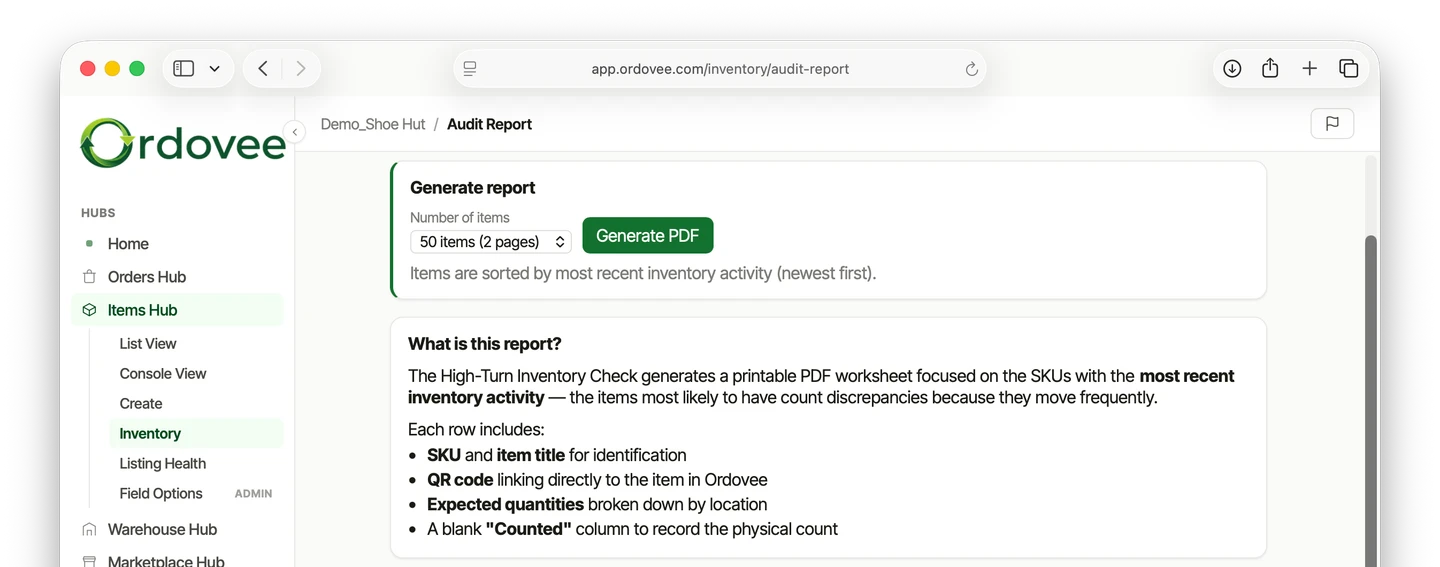
We’ve decided to call this the High-Turn Inventory Check in Ordovee. One difference: instead of ranking parts by how much they have moved, it lists the parts with the most recent inventory activity first.
How Ordovee runs it
Open the Activity Audit page and choose how many items you want on one report — 25 items usually fits on one page and takes about 15–20 minutes to count. ODV pulls the most recently changed SKUs straight from the ledger and prints them in a grid.
Unlike a full cycle count, there’s no bookmark. Every time you generate the report, you get the current list of high-turn items. Run it as often as needed and you’re always checking the parts that moved most recently.
What the report looks like
Each tile shows a SKU, a short title, the item’s location, the expected quantity, and a blank for the counted number — plus a QR code in the corner.
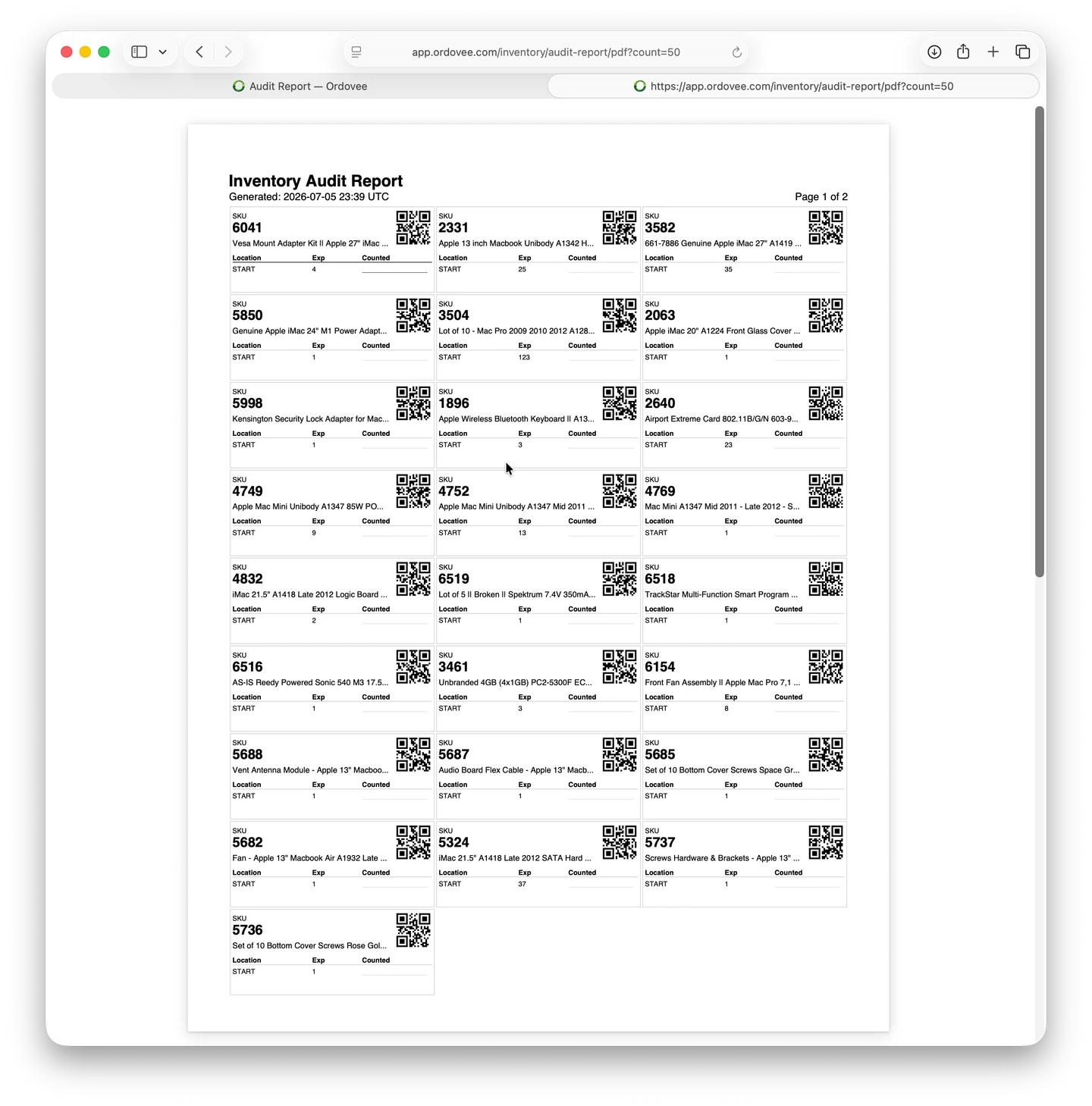
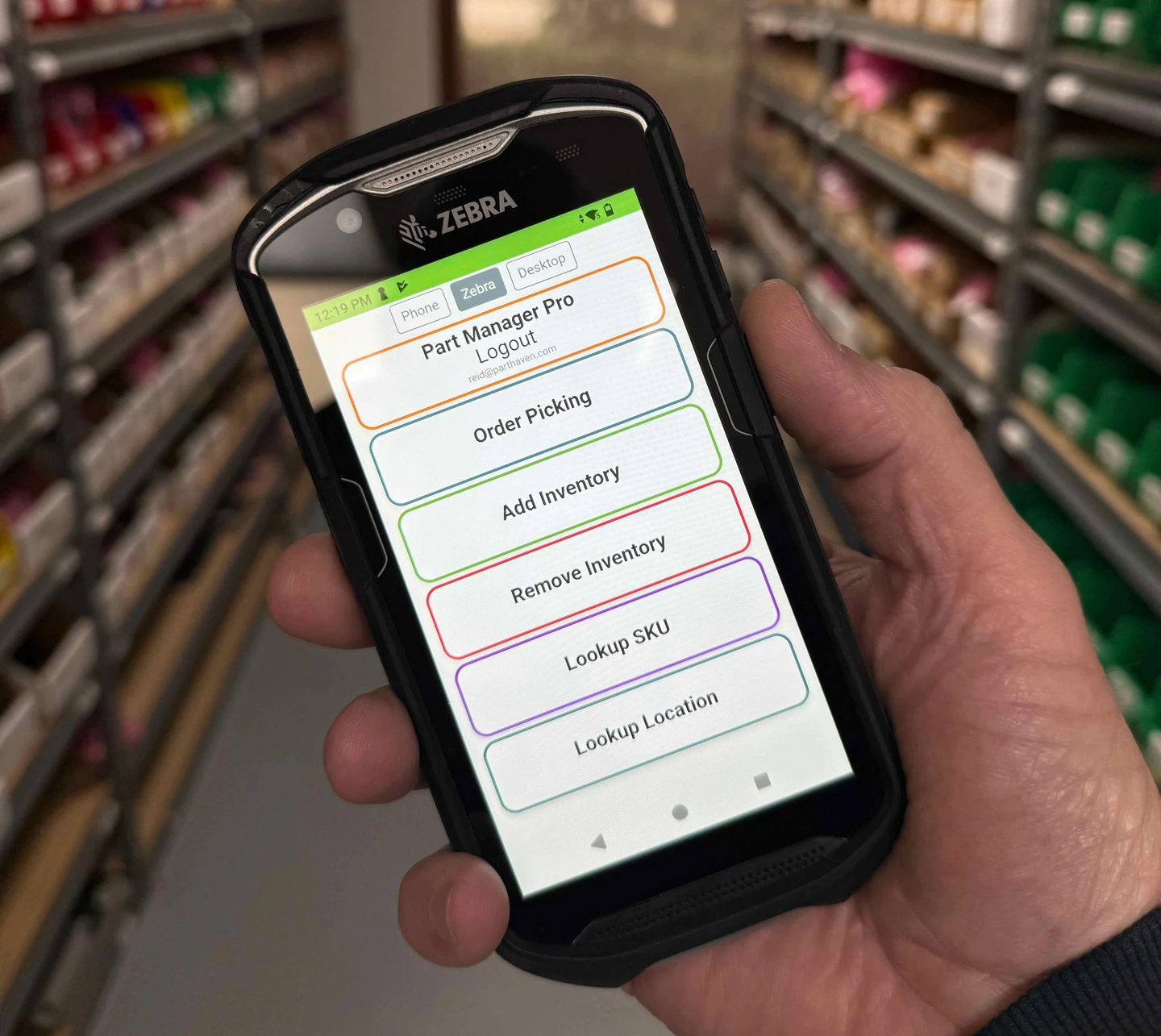
That QR code holds the part’s SKU. Scan it with Ordovee on a phone or handheld and you get the part’s full title and every location holding it, with the quantity at each — no typing the SKU. That’s the shortcut when a count comes up short and you want to see where else the part is stored, or when a truncated title on the sheet needs the full name.
Found a mismatch? Use the ADJUST action to enter the difference from the expected quantity (two short is −2), with a reason. It writes to the ledger with your name and a timestamp, and the reservation and order flow pick up the change.
Why this one matters
Fast-moving SKUs are where drift compounds. A small error on a part that sells once a month might sit unnoticed for a year. The same error on a part that sells twice a week becomes an oversell within a month — a cancelled order, a bad review, a refund. Running a High-Turn Inventory Check on a regular cadence lands your spot-checks on the parts with the most recent inventory activity.
It’s the perfect complement to the full Cycle Count: the cycle count guarantees everything gets verified over time, and the High-Turn check puts the parts that moved most recently first in line, so they don’t wait that long.
Is usage-based counting the same as ABC analysis?
Not quite. ABC analysis ranks items by value and counts the high-value class more often. Usage-based counting ranks by movement — every add, pick, or adjustment is a chance for a count to drift, so the most-handled parts surface first, whatever they’re worth. You also skip building and maintaining a value-class matrix.
→ Cover the whole warehouse over time: Cycle Counting in Ordovee → Compare the methods (and where a full physical inventory fits): Physical Inventory vs. Cycle Count → See how every count ties back to the record: Ledger-based inventory → Want to set a counting cadence for your shop? Let’s talk
See Ordovee in your operation.
The fastest way to know if Ordovee fits your shop is to see the workflow with your own data — no slides, no scripted demo.