The one-line answer for parts labels
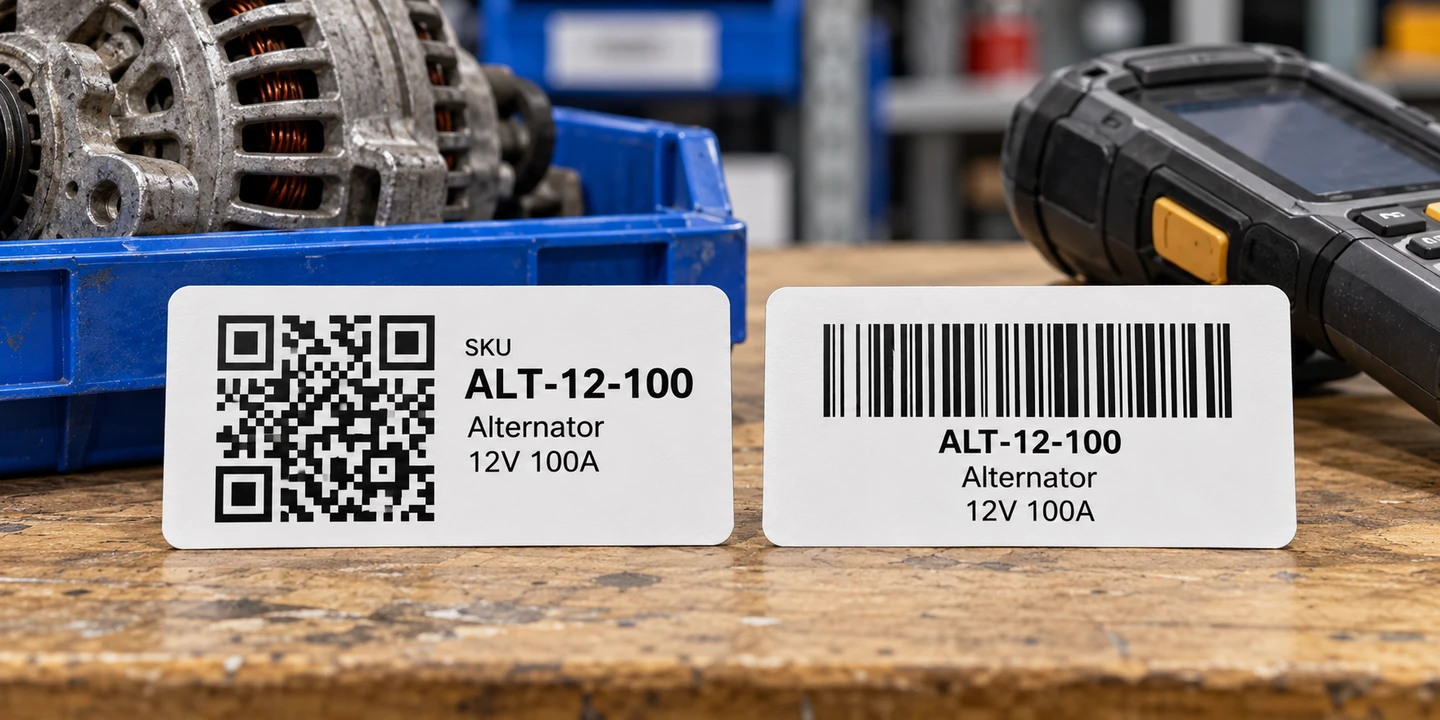
For small part and location labels, a QR code is a good default. It works well on compact stickers and can be read in any rotation by a 2D scanner or through Ordovee’s mobile web app using a supported phone or tablet camera. It also includes error correction that can help with minor damage. Code 128 is another good choice, especially for short SKUs or when existing equipment requires a barcode.
That’s the whole decision for most shops. The rest of this guide explains why, and covers the cases where a barcode is still the right call.
What QR codes and barcodes actually are
A barcode is the familiar row of tall stripes; a QR code is the square grid of little black-and-white cells. Both are just a way to print a code a scanner can read back — the difference is how much they can carry and how they have to be read.
A barcode stores a short string in the width of its bars, with the data running left to right only — which is why label tools call it 1D, for one-dimensional. The scanner has to see the whole strip end to end, so the code needs a certain minimum width to stay reliable. Squeeze it too narrow and the bars blur together.
A QR code is two-dimensional: it stores data across a grid, both directions at once. That packs far more into the same footprint, and because the pattern reads in two dimensions, a 2D scanner can decode it in any rotation — upside down or sideways. If you want the formal definition, the barcode symbology glossary entry breaks down each format.
Why do parts shops reach for QR codes?
A QR code earns its keep on three fronts: it holds more data, it reads in any rotation, and its built-in error correction helps with the scuffs a warehouse hands out. On a small label, those three can add up to fewer failed scans.
Density. Whether you’re encoding a SKU or a location code, a QR code can hold the reference on a compact label. Code 128 can handle short references just as well, but longer values require more horizontal space.
It reads in any rotation. When a picker grabs a part off the shelf and points a handheld at it, the label is rarely square to the scanner. A QR code has no right way up. A 2D scanner can recognize the pattern in any rotation, which is useful when labels are attached at awkward angles. Traditional laser scanners need their scan line to cross the bars of a barcode; modern image-based scanners are more flexible with both formats.
Error correction helps with wear and damage. A part is a car alternator, a computer power supply, an HVAC blower, a tractor hydraulic fitting — it picks up grease, gets bumped, sits under fluorescent light for a year. A QR code includes error correction, which gives the scanner a chance to recover the encoded data when part of the symbol is damaged. That can help with the scratches and smudges common in warehouse work, although neither format is immune to poor printing or physical damage.
On a busy day, fewer re-scans is fewer stalls in the pick.
See it for yourself → Print the same code as a QR code and as a barcode, side by side: open the free label generator.
When does a barcode still make sense?
Code 128 is a practical choice for short SKUs, and a barcode may be required by an existing scanner, system, or trading partner. If that’s you, use Code 128 — it’s denser and has a built-in check that helps detect misreads, so it fits a narrow label better than Code 39.
A few situations call for a barcode:
- An older scanner without a 2D imager. A laser-only scan engine reads stripes but not grids. Most phone and tablet scanning apps, and current Zebra handhelds, read both — but if you’re standardizing on hardware that only reads barcodes, print barcodes.
- A trading partner or system that expects a barcode. Some receiving systems, ERPs, or partners want a specific barcode format on the label they scan. Give them what they read.
- A true retail product code. If you’re encoding an actual 12-digit retail product code, that’s what UPC-A is for. Use it only for that — not for your own internal SKUs or location codes.
If you land on a barcode, the choice between the two general-purpose formats is simple. Code 128 packs data more efficiently and includes a required check character to help detect scanning errors. Code 39 generally needs more space, and its check digit is optional. For internal SKU and location codes, Code 128 is usually the more practical choice. Reserve UPC-A for retail product codes only — it can’t encode letters or a location like A-12-03 anyway.
What Ordovee prints
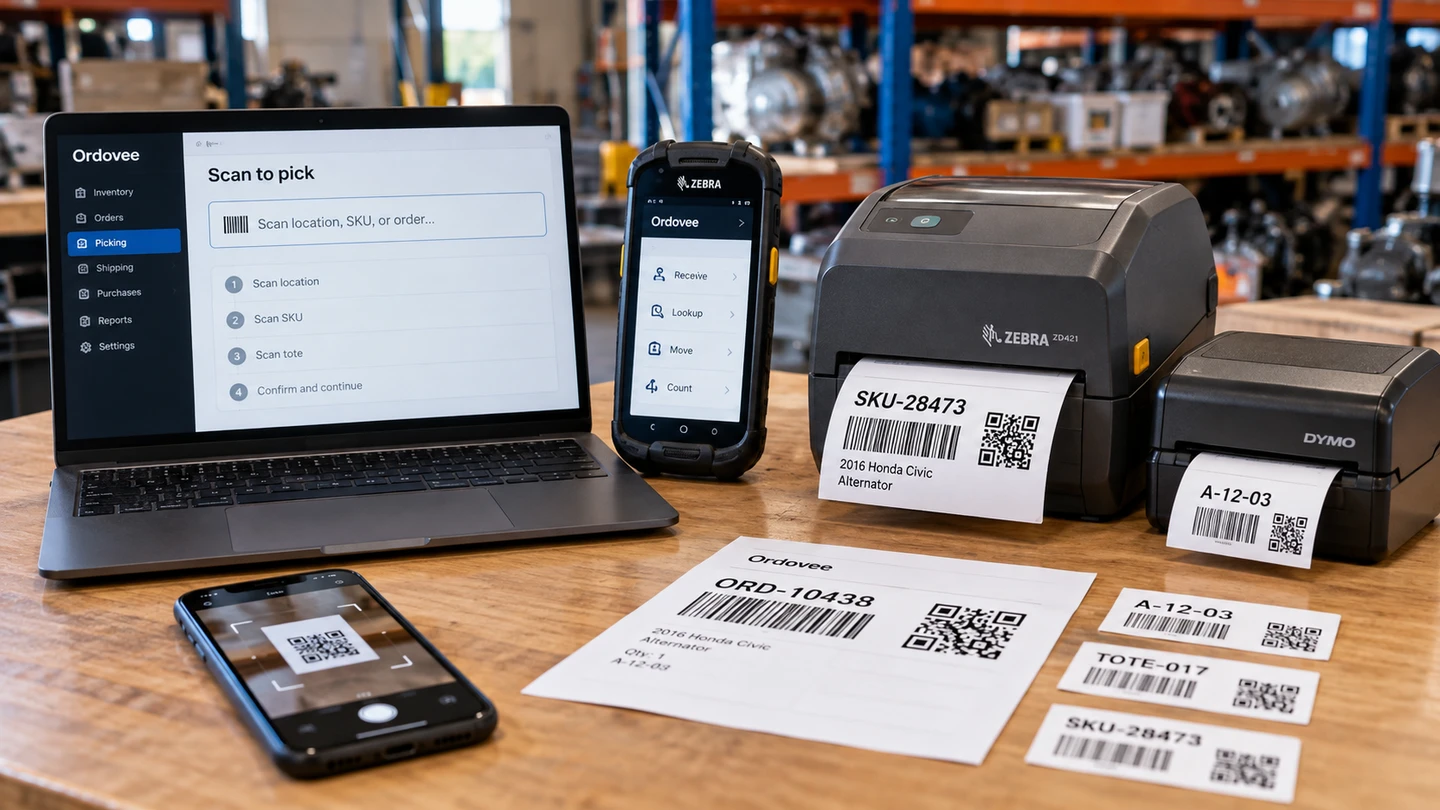
The QR code is the standard format for SKU and location labels generated inside Ordovee. The same labeling workflow supports ordinary warehouse inventory and specialized parts operations. For a scanner or trading partner that requires a barcode, the separate free label generator offers Code 128, Code 39, and UPC-A barcodes alongside QR codes.
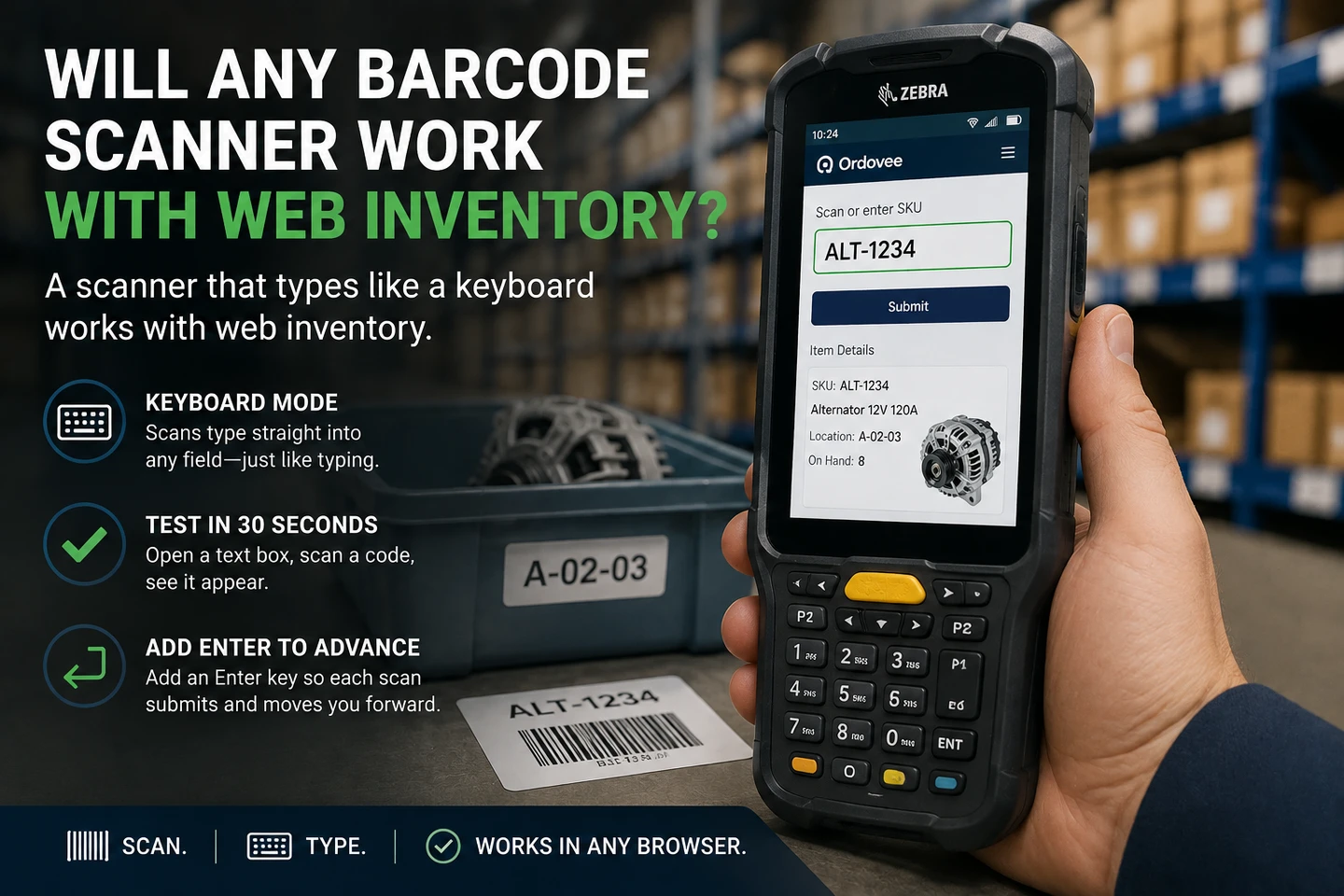
On supported mobile devices, Ordovee’s camera scanner reads QR codes and common barcodes. A Zebra handheld equipped with a 2D imager can read both formats when the appropriate decoders are enabled, so a shelf full of QR code labels and the occasional barcode label from a partner both scan on the same device. The decoder settings that make that work live in the Zebra DataWedge setup guide; make sure the symbologies you actually print are enabled, so a switched-off decoder is never the reason a label won’t scan.
One more factor decides how small you can go: the label itself. No single printed QR code size guarantees a scan — the size of the code’s squares, the amount of data, the printer and the scanner all play a part — so the smallest stickers are close-range labels to test before you buy a case. Matching the code to the sticker, and to a material that survives grease and years on a shelf, is its own short decision, covered in the label sizes and materials guide.
Putting it to work
If you’re printing labels this week, the path is short: default to QR codes for parts and locations, keep Code 128 in your back pocket for short SKUs or the device or partner that needs a barcode, and confirm your scanners have the matching decoder turned on. Do that once and labeling stops being a decision you re-make every time.
→ Match the code to the sticker and a material that lasts: Pick the right label size and material → Print a QR code or barcode label right now, no signup: Open the free label generator → Make one scanner read every format you print: Set up your Zebra decoders → See how a scanned label drives the whole pick: Walk through scanner-first picking → See where labels fit the full inventory system: Tour the Ordovee platform → Not sure which format your operation needs? Talk it through with us
See Ordovee in your operation.
See how it works with your own inventory and workflow — no slides, no canned demo.