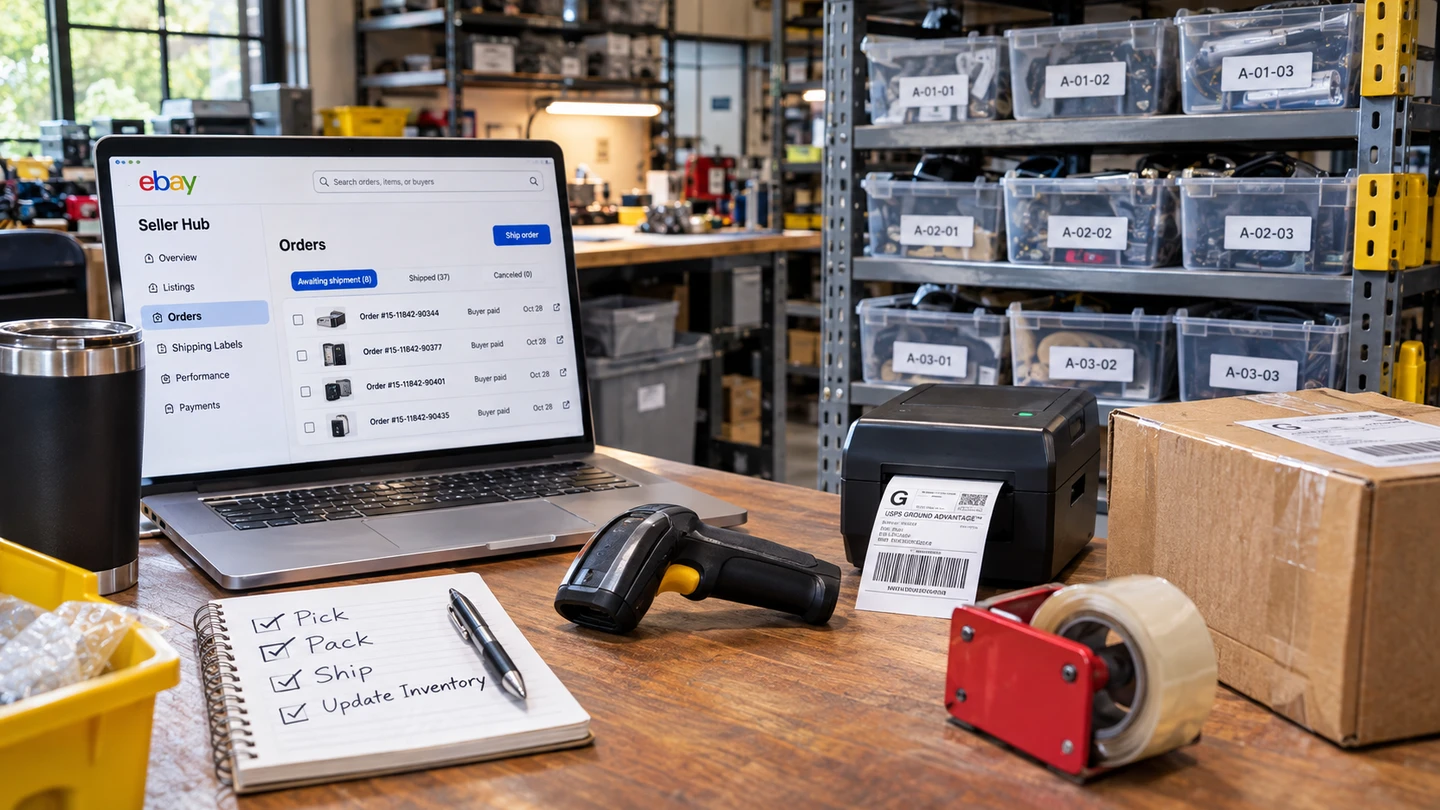
eBay gives you the tools to manage your listings, process orders, and print shipping labels. You still have to manage the physical inventory: knowing where items are stored, keeping stock counts accurate, and making sure the right item goes into the right order.
Managing that work manually takes time and leaves room for mistakes. At what point does the cost of that work make an automated inventory system worth the investment?
What eBay does well
eBay gives sellers access to a huge marketplace of buyers and provides the tools to manage listings, pricing, orders, and shipping. From creating a listing to printing a shipping label, much of the selling process happens in one place.
But every online sale still involves a physical item somewhere on a shelf. eBay knows what the customer ordered, but knowing where that item is stored, what’s already committed to other orders, and whether the stock count is accurate is a different job.
That work still needs to be managed, whether through memory, a notebook, a spreadsheet, or dedicated inventory software. Let’s look at what goes into it.
Knowing where each item is
Every item you list needs a place to be stored, and every item you sell needs to be found again.
When inventory is limited and easy to remember, that may take almost no time. As the number and variety of items grow, finding a sold item can mean searching shelves, opening boxes, or interrupting someone else to ask where it went.
A location system solves that problem by connecting each inventory record to a known storage location. Instead of searching from shelf to shelf, you look up where the item belongs.
How to organize warehouse inventory one shelf at a time explains how to establish those locations without reorganizing your entire space.
Seeing what’s sold but not yet picked
An item doesn’t disappear from your shelf the moment it sells. Until it’s picked and shipped, you still physically have it, but it’s already committed to a buyer.
That creates two different inventory quantities: what’s on hand and what’s available to sell.
When you’re managing inventory manually, keeping those numbers straight takes additional work. New orders have to be accounted for, and anyone handling stock needs to know which items are already spoken for.
A dedicated inventory system can track reservations as orders arrive, keeping committed inventory separate from stock that’s still available for another sale.
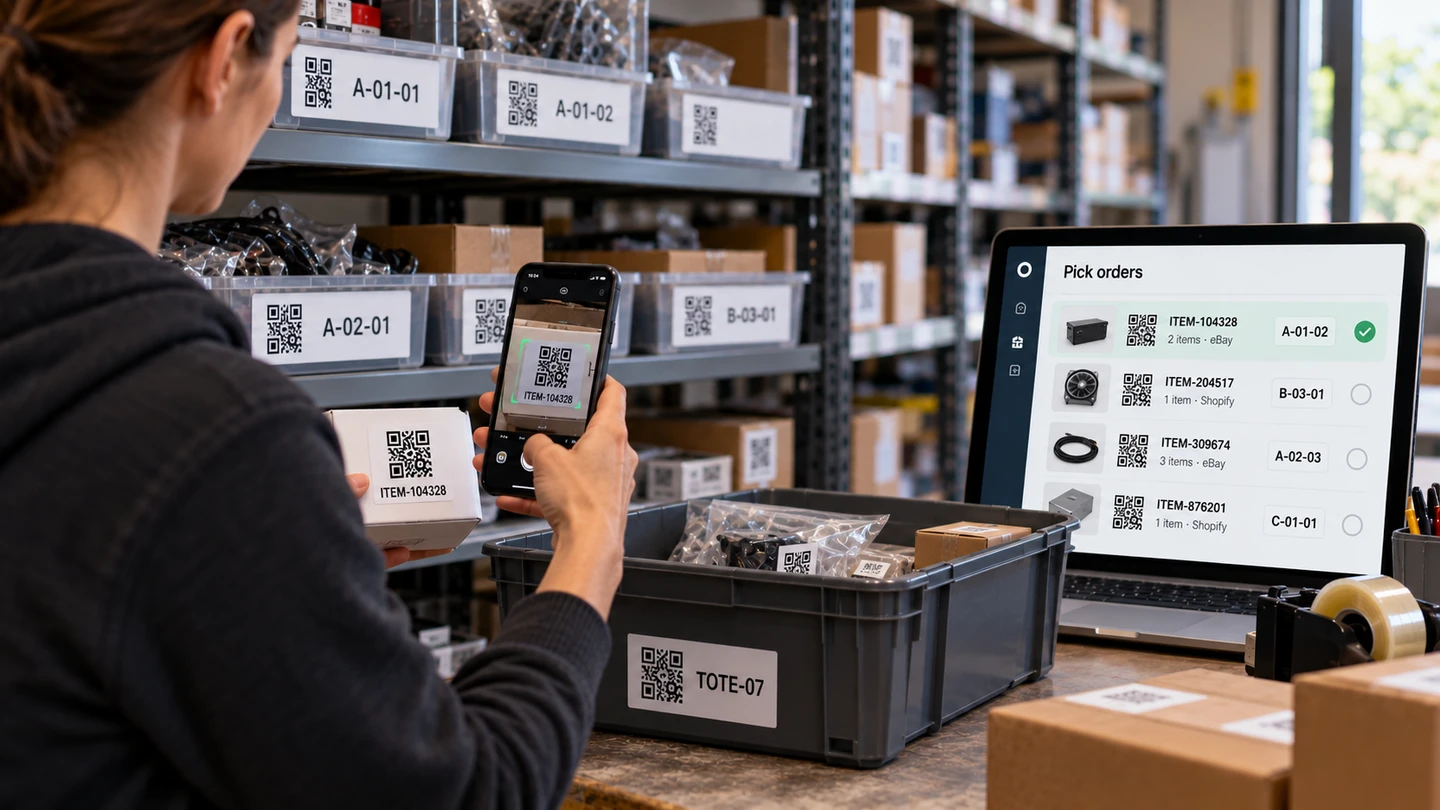
Picking the right item for the right order
Finding an item is only part of fulfilling an order. You also need to confirm that it’s the correct item and that it goes into the correct shipment.
Similar products, multiple orders waiting to ship, and several people handling inventory all create opportunities for mistakes.
A wrong item can mean a return, another shipment, additional labor, and an unhappy buyer. Even when the mistake is caught before shipping, correcting it takes time.
A consistent picking process helps prevent those errors by checking the location, item, and order before packing. Scanner-first picking explains how scanning can make those checks part of the normal workflow.
When the shelf and the listing disagree
Inventory changes for reasons other than eBay sales. Items may be sold locally, damaged, returned, misplaced, or discovered during a physical count.
Each change needs to be reflected in your inventory records and, when appropriate, your eBay listing quantities.
Without a reliable process, those updates can be missed or delayed. Eventually, you can end up advertising inventory you no longer have or overlooking items that are available to sell.
The resulting discrepancies cost time to investigate and can lead to missed sales or out-of-stock cancellations.
Recording inventory changes as they happen, then checking physical counts regularly, helps keep those differences under control. Physical inventory vs. cycle counting explains how to maintain accurate counts without stopping the business for one large inventory count.
Where a notebook or spreadsheet fits
A notebook or spreadsheet can be perfectly adequate when inventory is easy to manage and the time required to maintain it is small.
The difficulty isn’t necessarily the spreadsheet itself. It’s the work required to keep it accurate.
Every sale, inventory adjustment, location change, and fulfilled order may require another manual update. As the work grows, so does the time spent maintaining records and checking that everything agrees.
That’s where the economics begin to change.
Time spent searching for inventory, correcting counts, and fixing fulfillment mistakes is time that could otherwise go toward creating listings, processing more orders, sourcing inventory, or growing the business.
If you’re regularly creating eBay listings and shipping orders every day, you’re probably already at the point where dedicated inventory software is worth evaluating.
The important question isn’t how many listings you have or how large your warehouse is. It’s whether managing inventory manually is taking enough time away from productive work to justify a better system.
How this fits Ordovee
The cost of inventory software isn’t just the subscription. There’s also the time and effort involved in getting started.
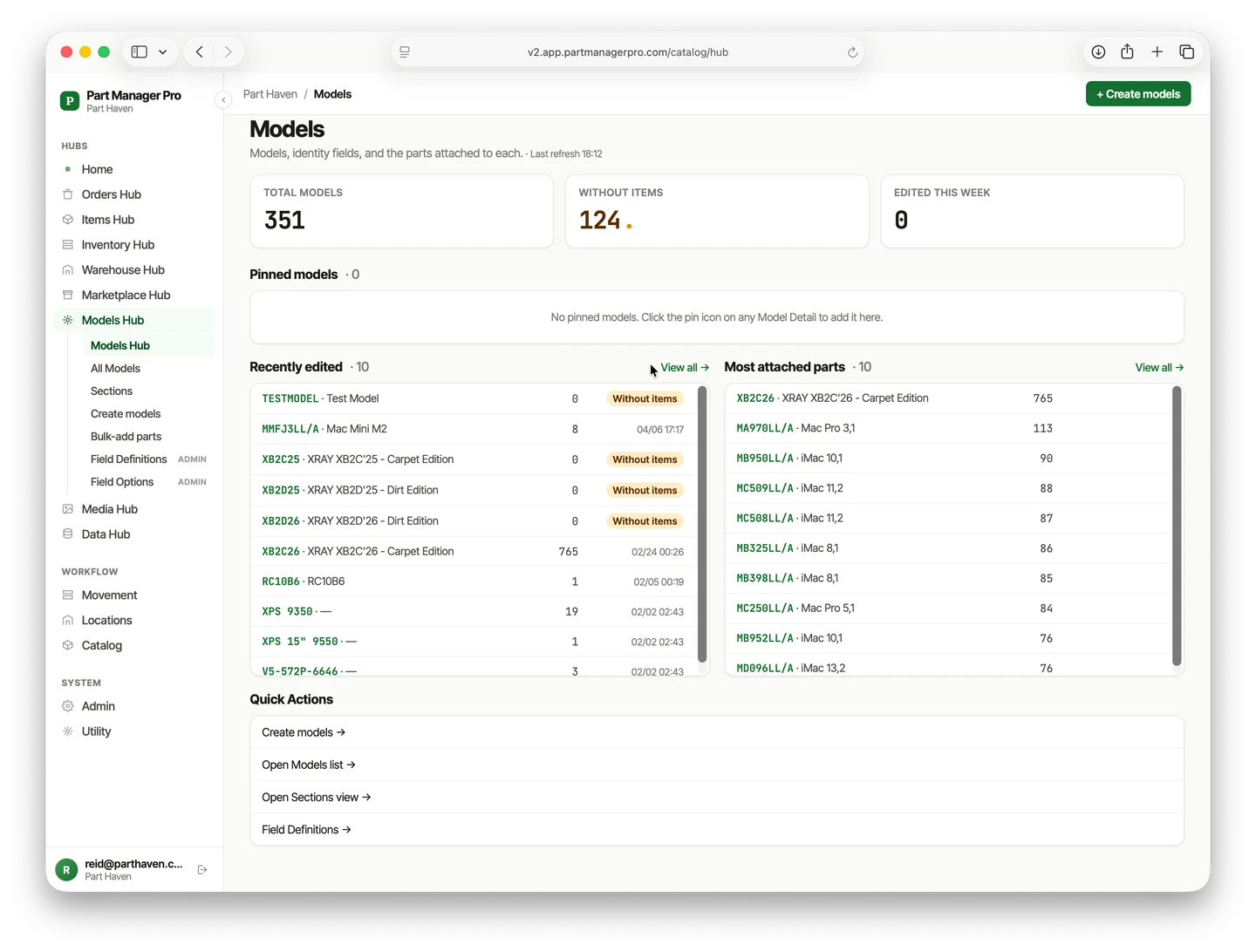
Ordovee is designed to make that transition more manageable. It uses your existing eBay listings to build inventory records, and you can organize your storage space one shelf at a time without physically moving everything around.
From there, Ordovee helps with the same work we’ve covered:
- Knowing where items are. Recorded storage locations make inventory easier to find when an order arrives.
- Tracking what’s available. Imported eBay orders reserve stock, separating what’s physically on hand from what’s still available to sell.
- Getting the right item into the right order. A three-scan picking process checks the location, item, and assigned order.
- Keeping inventory accurate. Recorded inventory movements provide a history of changes, while optional automatic quantity synchronization helps keep eBay aligned.
The goal isn’t to add another layer of work. It’s to make the inventory work you’re already doing easier to manage.
Not every seller needs a dedicated inventory system. But when keeping track of stock starts competing with the time you need to list, sell, and ship, the economics have changed.
Inventory software becomes worthwhile when it gives you back more productive time and reduces more operational costs than it takes to use.
See eBay inventory management in Ordovee
Get started with inventory control
See Ordovee in your operation.
See how it works with your own inventory and workflow — no slides, no canned demo.