Ordovee
Start here

Ordovee introduction — inventory software for parts sellers

Whole units come in, get broken down into individual parts, then tracked, listed, and shipped — often across two or three channels at once. That's the shape of the work ODV was designed for: inventory management and catalog cross-reference for parts operations. The catalog runs alongside the warehouse — every part linked to the unit it came from, so what-fits-what is searchable from either direction. One system carries the whole lifecycle; each stage below shows a piece of it and links to its own guide.

4 min · Published 2026-04-27
On this page
I

Identify

Know what came in — and whether you have seen it before.

The first move is reading what just arrived. Look the unit up, and the catalog answers one question before a single bolt comes off — have we torn this down before?

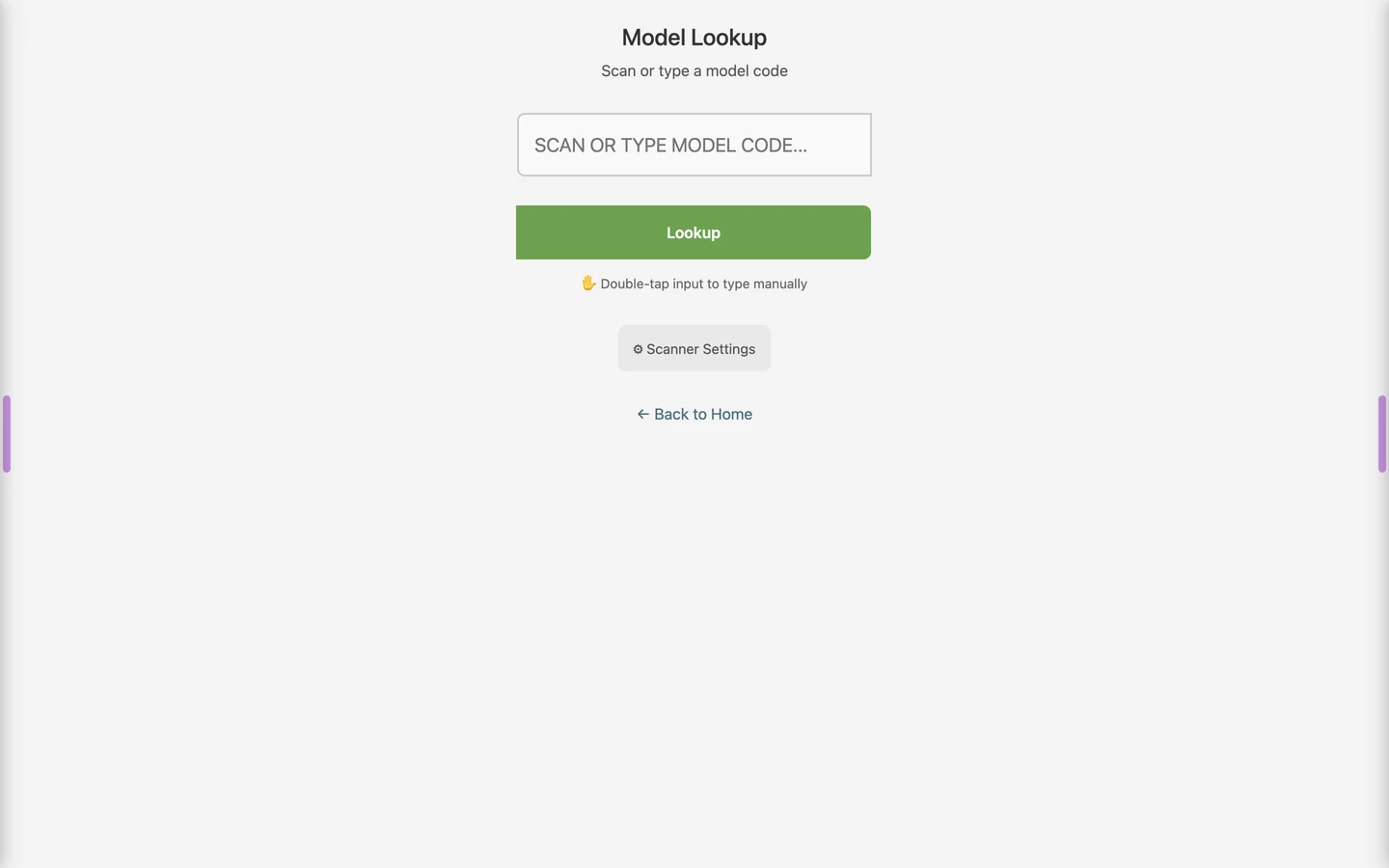
Ordovee catalog model lookup — searching to identify a unit that came in
Look up a unit to identify it — a known model brings its parts and fitments with it.

A known model, or a new one

If the model is on file, its parts and fitments come up with it, and disassembly is guided by what you recorded last time. If it's new, you build the record as you tear it down — and it's waiting for the next one.

The first time you break a unit down it's new; the tenth time, the catalog already knows every part and what it fits. Recognition compounds — the more you've cataloged, the less you ever look up.

See how fitment is built both ways
II

Disassembly

As one unit becomes many parts, they're kept from becoming a pile.

Breaking a unit down is where most operations lose the thread — parts stack up faster than anyone can label them. Here the method keeps pace with the bench.

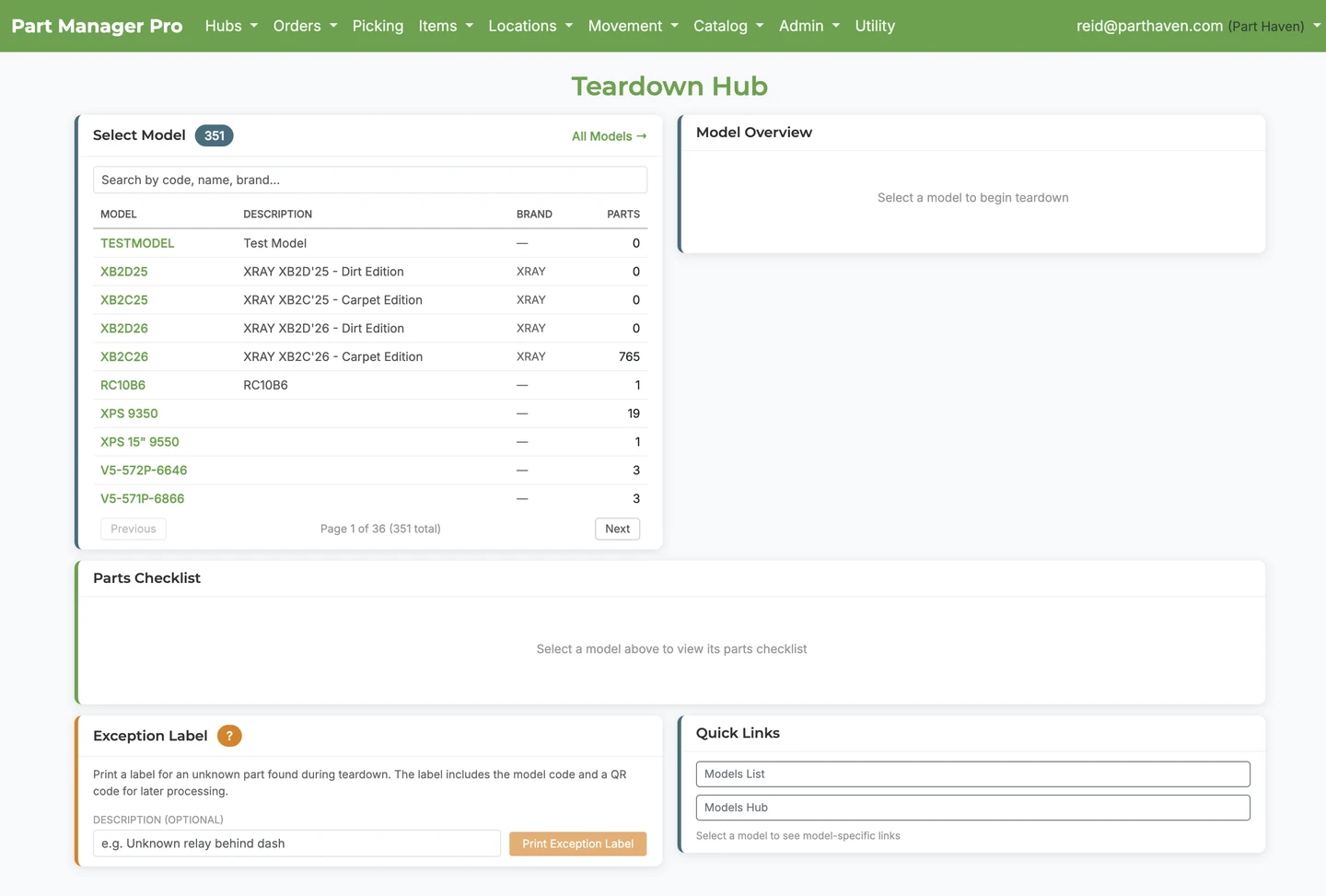
Ordovee teardowns hub tracking units being broken down into parts
The teardowns hub — one unit on the bench becoming many parts, each with a place to go.

A method, not a pile

Every part comes off the bench the same way — identified, priced, binned, listed — so a finished teardown leaves you with an organized catalog and stocked shelves, not a table of loose parts to sort out later. That's structured disassembly: the discipline the category is built on, and the part of the work this system was designed around from day one.

Each part has a home before it's shelved

Tear a unit down and bulk-assign up to 200 parts to its model in a single action — so every part is linked to what it fits the moment it's pulled. Nothing waits in an unlabeled heap.

Why teardown needs its own system
III

Catalog

Know what every part is — and what it fits.

This is the asset that compounds. A bought compatibility feed covers late-model cars; the cross-references that actually matter to your shelves are the ones you record on your own teardowns.

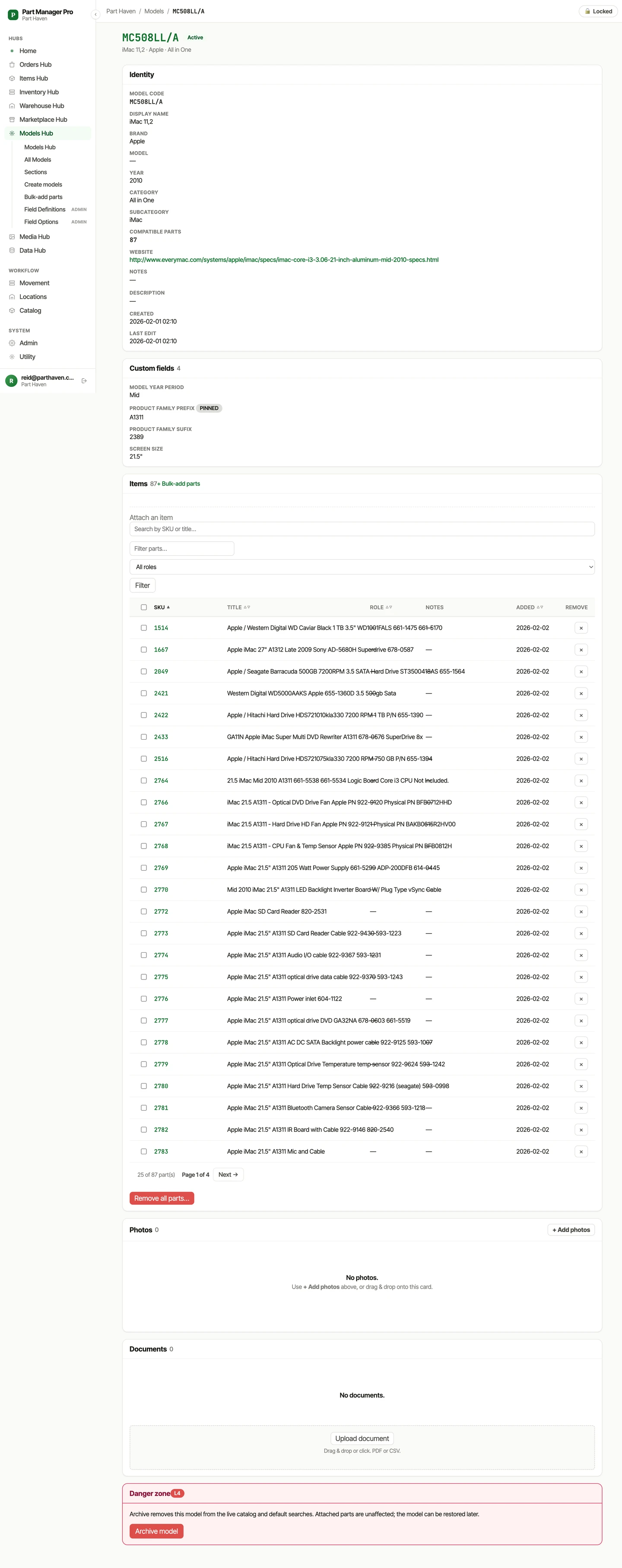
An Ordovee model record showing its parts and what they fit
A model record — every part you stock for it, and what each one fits.

The catalog you build, not the one you license

Define the models your parts fit, then link them from either direction — open a model and see every part you stock for it, or open a part and see every model it fits. Custom fields track condition, source, and whatever else your operation runs on.

Build a catalog that compounds

Bring what you already have

Move your existing data in by CSV, with a preview that flags every bad row before anything commits — fix, re-upload, run. Export it all back out anytime; the catalog is yours to take.

Import without the risk
IV

Track

Know where every part is, and how many you have.

Most tools answer "how many?" with a single number that's been overwritten a hundred times. Here the answer is a record you can walk back.

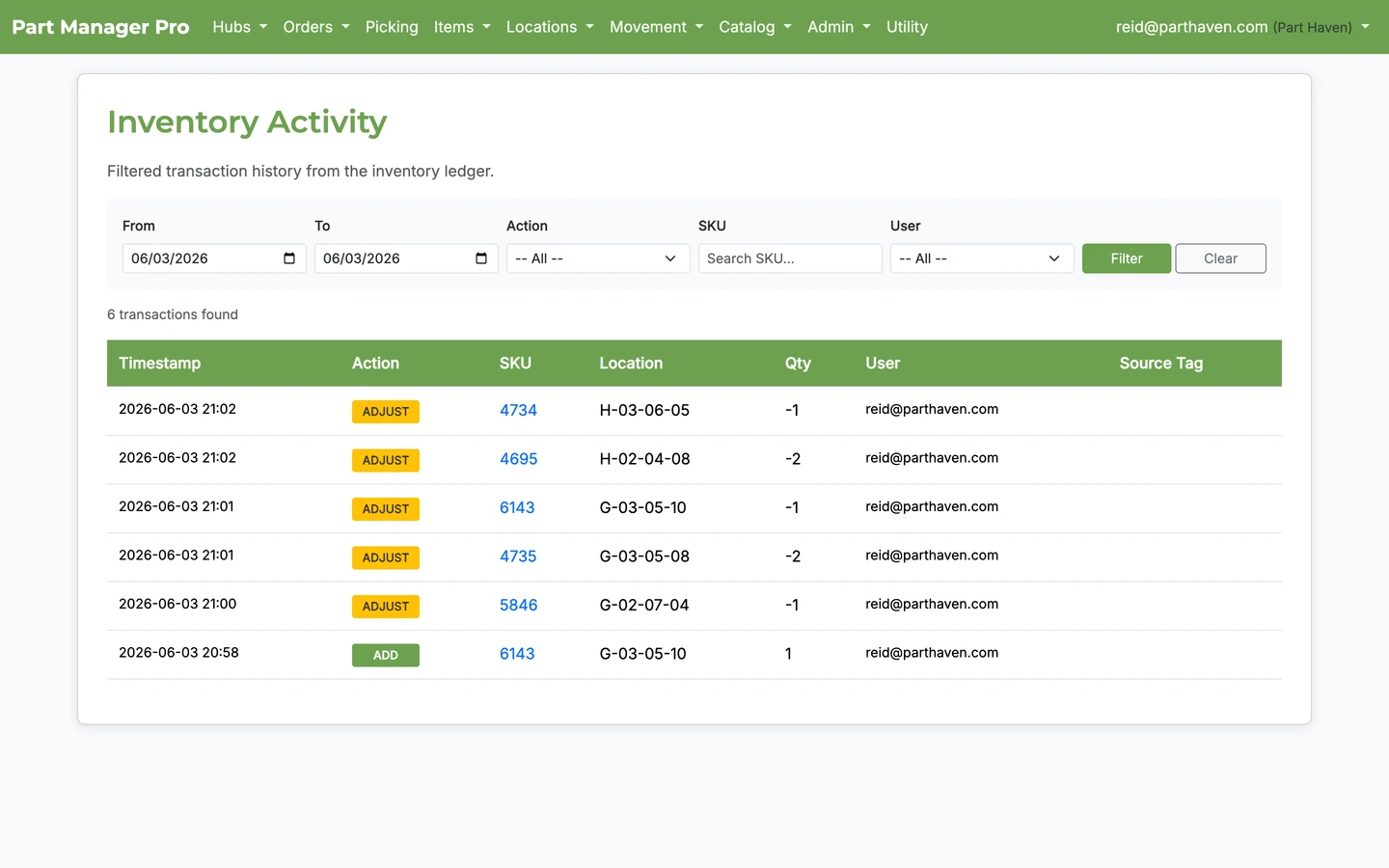
Ordovee inventory activity — the permanent ledger of every stock movement
The inventory ledger — every movement recorded, attributed, and impossible to lose.

A ledger, not a counter

Most inventory tools store a quantity as one number that gets overwritten every time something changes. Ordovee doesn't. Every movement — every add, removal, transfer, and adjustment — is a permanent entry in an append-only ledger. Previous entries are never changed, never deleted, never overwritten.

A live snapshot sits on top so lookups stay fast — but the snapshot is a cache; the ledger is the system of record it's rebuilt from. Every entry records what changed, how much, where, who did it, when, and why.

See the ledger in action

Every change, already attributed

When something looks wrong — a count that drifted, a SKU that changed without warning — you don't reconstruct it from memory. The change is already on record, attributed to the person, import, or sync that made it.

Trace any change back

Counts that stay honest

Cycle counts walk your locations on a rotation; high-turn checks watch the fast movers most likely to drift. Both reconcile straight back into the ledger as their own attributed entries.

Keep your counts honest
V

Sell

Every part finds its buyer.

A sold part isn't the end of a transaction — it's the return on the teardown. One donor unit, parted out, can keep a dozen machines running instead of heading to scrap. The job here: get each part in front of the buyer looking for it, across every channel at once.

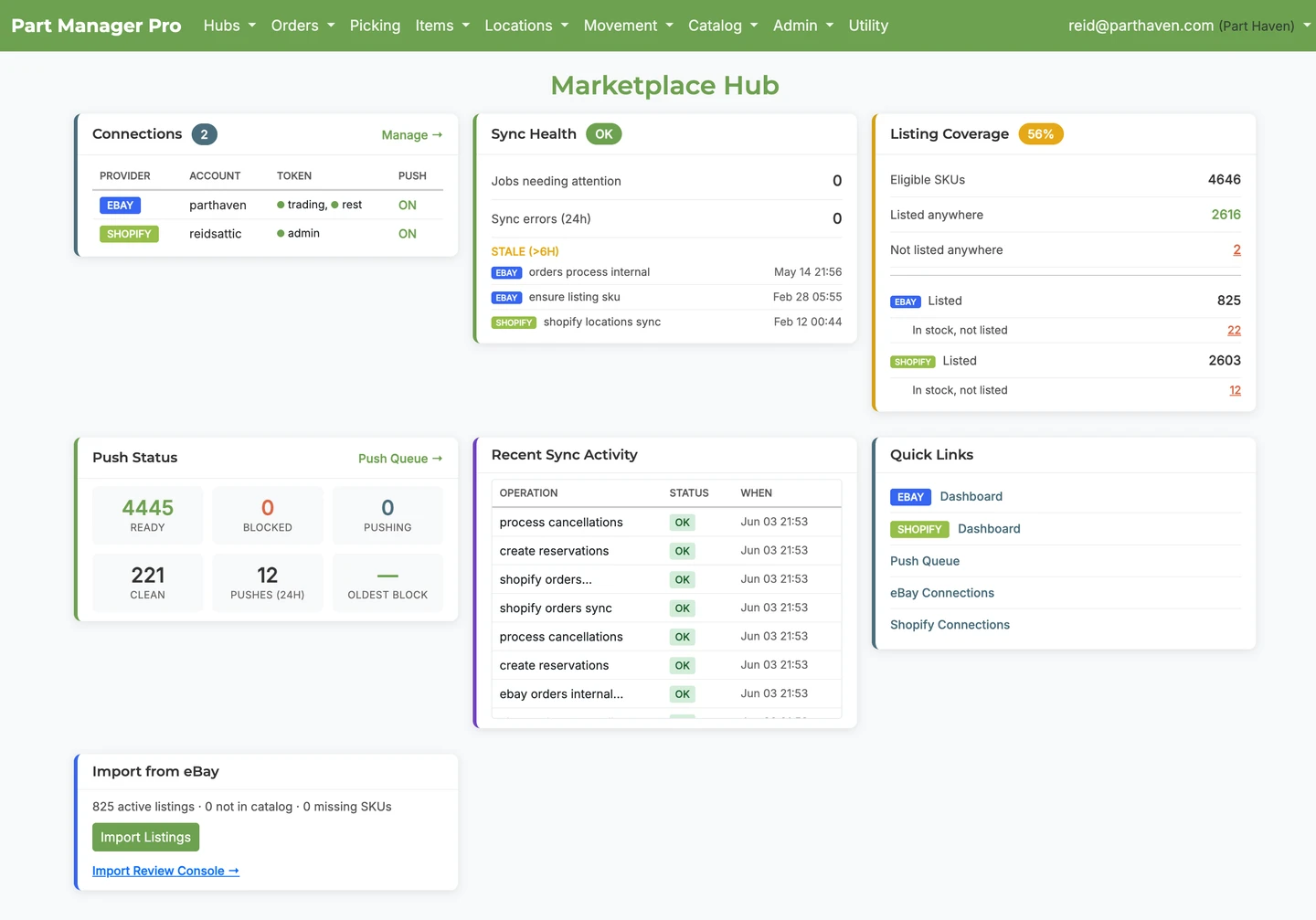
Ordovee marketplace hub keeping eBay and Shopify in sync with inventory
The marketplace hub — eBay and Shopify kept in step with your shelves.

Your shelves and your listings, in step

Connect eBay and Shopify and your listings stay aligned with your inventory automatically — sell a part and the count drops everywhere within minutes, not hours, so the window where you could oversell all but closes. You still list inside eBay and Shopify; Ordovee is the inventory brain behind them.

Stop overselling across channels

One order pipeline

Orders flow through one path — imported, picked, packed, shipped — and a part is reserved the moment an order claims it, so two buyers are never promised the same one.

Scanner-first picking

Picking runs off a scanner in your hand, not a keyboard at a desk. A three-scan check — location, SKU, cart bin — backs every line, every time, whether on a phone camera or a Zebra TC52. Every confirmed pick writes to the ledger as it happens.

Walk a real picking session
Underneath it all

Two things run underneath the whole lifecycle, so you rarely have to think about them:

Automation that runs itself

An automation engine handles the repetitive work between stages — syncing listings, importing orders, pushing quantities, processing fulfillments. Each job picks up exactly where the last one left off, backs off before it burns an API quota, and recovers from a bad run on its own.

From the screen, most of it is a single button. Underneath, it's built to run without supervision.

Security and privacy

Your account is private — no other business can see your data. Traffic is encrypted in transit, the database is encrypted at rest, and passwords are stored with industry-standard hashing.

Role-based access lets you decide who on your team can view inventory, process orders, or change settings.

Who Ordovee is for

ODV was designed for operations that work in parts — not finished goods, not dropshipping, not generic retail. If you recognize your operation in any of these, this is your tool:

If your business takes things apart, organizes the pieces, and sells them across one or more channels — ODV was designed for you.

If you want a starting path
  1. 1

    New here? Start with the move most of the value rests on — the permanent ledger underneath Track.

    See the ledger in action
  2. 2

    If you sell across channels, see how the last move keeps your shelves and listings in step.

    Set up channel sync
  3. 3

    To get a feel for the warehouse floor, walk a real picking session.

    Walk a picking session

See the whole system.

Each deep dive stands on its own and can be read in any order. When a term is unfamiliar, the glossary explains the language used across Ordovee.